Participant
October 12, 2026
Question

Payment completed but subscription not activated

  • October 12, 2026
  • 2 replies
  • 10 views

Hello,

I have already paid for the subscription, but it is still not showing activated on my account. Kindly check this issue and resolve it as soon as possible
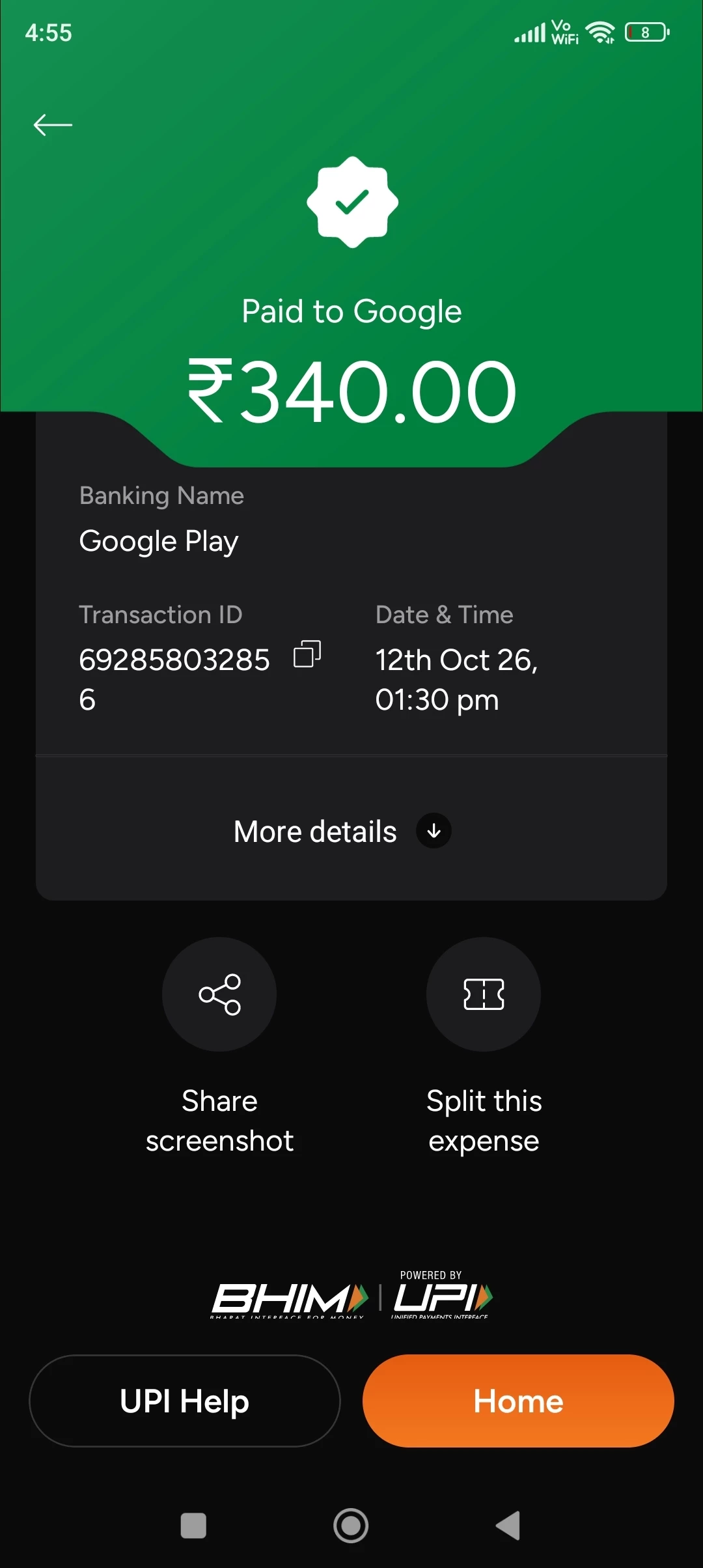
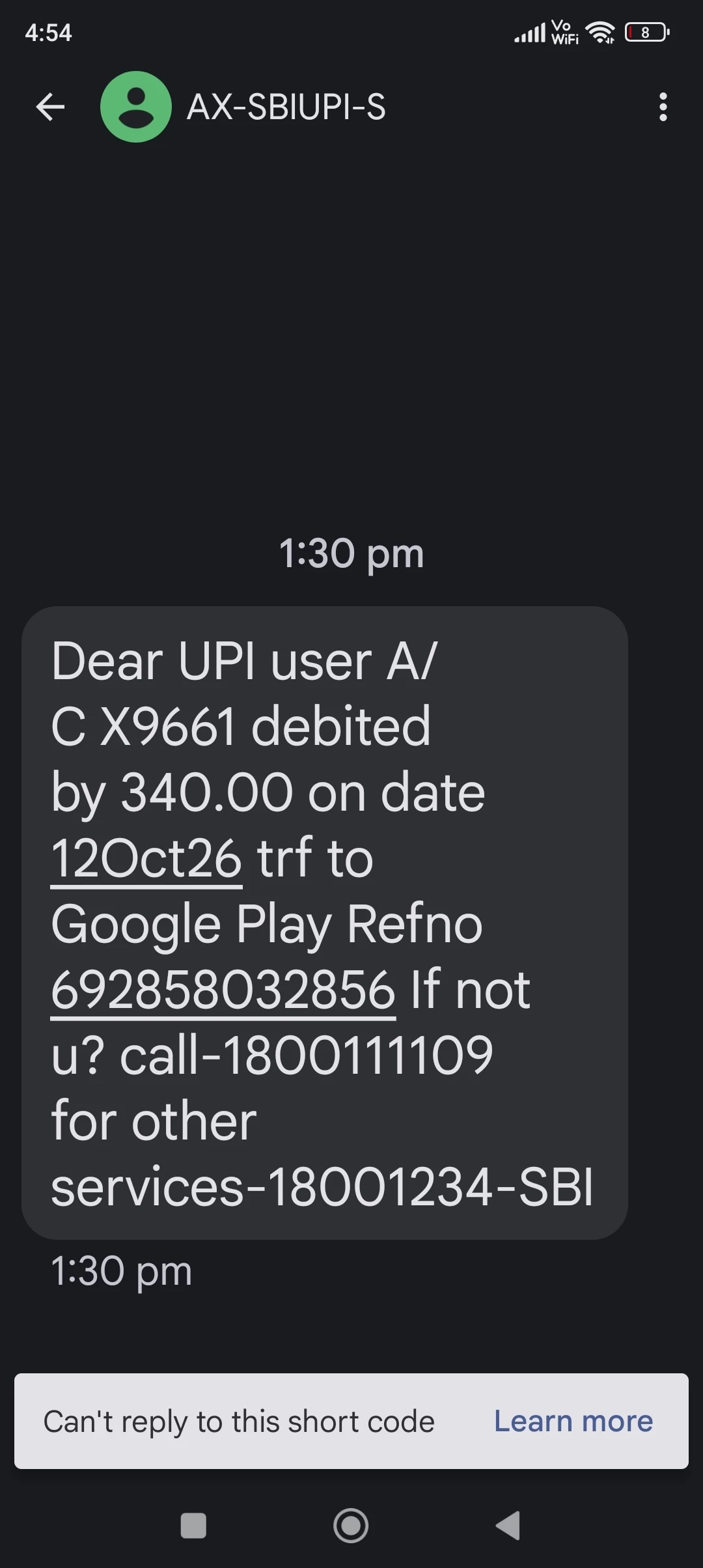
.

    2 replies

    Amal Jaiswal
    Community Manager
    Community Manager
    October 12, 2026

    Hi @Blissful_Lionheart177c

    I hope you are doing well, and thanks for reaching out and for sharing the payment screenshot. I’m sorry for the trouble.

    Please try the steps below and see if that works:

    1. Make sure you are signed in to the app with the correct email ID, meaning the one you used when you subscribed and where you expect the subscription to appear.

    2. Try the Restore Purchase option in the app, tap on the profile icon > Subscriptions > Restore purchase and reboot the application and then check whether the subscription appears.

    3. If nothing works, try clearing the app cache. On Android, you can go to Settings > Apps, tap the Adobe app, tap Storage, and then tap Clear cache. Menu names may differ slightly by device. After that, reopen the app and sign in again.

    If the subscription still does not appear, could you please share:

    • Whether the subscription is listed under your subscriptions in Google Play, for the same Google account you used for the payment

    • What you see in the app where the subscription should appear (for example, a message or a prompt to subscribe)

    For your security, please do not share your card number, UPI details, or transaction ID in this post. 

    Let us know how it goes.

    Regards,
    Amal

    Amal Jaiswal
    Community Manager
    Community Manager
    October 12, 2026

    Hi @Blissful_Lionheart177c

    I hope you are doing well, and thanks for reaching out and for sharing the payment screenshot. I’m sorry for the trouble.

    Please try the steps below and see if that works:

    1. Make sure you are signed in to the app with the correct email ID, meaning the one you used when you subscribed and where you expect the subscription to appear.

    2. Try the Restore Purchase option in the app, tap on the profile icon > Subscriptions > Restore purchase and reboot the application and then check whether the subscription appears.

    3. If nothing works, try clearing the app cache. On Android, you can go to Settings > Apps, tap the Adobe app, tap Storage, and then tap Clear cache. Menu names may differ slightly by device. After that, reopen the app and sign in again.

    If the subscription still does not appear, could you please share:

    • Whether the subscription is listed under your subscriptions in Google Play, for the same Google account you used for the payment

    • What you see in the app where the subscription should appear (for example, a message or a prompt to subscribe)

    For your security, please do not share your card number, UPI details, or transaction ID in this post. 
     

    Let us know how it goes.

    Regards,
    Amal