


Question
PDF Forms with restrictions works on desktop, however not allowed on mobile.
Good Evening Everybody,
Let me describe the situation in a step by step process to make it easy for you:
- Created and Exported a PDF Form (Using InDesign)
- Encrypted the document with a permissions password (Changes allowed filling in form fiels and singing).
- When I open the document on a desktop using Adobe Acrobat everything works perfectly. A user can fill in the form and sign the document, export etc however cannot make any other changes to text or the document etc.
- When I open the same form in the Mobile Application - Adobe Reader, I cannot fill the form or sign.
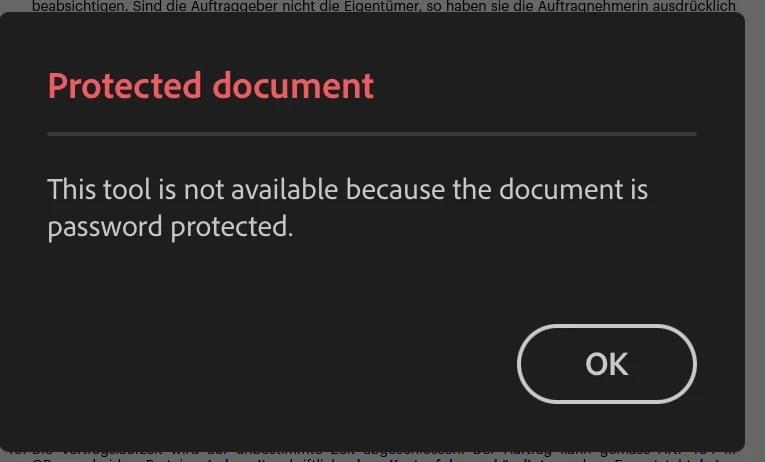
I went back to point 2. I tried all the options just to be sure. However with any persmisions password even if I allowed all changes besides extracting pages the Adobe Reader Application didn't give me access to edit the document either. It only read the file as "READ ONLY". I am adding screenshots for your persual as well.
Ps. It tried saving the file to the device and all other options. In the end I came to the conclusion that any document with a permissions password opened only as a read only file. Any help will be appreciated.
Regards,
Angad Luthra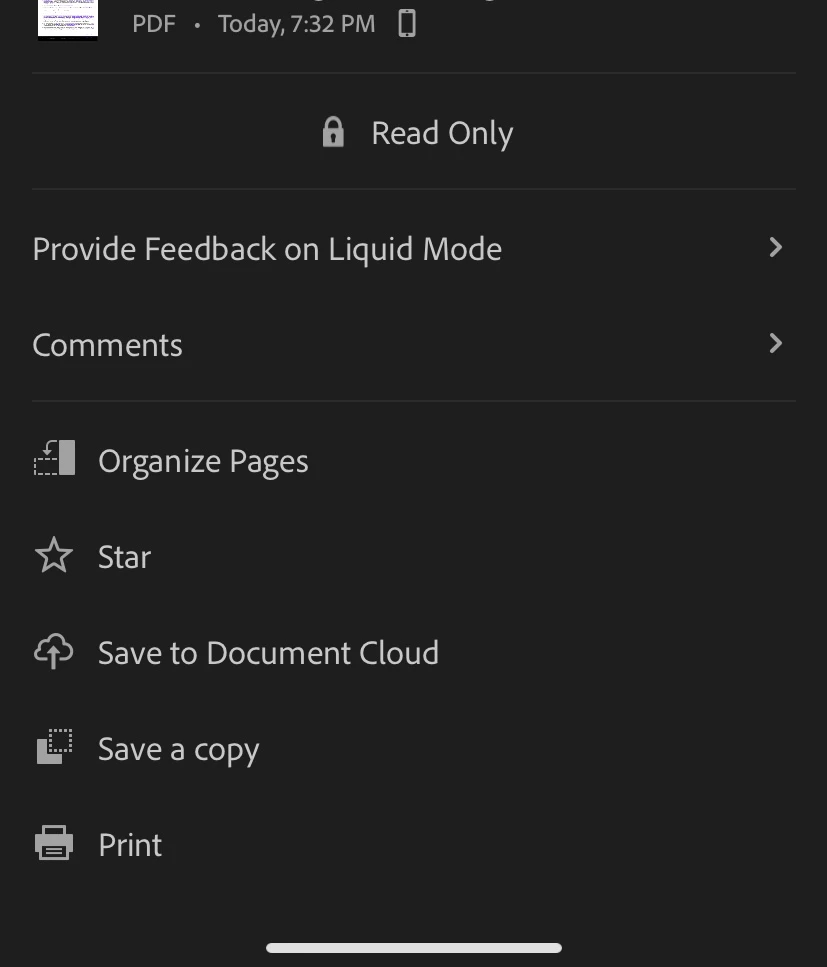


 AdChoices