This is clearly not the same file that Dov Issacs analyzed for you. I can say that for sure because that file had more than 22 pages, and this file has 5 pages. You don't give us a URL, because you want this to be a real challenge for us, but I found the file, https://terrestrialecosystems.com/wp-content/uploads/2018/03/Lophognathus.pdf
I can report that this is a fairly simple file which uses the Palatino font family, NOT embedded. I can also report that I find in iPhone Acrobat Reader 20.02.00 (20200215.092048) that all the text is missing, though graphics are present. It knows about the text because it can search and highlight. So, you have found a bug.
If you want Adobe to work on it, you should report the bug here: https://www.adobe.com/products/wishform.html . Be sure to include the exact URL that gives the error, and your app version. Fill in the forms carefully. Adobe probably will not reply, but some day in a few months there may be a fix, so keep testing after each update.



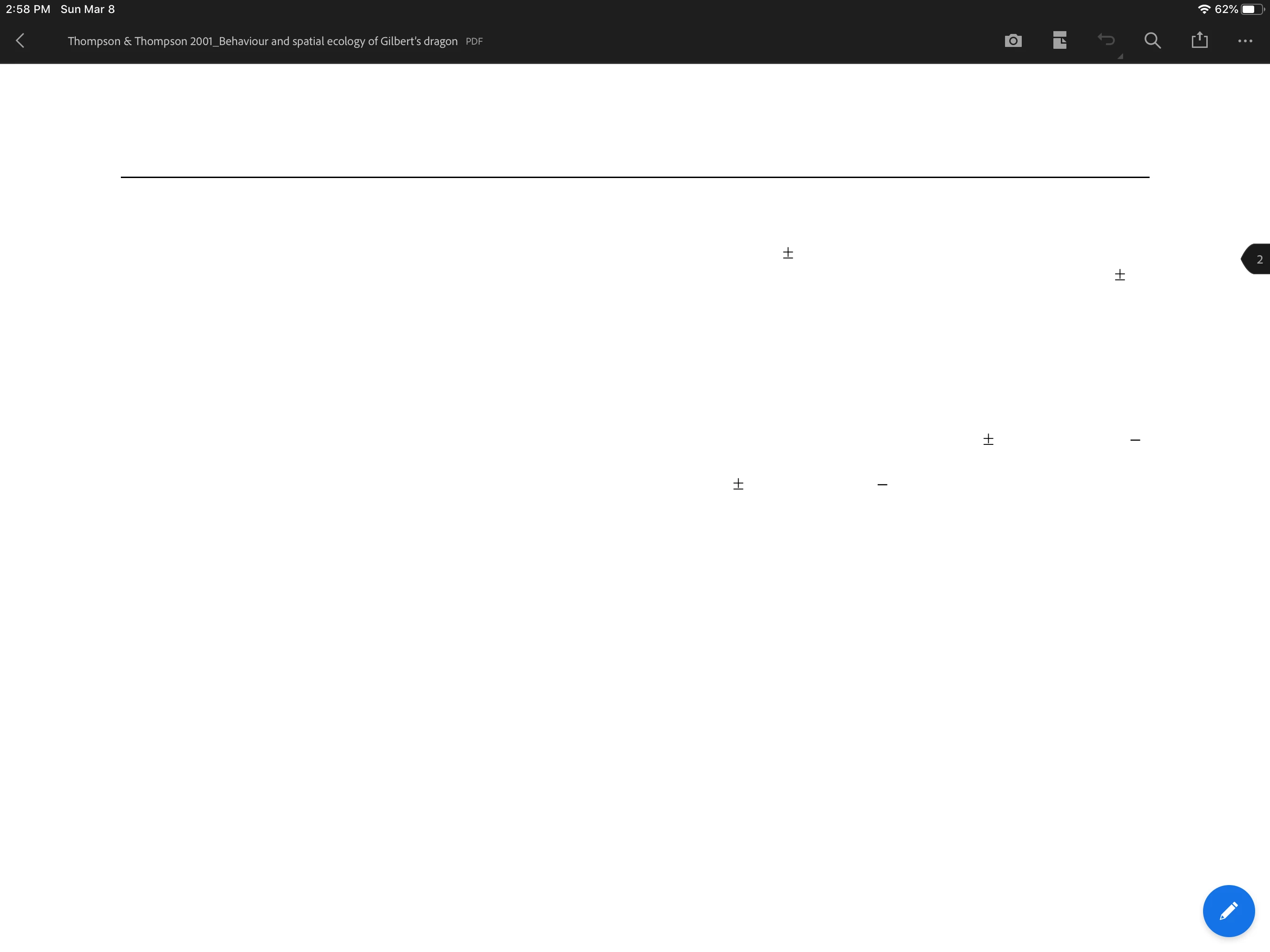
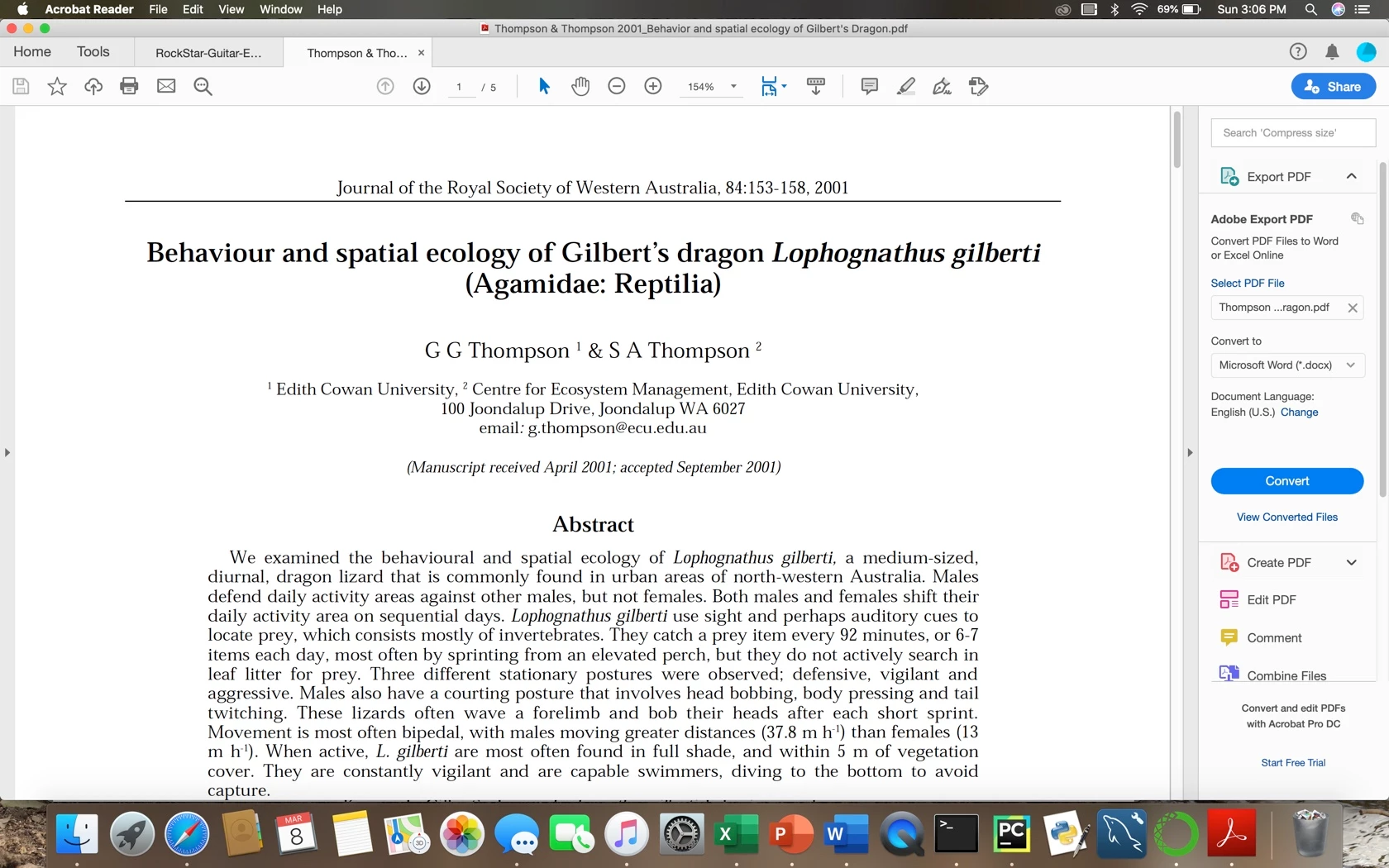 The top picture shows what the pdf looks like on my ipad. No text loaded in. The bottom picture is the same article loaded normally on my macbook.


 AdChoices