


Participating Frequently
September 28, 2018
Answered

Problems with notes in existing PDF file

  • September 28, 2018
  • 1 reply
  • 1802 views

Hi,

I am having troubles  with the notes within an existing file,

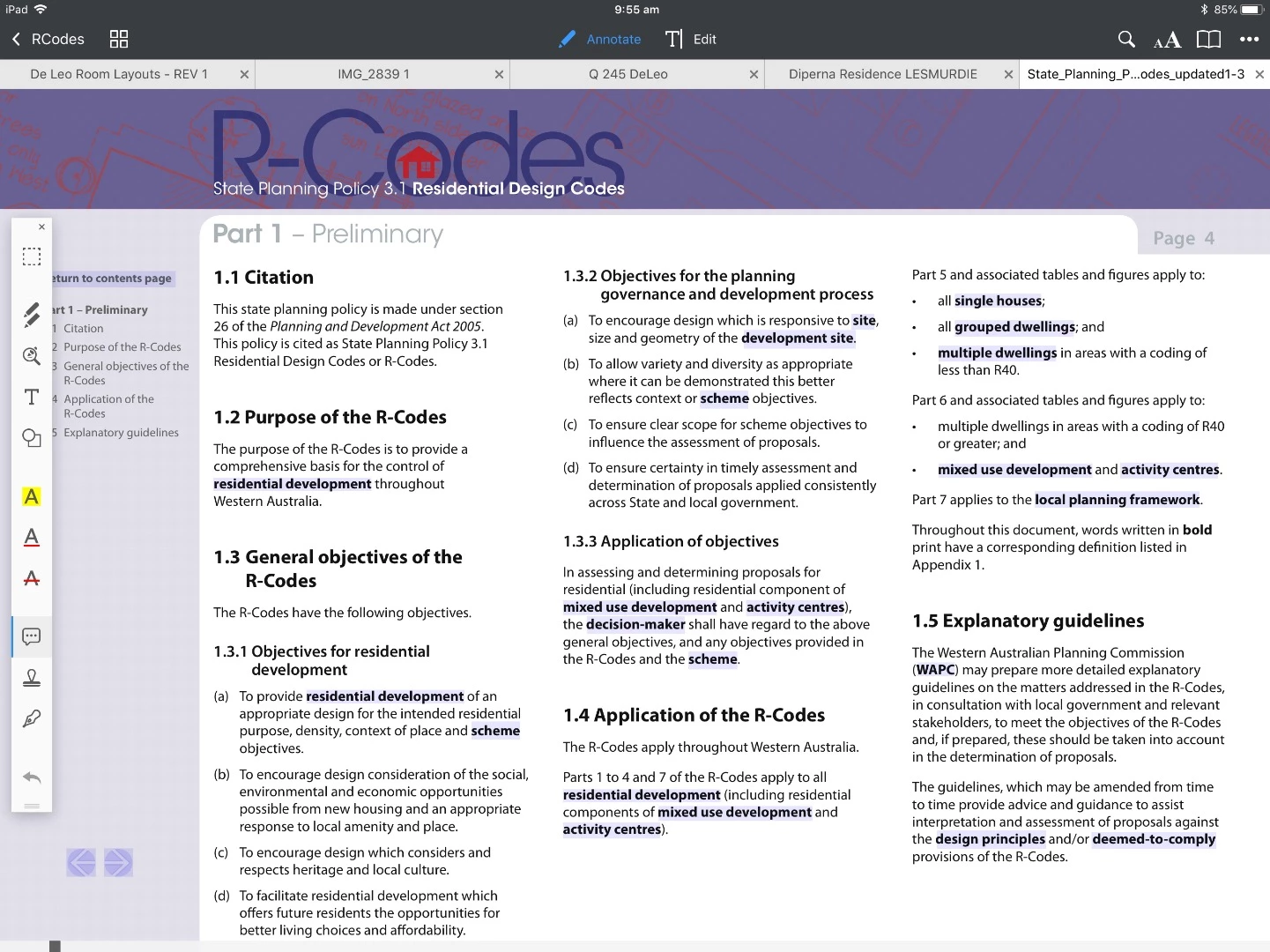
Below example is when looking through document on iPad adobe Acrobat pop up notes are highlighted but won't open.
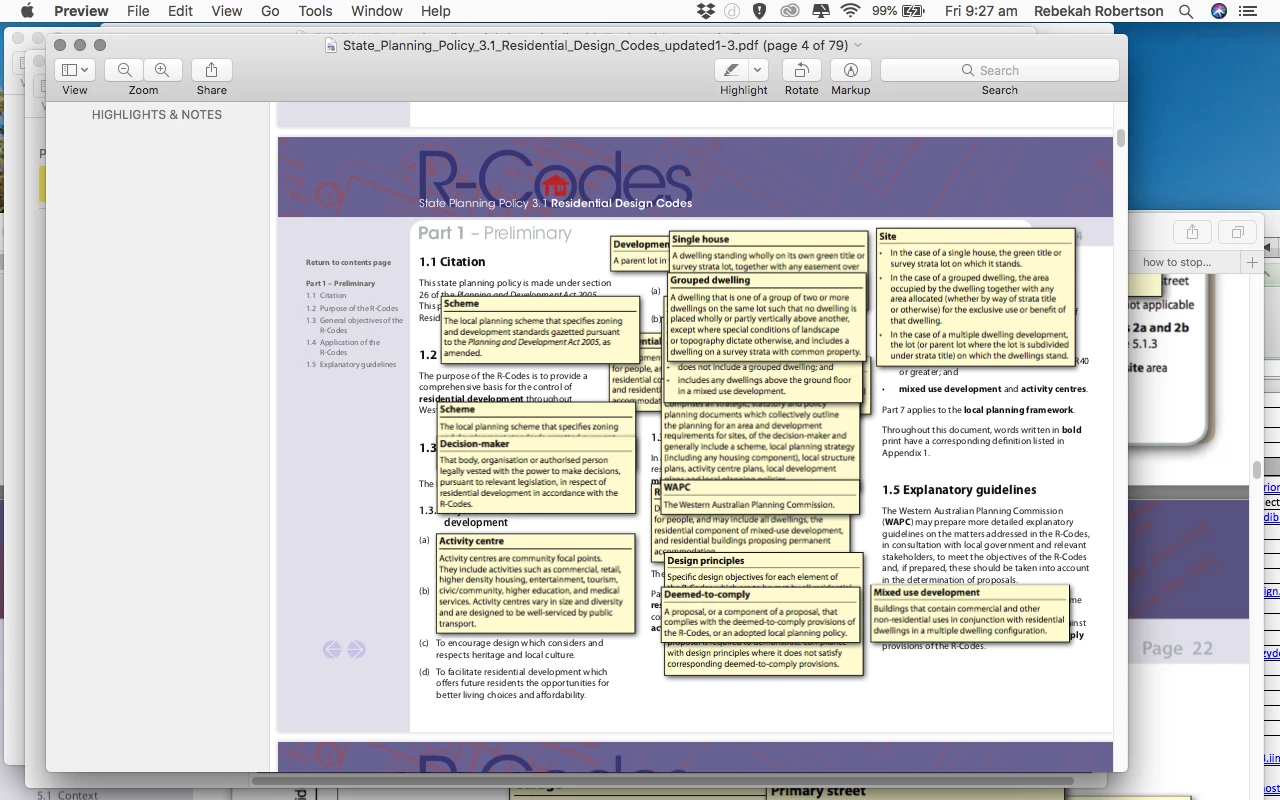
Using Mac book - Preview - pop up notes showing and I can not get rid of them or bring any of the behind ones to the front
Any help around this would be great

Thanks

This topic has been closed for replies.
Correct answer Bernd Alheit

Residential design codes

Its the ones with state planning policy & residential design codes - explanatory guidelines 


This kind of actions on the form buttons are not supported in Acrobat Reader for iOS.

1 reply

Participating Frequently
September 28, 2018

I have sussed out the Mac book one, just needing help with the iPad now

Bernd Alheit
Community Expert
Community Expert
September 28, 2018

What do you use on the iPad? The screenshot doesn't show Acrobat Reader.

Participating Frequently
September 28, 2018

Hi Bernd,

Just noticed I had screen shot the document in PDF expert, below is one in Adobe Acrobat. Still having an issue where it does not show you fly out boxes of text when hovering over bold wording.