Hi there
Hope you are doing well and thanks for reaching out.
Is this an issue with a particular PDF file or with all the PDFs? Please try with a different PDF file and check.
What is the version of the OS and the Acrobat Pro you are using? Go to Help > About Acrobat and make sure its updated to the latest version 24.05.20414 Go to Help > Check for updates and reboot the computer once.
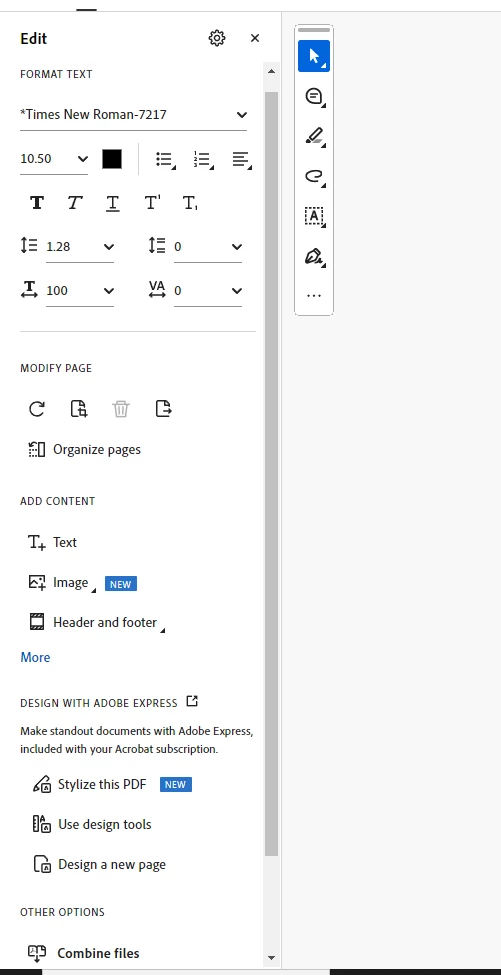
If the problem is specific to certain PDFs, it may be related to the font rendering or embedded font settings. You can try re-exporting the file from another source to see if the formatting remains the same.
To change the whole resume into one font, you may try converting the PDF to MS Word file and then do all the editing in MS Word format and create the PDF from the final MS Word document.
Additional Information: For future reference and self-help,please check the help page https://helpx.adobe.com/acrobat/mobile-app-faq.html




 AdChoices