


Participant
March 8, 2026
Question

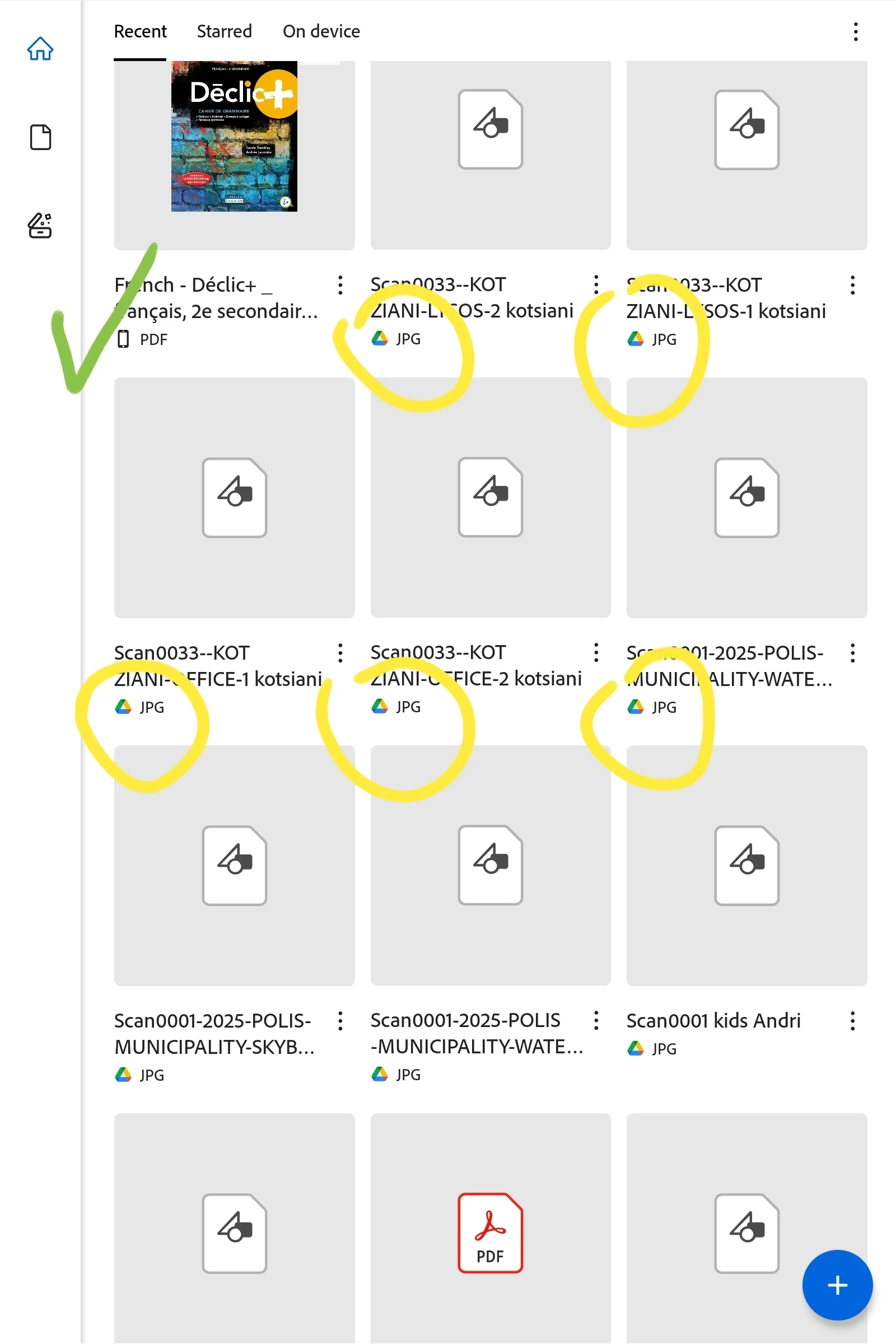
Shared files in Google Drive or Gmail seem in Acrobat Reader for Android

  • March 8, 2026
  • 1 reply
  • 5 views

Shared files in Google Drive or Gmail seem in Acrobat Reader for Android, even are JPGs... is any way remove these from the App...? REMOVE THE YELLOW BELOW SCREENSHOT...


    1 reply

    Amal.
    Community Manager
    Community Manager
    March 9, 2026

    Hi there
     

    Hope you are doing well and thanks for reaching out. I understand you’re seeing shared files from Google Drive or Gmail (including JPG images) appearing in Adobe Acrobat Reader for Android, and you’d like to remove them from the app.

    We need more information for a better undertanding:

    1. Are the files showing under Recent, Shared, or another section in the app?

    2. When you tap the three dots next to the file, do you see an option like Remove from recent or Delete?

    3. Are the files still visible after clearing the app cache? Please try the steps below and see if that works:

      Open Android Settings> Go to Apps > Adobe Acrobat Reader> Tap Storage > Select Clear Cache

    4. What Android version and Acrobat Reader version are you using? Tap on profile > About Acrobat and try updating it to the latest version available on the Play Store and reboot the device once.


    ~Amal