
Participant
November 20, 2025
Question

Slow opening PDF in IPad 9th generation

  • November 20, 2025
  • 1 reply
  • 41 views

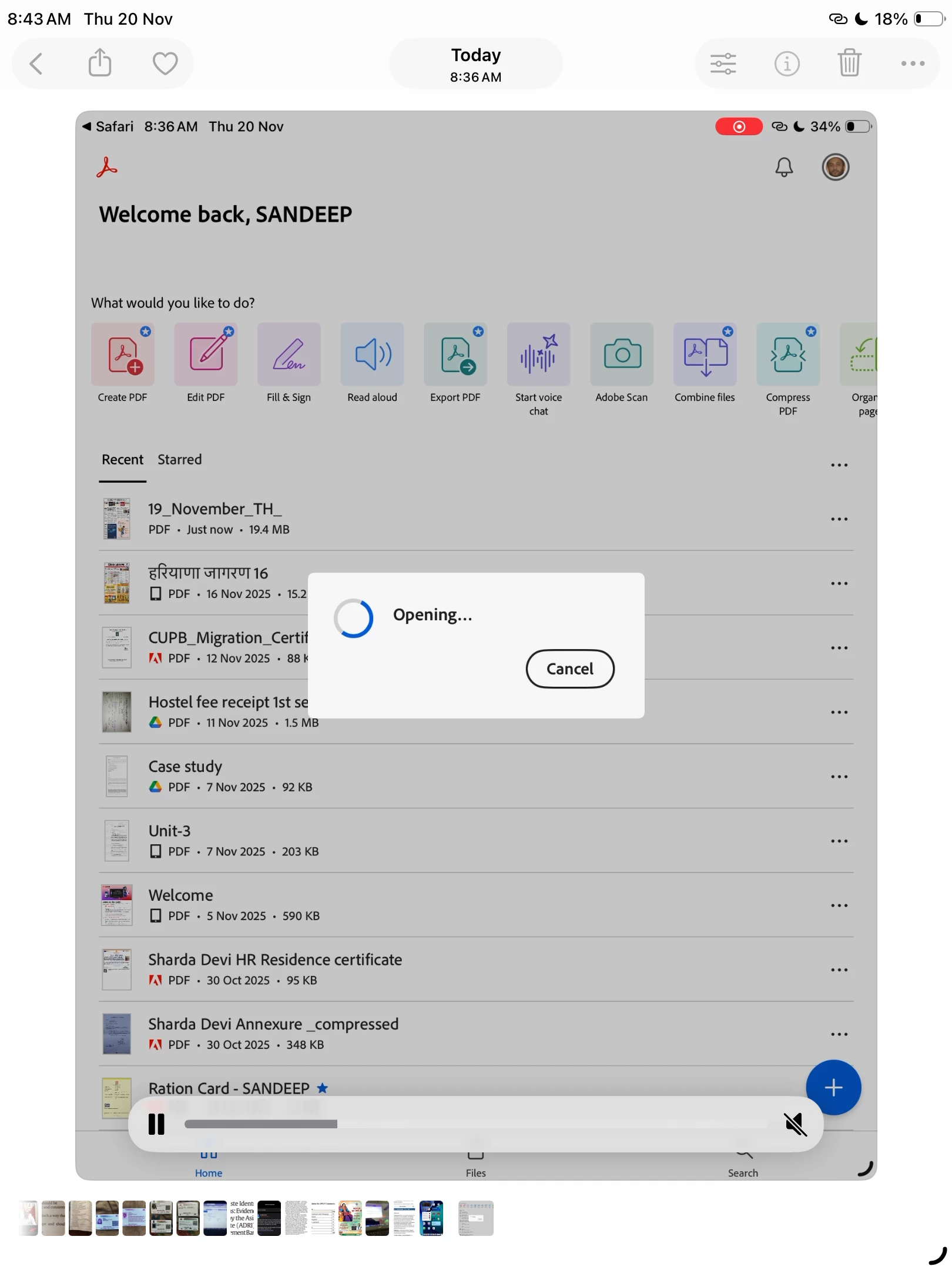
In recent updates the adobe acrobat reader is very slow in opening the pdf files. I am using latest version of this app but the reason behind this slow opening is not understandable.

enclosed screenshot of 24 second video of not opening pdf file screen recorder on my iPad.
1 reply

creative explorer
Community Expert
Community Expert
November 20, 2025

@Sandeep Ruhil originally, I had thought maybe it could be the older iPad, which is the 2021 and uses the A13 Bionic chip. You can try the folloiwng, as Adobe has a "Liquid" Mode, (an AI feature that reformats text for mobile). It often tries to pre-process files, causing massive delays on launch. Open Adobe Acrobat. Tap your Profile Icon (top corner) - Preferences. Look for "Liquid Mode" or "Convert to Liquid Mode Automatically" and turn it OFF.

or, somtimes, updates often leave behind "junk" cache files that conflict with the new version. Long-press the Adobe Acrobat icon and select Remove App > Delete App. Turn it fully off and back on. (This clears the system RAM). Go back to the App Store and download Acrobat again from the App Store. This should clear the internal cache and forces the app to rebuild its database, which fixes 90% of these specific "slow opening" lags.


m