Hi adiliag86568417,
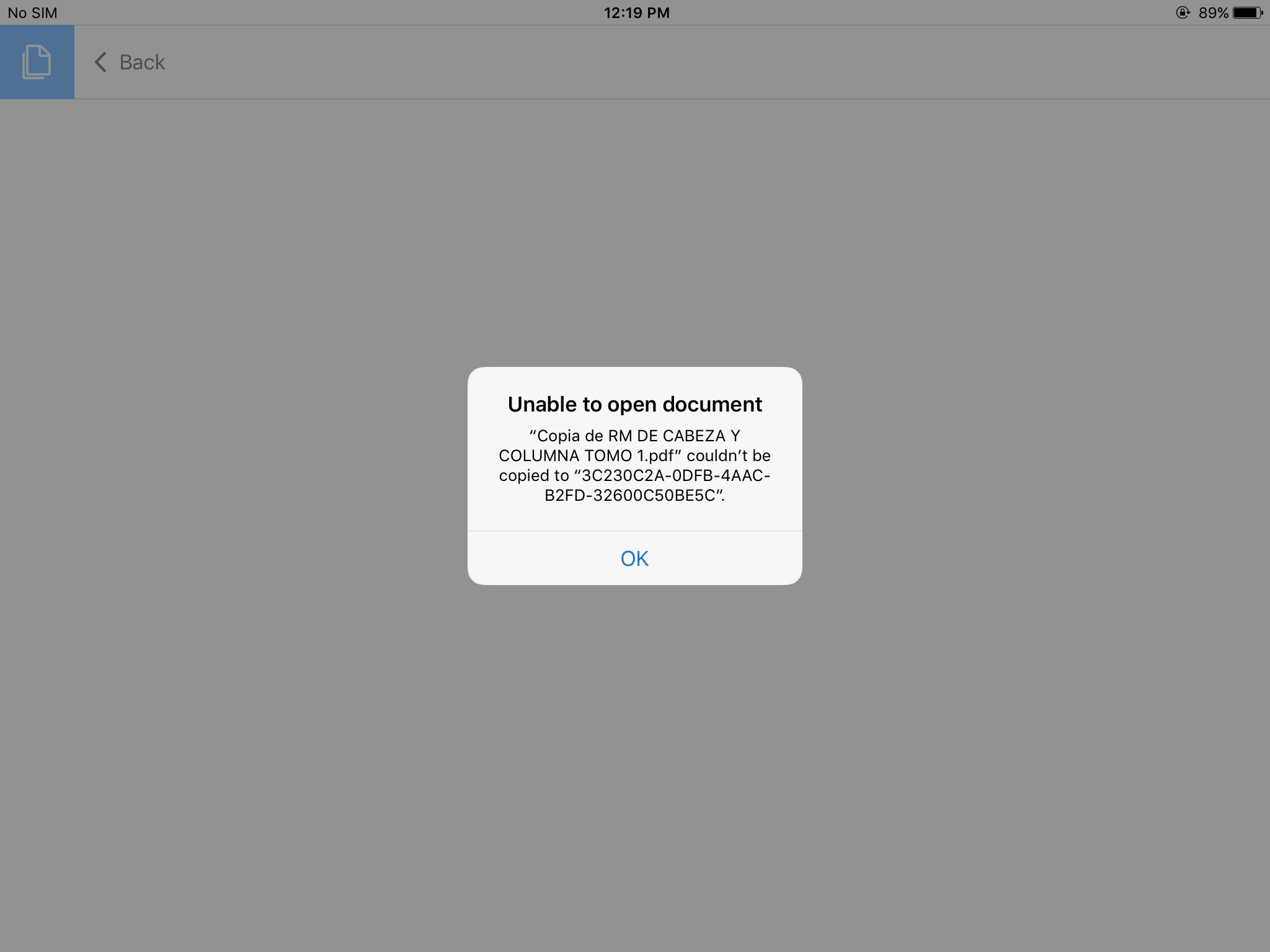
Sorry to hear that deleting unused/unnecessary files did not help.
Here are the recommended steps for you to try when you get home.
- Back up all of your PDF documents (that are stored locally on your iPad) to your MacBook Pro using the iTunes app.
How to back up and restore PDF documents on iPad/iPhone using iTunes
See the section: "How to transfer documents from your iPad/iPhone to your computer". - Open PDF documents that have been backed up on your MacBook Pro to make sure that they are not corrupted or damaged during file transfer.
- Uninstall Acrobat Reader.
- Install Acrobat Reader from the App Store.
- Restore the PDF documents.
See the section: "How to transfer documents from your computer to your iPad/iPhone" of the FAQ document above.
It wouldn't hurt to restart your iPad, either.
Please let us know what you find out.
Thank you.
Hi adiliag86568417,
We just released Acrobat Reader 17.01.22 to the App Store.
This is the latest official release (that is identical to the pre-release version that you tried) as of January 23.
We apologize for the inconvenience caused.
Thank you for your patience.




 AdChoices