I hope you're doing well, and thank you for reaching out.
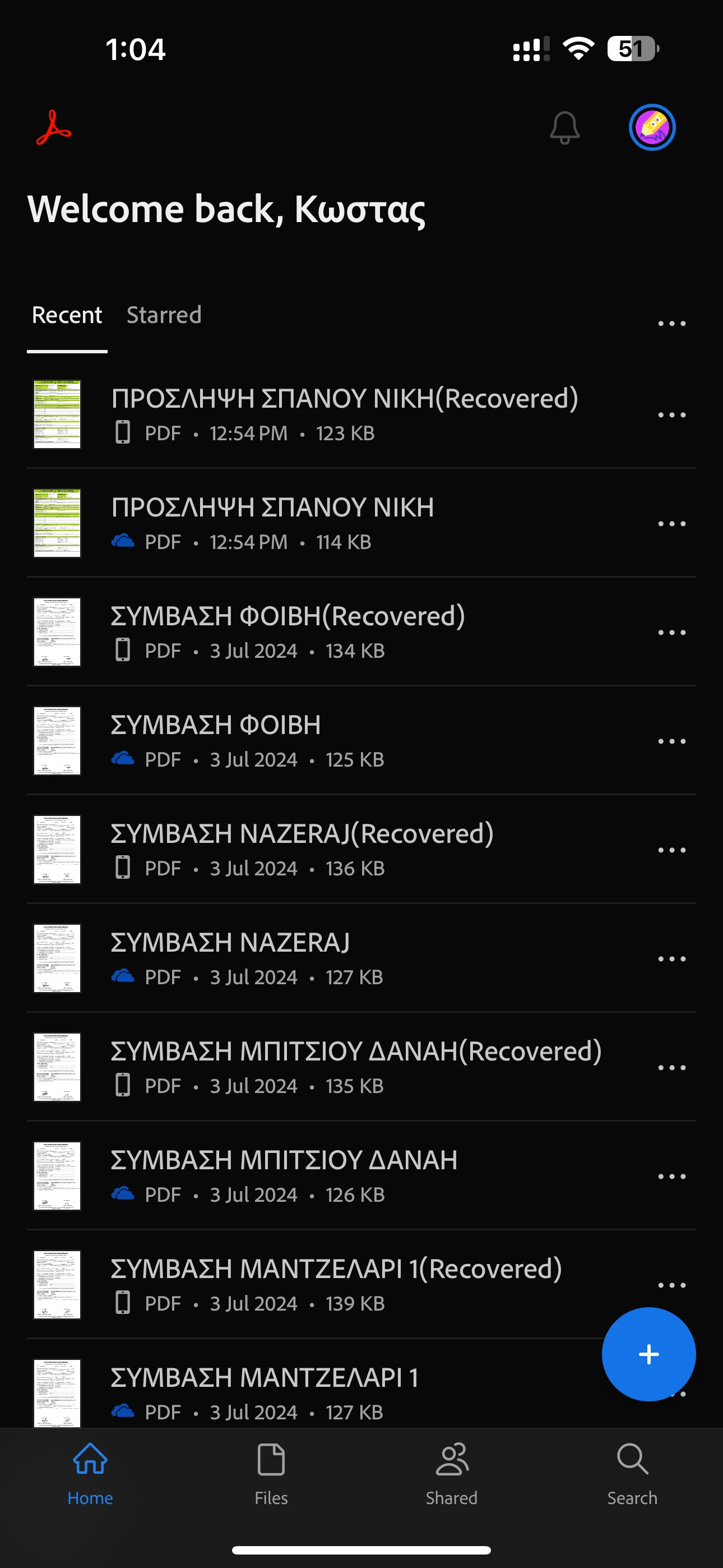
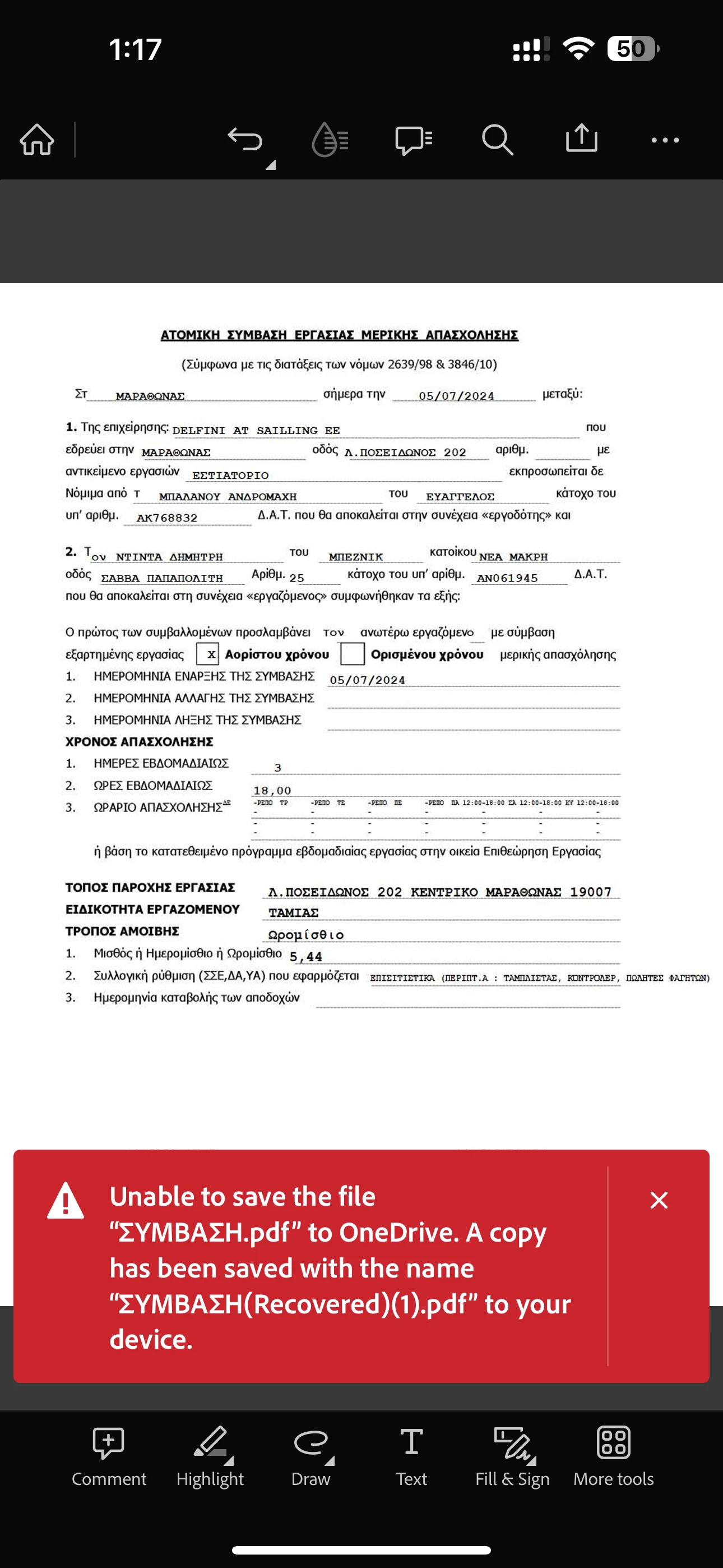
Could you please provide more details about the workflow or steps you're using to save the PDF to OneDrive? If you're using the 'Copy to' option within the Acrobat Reader mobile application, try removing the OneDrive storage from the app, rebooting your device, and then adding the OneDrive storage back to the Acrobat Reader Mobile app. This might resolve the issue.
Additionally, please check for any pending or missing updates for your iPad and the Acrobat Reader Mobile application. You can do this by visiting the App Store. After updating, reboot your device.
You may also use the Share icon to save the PDF to OneDrive.
Open the PDF and click on Share icon provided at the top right corner on the screen.
Then click on the Share a copy button provided at the bottom of the screen. Now select OneDrive from the list of the options appears.
Note: Please ensure that the OneDrive application is installed on the device.



 AdChoices