
Participant
November 27, 2023
Answered

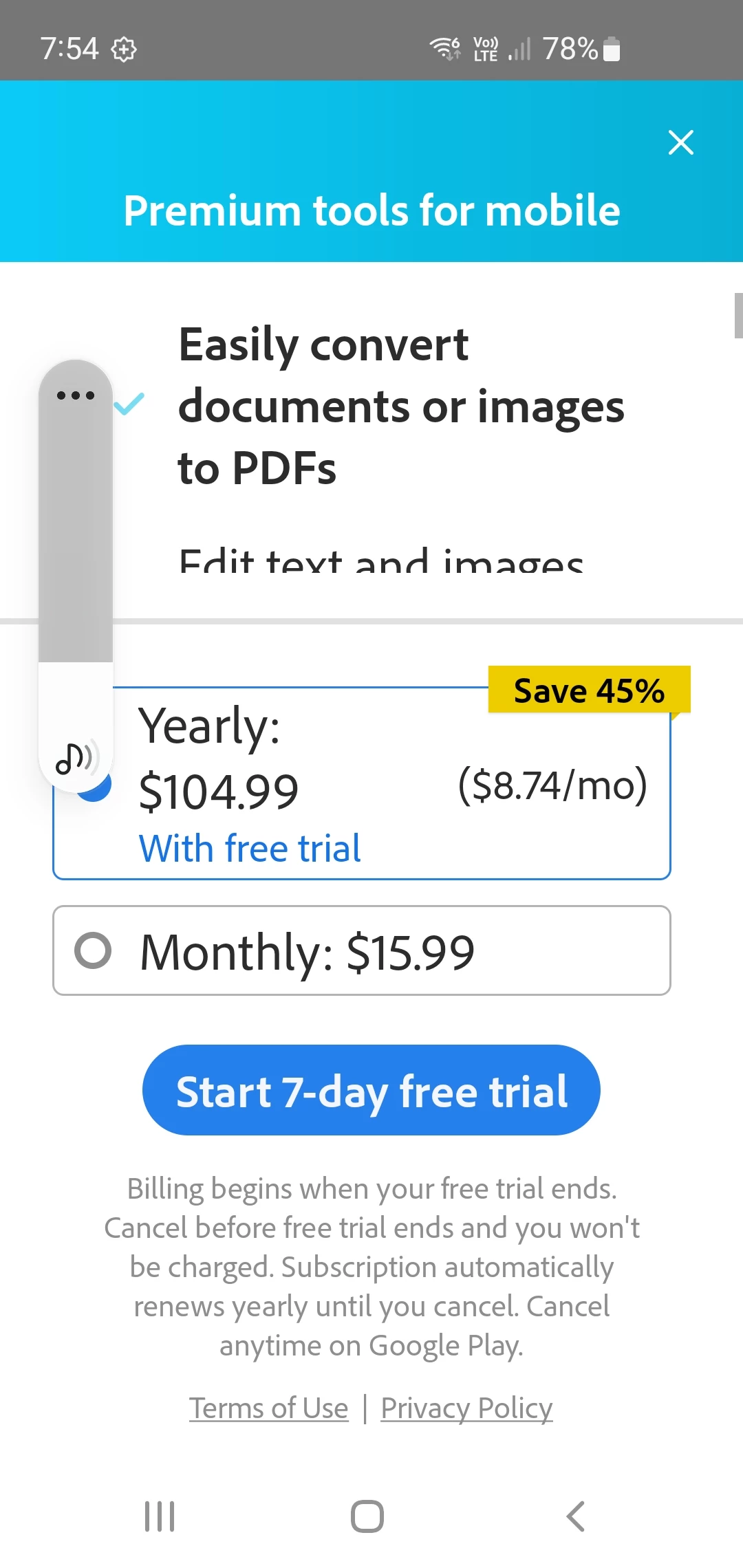
Third party docs/apps Premium tools for mobile

  • November 27, 2023
  • 1 reply
  • 3622 views

I try to open Word, Excel files on my Android mobile (usually attachments to emails). I get asked to upgrade to Premium tools for mobile by Adobe. I close this window and my document does not open in the app it was created in (I.e. Word). It stops me from opening my documents. Does anyone know how to turn this off?
 

This topic has been closed for replies.
Correct answer S_S

Hi @Susan33890291931e,


Hope you are doing well. Thank you for writing in!


From the description, it looks like the default app to open Word or Excel files has changed to Acrobat Reader Mobile due to which you see the dialog box.


You can learn more on how to change the default app by clicking here.


Hope this helps.


-Souvik

1 reply

S_S
Community Manager
S_SCommunity ManagerCorrect answer
Community Manager
November 28, 2023

Hi @Susan33890291931e,


Hope you are doing well. Thank you for writing in!


From the description, it looks like the default app to open Word or Excel files has changed to Acrobat Reader Mobile due to which you see the dialog box.


You can learn more on how to change the default app by clicking here.


Hope this helps.


-Souvik