


Participant
September 16, 2019
Question

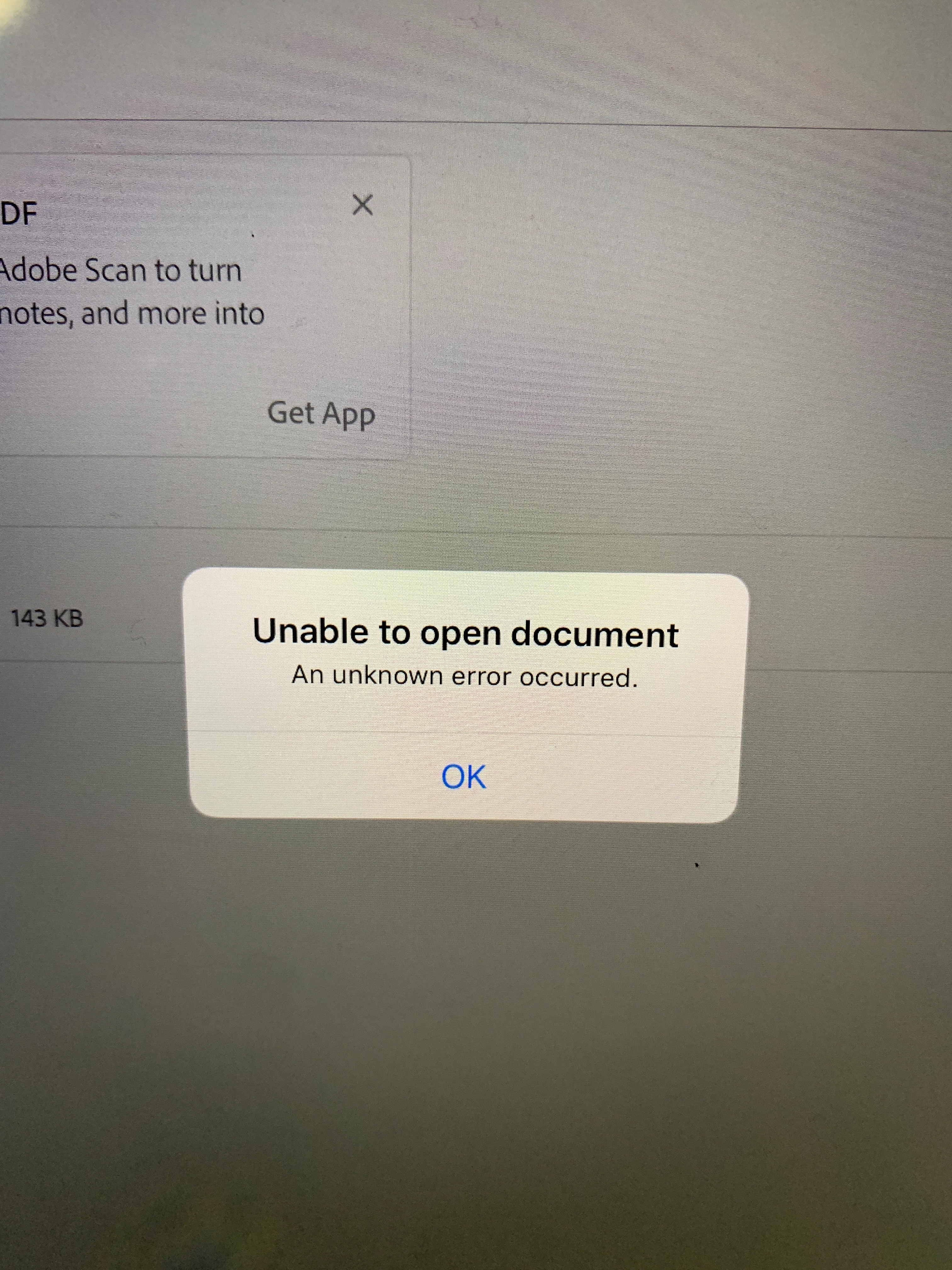
Unable to open document on iPad Pro

  • September 16, 2019
  • 1 reply
  • 986 views

Hey there everyone,


It happened to me today that I cannot open nor edit PDF files with Adobe Reader anymore on my iPad. Tried restarting the device, reinstalling the app and I just reseted the iPad itself but didn’t work either. 


Anyone would know a solution for this issue?


Thansk in advance


This topic has been closed for replies.

1 reply

Meenakshi Negi
Community Manager
Community Manager
September 20, 2019

Hi Oscar_CL,


Sorry for the delay in response.


As you have mentioned above, you are not able to open the PDF in Adobe Acrobat Reader on the iOS device.

Did you check if the issue occurs with some particular PDFs?

From where exactly you are trying to open the PDF? Is it saved on the device, Document Cloud or some other location?


Please make sure that the application is updated to the latest version.

Also, try to open the other PDFs or Welcome PDF in the application.


Let us know how it goes.


Regards,

Meenakshi