Participant
September 20, 2021
Question

Unable to open PDFs in Acrobat App when stored on Google Drive

  • September 20, 2021
  • 1 reply
  • 243 views

Hey,


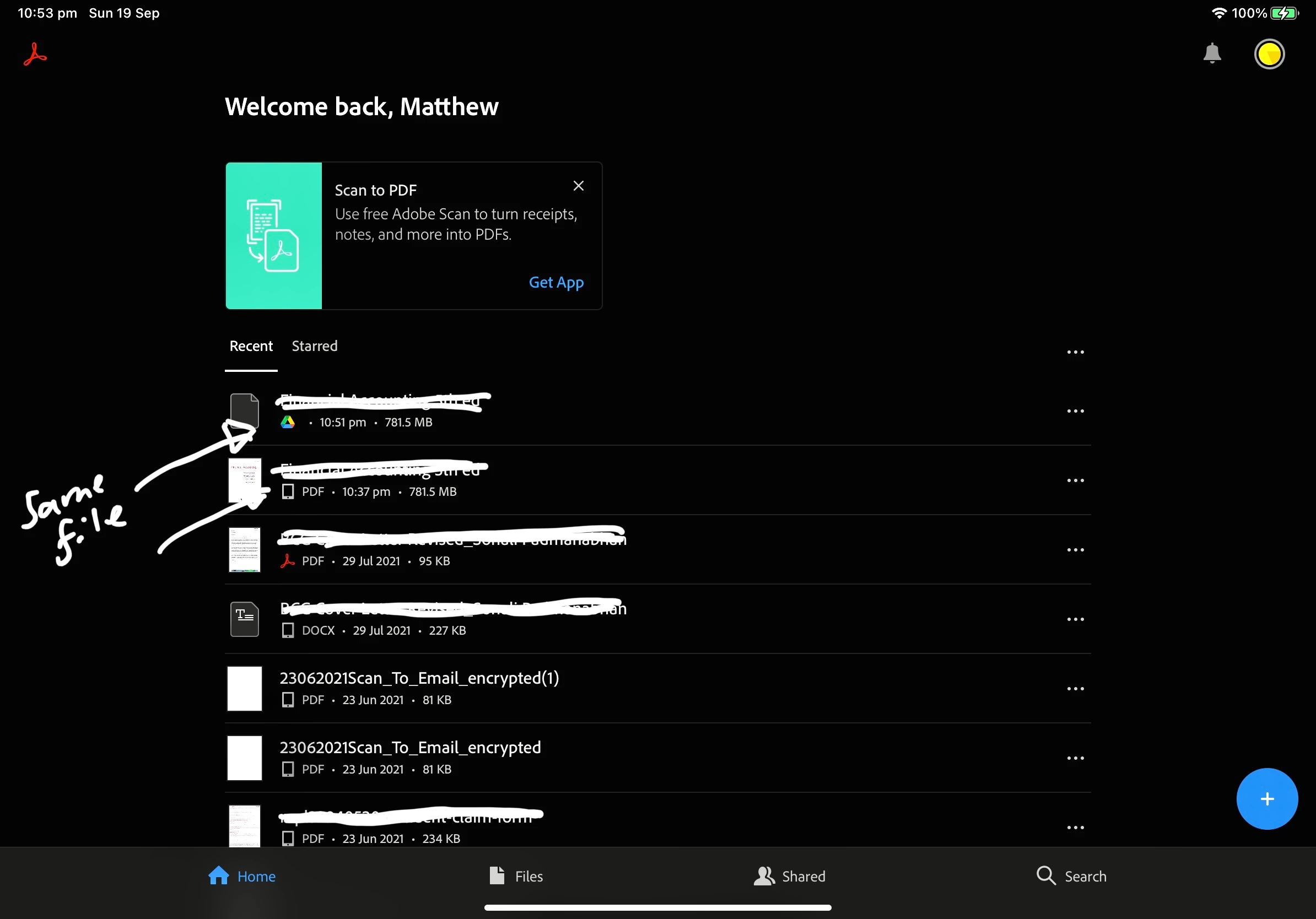
I am having trouble opening files using the Google Drive integration in Acrobat on my iPad Pro. I want to be able to open files directly from Google Drive without first storing them on my local iPad


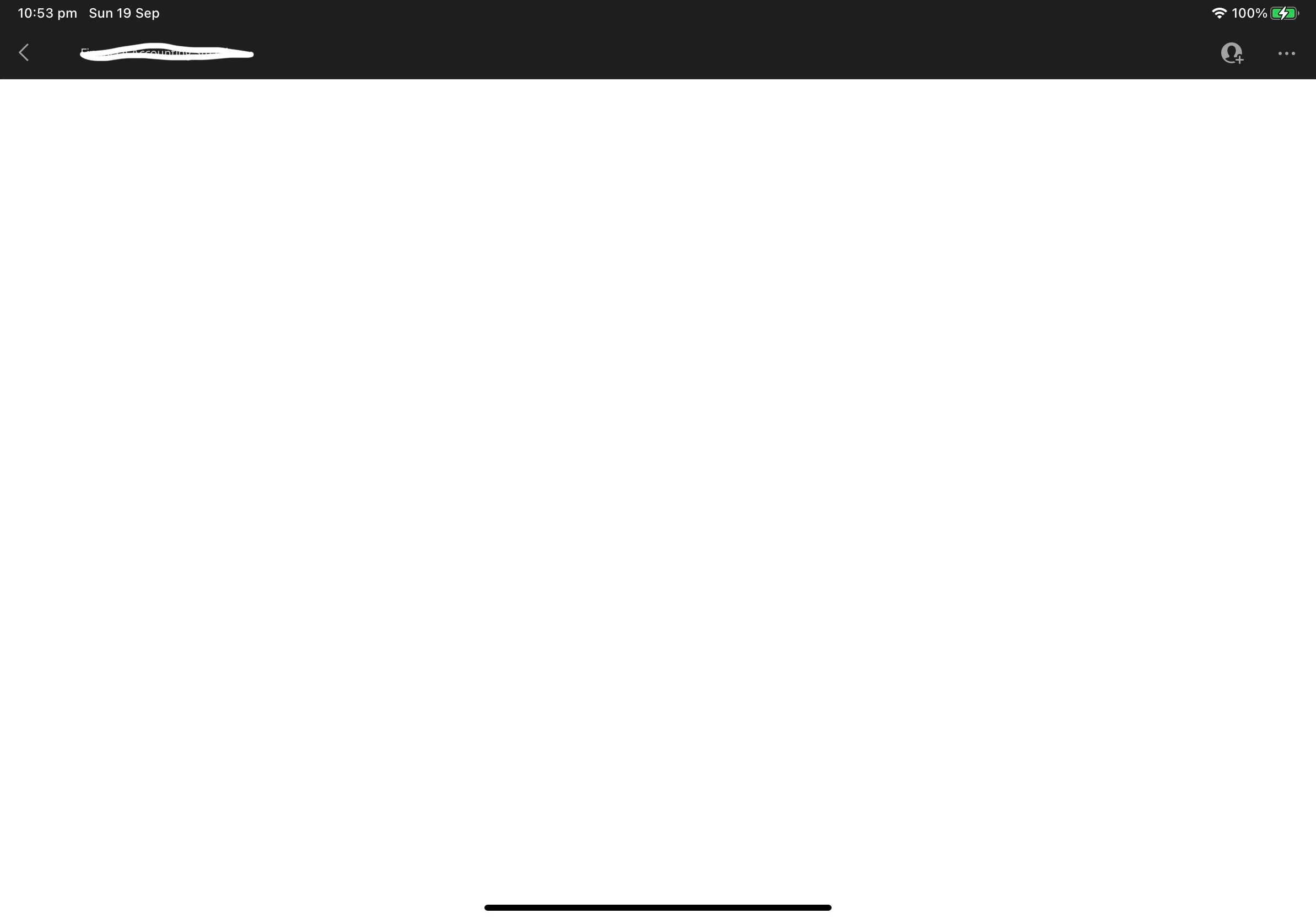
In the attached image you will see that the same file is being loaded only when stored on my iPad...and not working through Google Drive. The second image shows what happens when I click on the Google Drive file = White page.


Hoping someone has a fix for this
 

This topic has been closed for replies.

1 reply

Harsh Vardhan Pareek
Community Manager
Community Manager
September 20, 2021

Hi @Matthew Lovett5CC3 


Hope you are doing well.

As per the issue description that you are unable to open files from Google Drive. Try once to remove the Google Drive account from the application and reboot the device.

Then add the account again and check if that makes any difference.

Also, check if the application is updated or not.


If you still experience the issue, please share the exact version of the application installed on your iPad.

Also, share the OS version installed on your iPad.


We will be waiting for your response.

Let us know if you need any help.


Regards,

Harsh