Participant
July 7, 2022
Answered

Warstwy

  • July 7, 2022
  • 2 replies
  • 679 views

Witam. Gdzie znajdę pasek narzędzi a w szczególności warstwy w aplikacji na iPad?

This topic has been closed for replies.
Correct answer jane-e

@Marta251570894nso wrote:

Hello. Where can I find the toolbar and especially the layers in the iPad app?


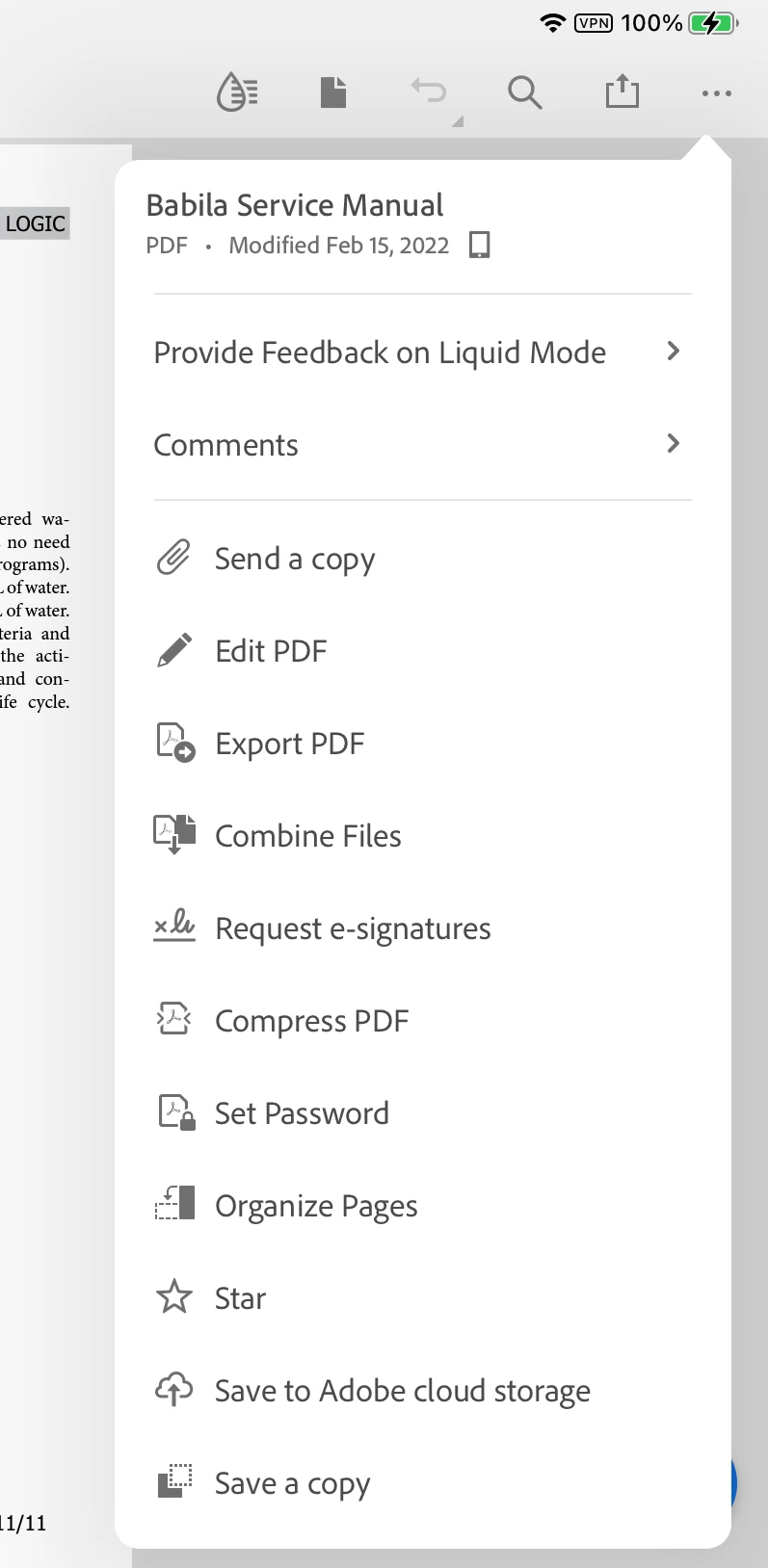
The toolbar is in the upper right when a document is open. Click the ellipses ... to expand it and see more. There are no layers in Acrobat Reader for iPad.


Jane


2 replies

S_S
Community Manager
Community Manager
July 7, 2022

Hello Marta,


I hope you are doing well. Per the description, I understand that you want to use toolbars and layers on the iPad.


Adding to what Jane said, this feature of working with layers is available only on the desktop version of the application. 

You may refer to the below link to learn more about working with Acrobat Reader Mobile: Work with PDFs — Acrobat for iOS Help (adobe.com)


Additionally, you may share this feature request on the below link. Sharing the feedback will reach directly to the engineering team for them to look into it and try to implement it in the upcoming updates.

Link for form: Share your feedback on Acrobat DC (uservoice.com)


Thanks,

Souvik.

jane-e
Community Expert
jane-eCommunity ExpertCorrect answer
Community Expert
July 7, 2022

@Marta251570894nso wrote:

Hello. Where can I find the toolbar and especially the layers in the iPad app?


The toolbar is in the upper right when a document is open. Click the ellipses ... to expand it and see more. There are no layers in Acrobat Reader for iPad.


Jane