Hello @Mr. Fendi,
Sorry about the trouble, and thanks for reaching out.
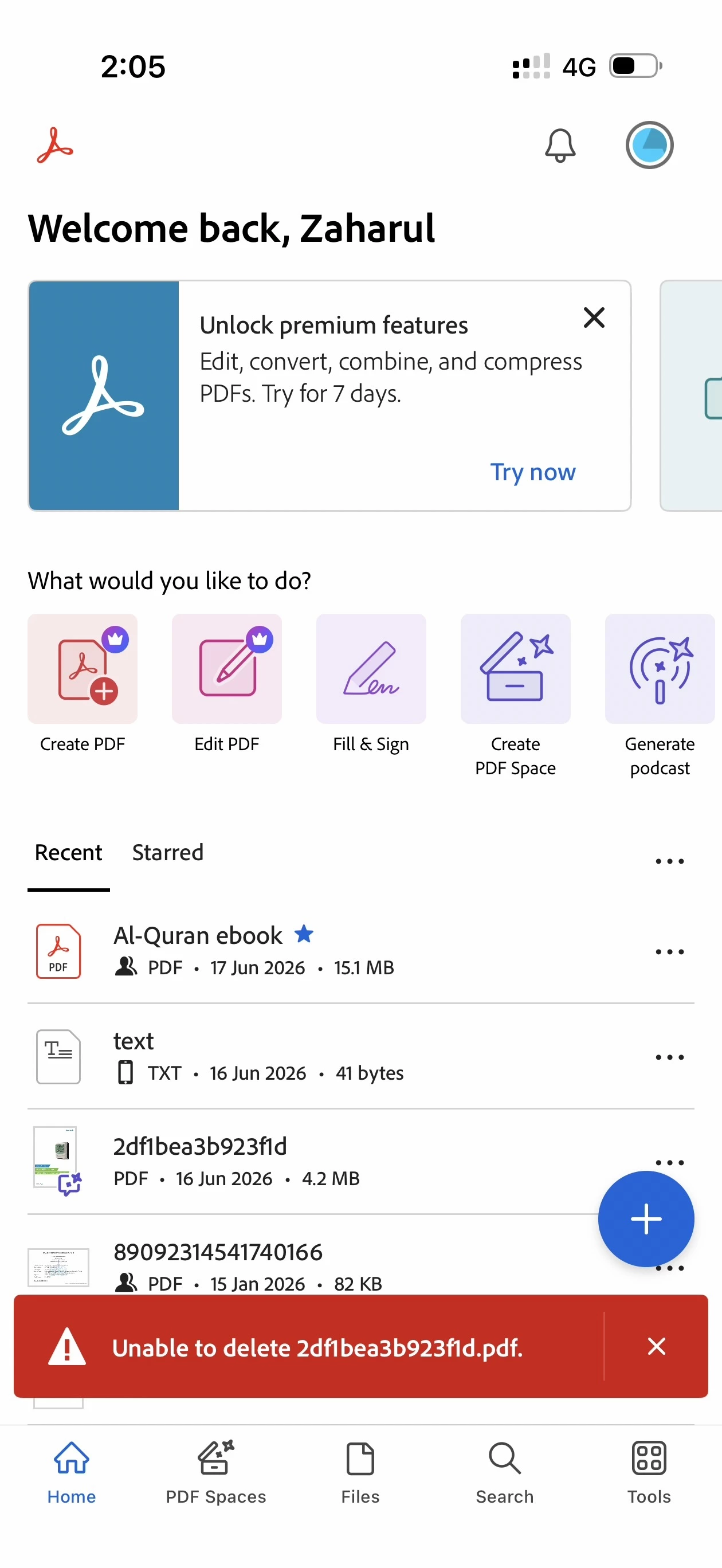
There can be many reasons for this, such as service disruption, internet issues, update to the file arent synced yet to the cloud.
You can delete any file from the cloud by going to https://adobe.ly/4guzbSq> Documents > Scan, locating the file, and deleting it.
If the operation is linked and synced with the app, sign out of the app, close it, and sign back in. Also, you may try clearing the app cache. Before signing out or clearing the cache, ensure there are no documents that are not synced or not uploaded to the cloud
Let us know how it went.
~Tariq




 AdChoices