Participating Frequently
October 31, 2020
Answered

Check and Uncheck a checkbox based on another checkbox status

  • October 31, 2020
  • 3 replies
  • 10201 views

I have an Acrobat form with a checkbox that checks another checkbox.  I have used the mouseUP action in the original checkbox to Run a Javascript to check the 2nd checkbox which works.

If I uncheck the original checkbox, the 2nd checkbox still has a checkmark.  I have tried many solutions, but have not found success.

My mouseUP JS in the original checkbox is:

if(event.target.isBoxChecked(0))
this.getField("200Plus").checkThisBox(0,1);


Go easy on me, as I barely know how to spell Javascript.

Thank you.
This topic has been closed for replies.
Correct answer ls_rbls

Close and restart Acrobat. Then test the form again.


I closed Acrobat and restarted it.


I don't see where this script doesn't work.


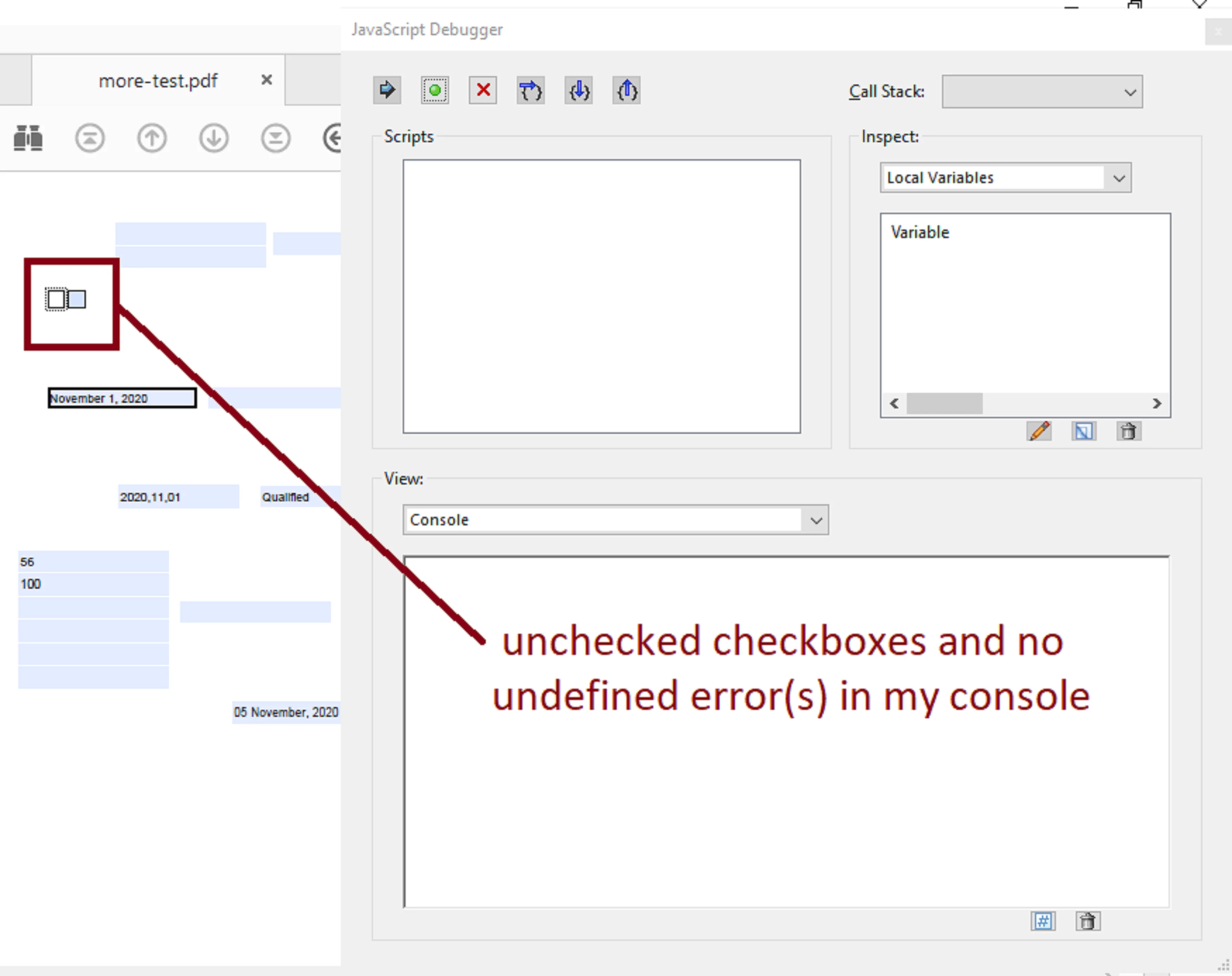
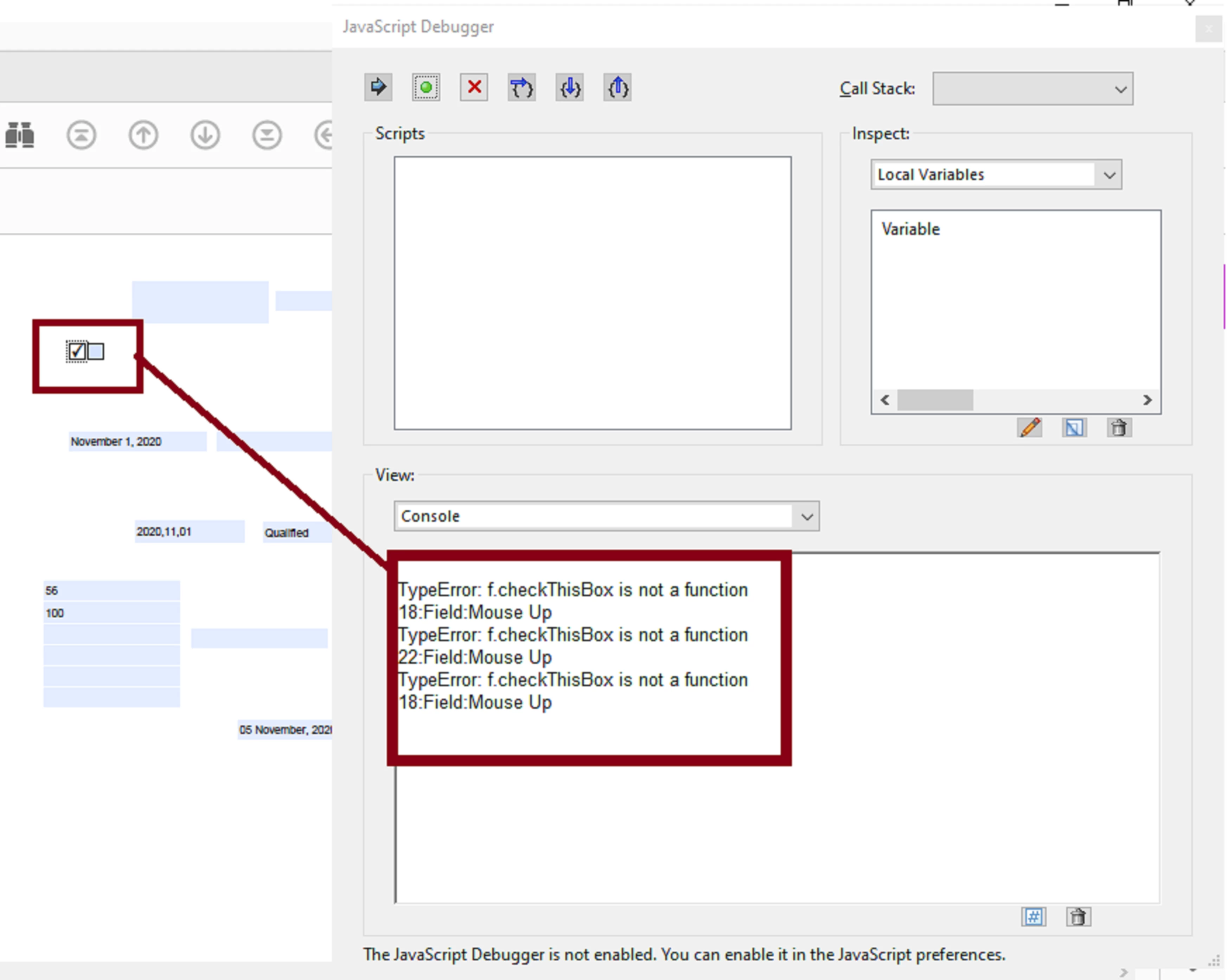
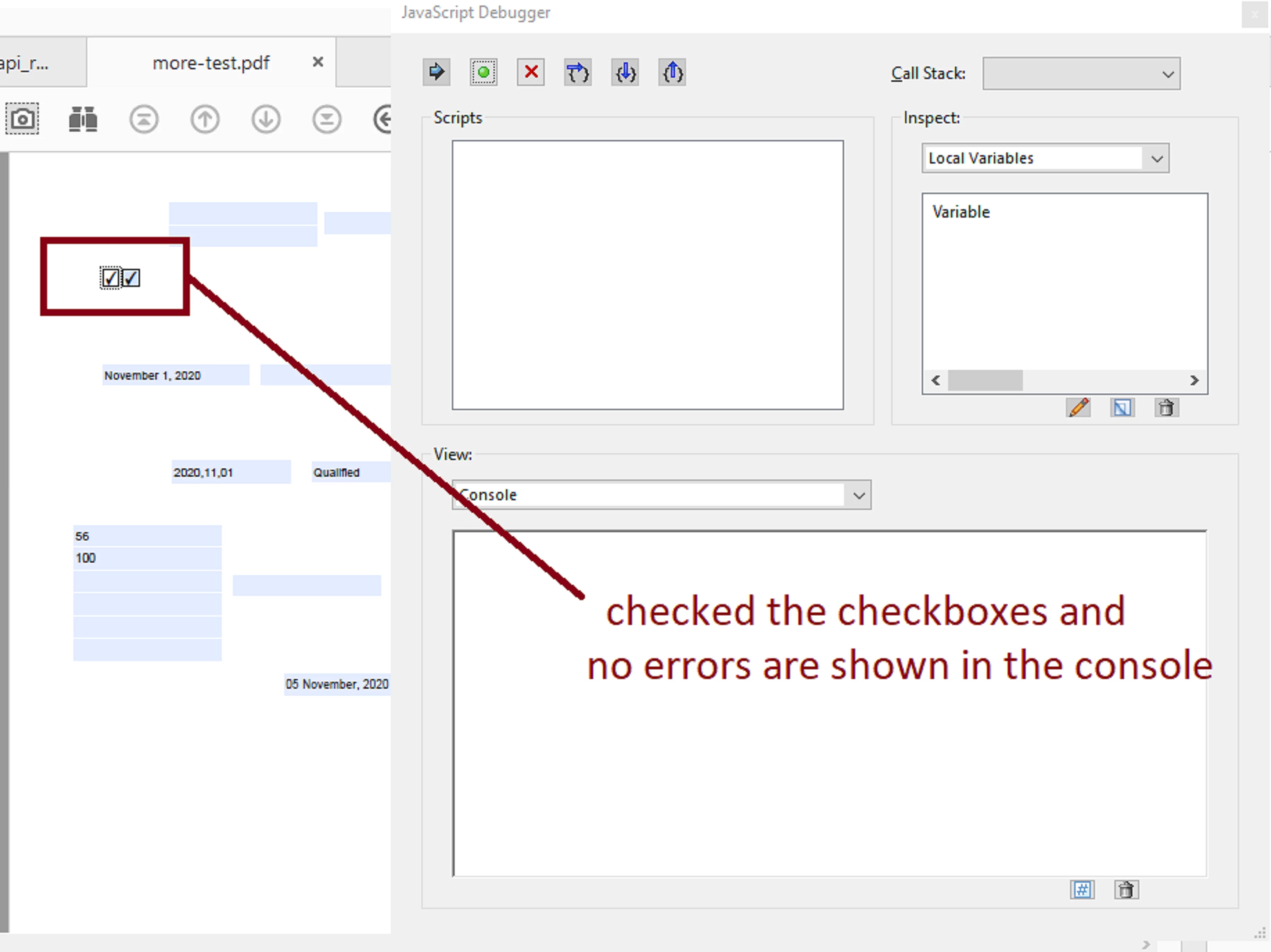
  • First slide, boxes are checked with the console opened:


  • Second slide, boxes are unchecked with the console opened:


Now I'm confused... should I be getting an undefined error? 


In any case I would expect a syntax error which actually happens when I add ".value" to the variable as you suggest:


var f = this.getField("200Plus").value;


In fact, I get a "Type Error" with your suggestion:


Also note that this breaks the original intent of the script as requested by the OP since the primary checkbox looses the ability to check the secondary checkbox.


In the end, I am running the script like shown below (which is not throwing any errors and there's no need to define or even declare a variable using the guidance posted by George Kaiser in the link that I posted earlier):


if (event.target.value =="Yes") {

this.getField("200Plus").checkThisBox(0,true);

} else {

this.getField("200Plus").checkThisBox(0,false);

}


3 replies

Participant
October 21, 2023

just have a look this video:

https://youtu.be/IS2Bs6KXhyE


Nesa Nurani
Community Expert
Community Expert
November 1, 2020

Just name both checkbox same and leave them with same export value.

ls_rbls
Community Expert
Community Expert
November 1, 2020

And what happens if the user wants to have the ability to check or uncheck the secondary checkbox when the primary chexkbox is unchecked?


If the case would be that the user needs either the primary or the secondary box checked at a time, then it should be better to implement a pair of mutually exclusive radio buttons that will behave like checkboxes.

Inspiring
November 1, 2020

And what happens if the user wants to have the ability to check or uncheck the secondary checkbox when the primary chexkbox is unchecked? Then why would he even need code in first place?

If you readed his post carefully you would see that he has no intention of clicking second checkbox.

To qoute OP "If I uncheck the original checkbox, the 2nd checkbox still has a checkmark. I have tried many solutions, but have not found success." in this situation why not just click 2nd box? This tells me he has none intention of clicking it. Easiest solution would be to just copy first box.

ls_rbls
Community Expert
Community Expert
October 31, 2020

This works for me:


if (event.target.value =="Yes") {

var f = this.getField("200Plus");

f.checkThisBox(0,true);

} else {

f.checkThisBox(0,false);

}


Bernd Alheit
Community Expert
Community Expert
November 1, 2020

This will not work. In the else part the variable f is undefined. You set the variable f only in the then part.

ls_rbls
Community Expert
Community Expert
November 1, 2020

Thank you Bernd  but I tested this code and I don't get undefines error in the console because this script is not meant to obtain a value entered in this field. 


As explained by George Kaiser in this quick tutorial:


https://answers.acrobatusers.com/How-do-I-reference-a-field-through-javascript-q192043.aspx 


using this.getField("myCheckBox")   , the script expects to get the field object (in this case a checkbox widget), by which it will return the field object as the variable "oField".