
admii17053160
Participating Frequently
February 12, 2019
Answered

How can I average values of only checked Check Boxes?
  • February 12, 2019
  • 1 reply
  • 8762 views

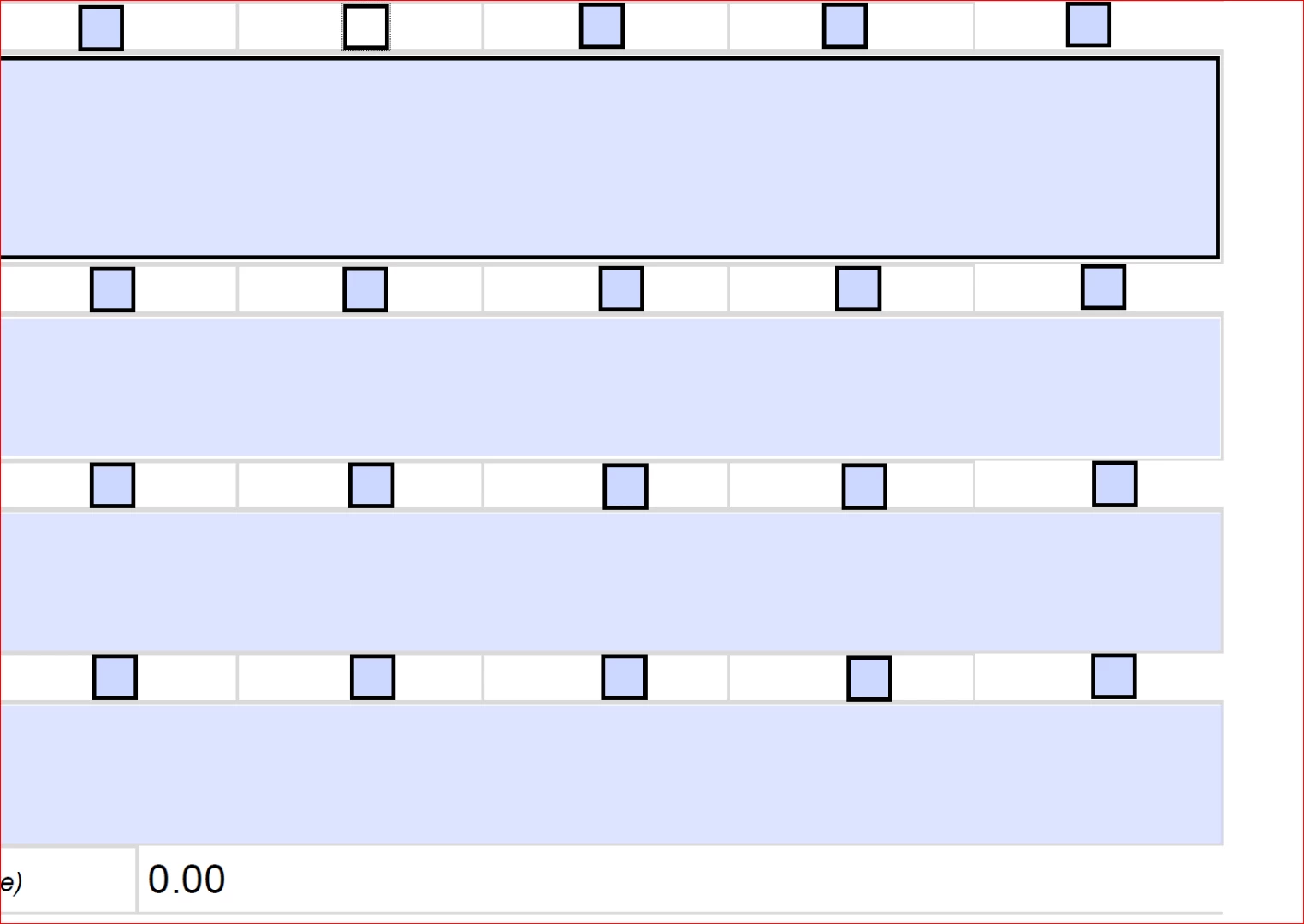
These check boxes have hidden values (1-5) and we would like to calculate the the average of these values only if those particular Check Boxes are checked. The Check Boxes in each row are named the same. Thanks for any help you can provide!

This topic has been closed for replies.
Correct answer Thom Parker

So, the checkboxes in each row are mutually exclusive?  And these hidden values are actually the exports for the checkboxes? 

I would add a group name to the existing checkbox name. Assuming the names of the check box rows are "CkRow1" "CkRow2" etc. then the grouped names would be "Grp.CkRow1" "Grp.CkRow2" etc.

This code placed in the calculation script for a text field will produce the average.

var aChecks = this.getField("Grp").getArray();

var sum = 0;

aChecks.forEach(function(a){sum+=a.value;});

event.value = sum/aChecks.length;

1 reply

Thom Parker
Community Expert
Thom ParkerCommunity ExpertCorrect answer
Community Expert
February 12, 2019

So, the checkboxes in each row are mutually exclusive?  And these hidden values are actually the exports for the checkboxes? 

I would add a group name to the existing checkbox name. Assuming the names of the check box rows are "CkRow1" "CkRow2" etc. then the grouped names would be "Grp.CkRow1" "Grp.CkRow2" etc.

This code placed in the calculation script for a text field will produce the average.

var aChecks = this.getField("Grp").getArray();

var sum = 0;

aChecks.forEach(function(a){sum+=a.value;});

event.value = sum/aChecks.length;

Thom Parker - Software Developer at PDFScriptingUse the Acrobat JavaScript Reference early and often
admii17053160
Participating Frequently
February 12, 2019

Yes, all Check Boxes in row1 for example are named CheckBox10, row2 CheckBox20, etc. The hidden values are the export values.

Thank you for the script! It works for the most part.

But I ran into this interesting problem now. When all boxes are checked (one box from all rows), the average value returned is correct. But when even one Check Box is left out, we get the following error:

Thom Parker
Community Expert
Community Expert
February 12, 2019

I did leave something out.  The unselected value of a checkbox or radiobutton is "Off", not a number, i.e. NaN

So the summation code needs to be modified to add "Off" as zero.

aChecks.forEach(function(a){sum+=isNaN(a)?0:Number(a.value);});

Thom Parker - Software Developer at PDFScriptingUse the Acrobat JavaScript Reference early and often