
Inspiring
April 14, 2020
Answered

JavaScript to perform Google search

  • April 14, 2020
  • 2 replies
  • 1517 views

Hi Everyone,


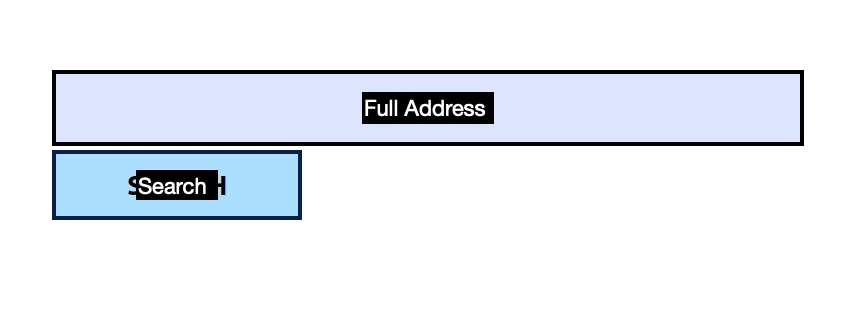
I have a field that asks the user for a full address to be typed in. I'd like to add a button that, when clicked, launches the default browser and performs a Google Maps search of that address. Or, at the very least, a Google search of that address. 


Is there a relatively easy script that can be applied to that button? 
 

This topic has been closed for replies.
Correct answer try67

Like this:

app.launchURL("https://www.google.com/maps/search/" + this.getField("Full Address").valueAsString);


Just to clarify: This will open the URL in the default browser. It will NOT make the results accessible to your code or allow you to embed them in your PDF or anything like that.

2 replies

try67
Community Expert
Community Expert
April 14, 2020

You can do it, actually, by using this URL:

https://www.google.com/maps/search/YourSearchQuery

Inspiring
April 14, 2020

Thanks for the note. How would I append the parameter that the user types in to that field to the "YourSearchQuery" however? I know I can't hardcode it using the Action of opening a web link, so I'm assuming I have to use JavaScript. 

try67
Community Expert
try67Community ExpertCorrect answer
Community Expert
April 14, 2020

Like this:

app.launchURL("https://www.google.com/maps/search/" + this.getField("Full Address").valueAsString);


Just to clarify: This will open the URL in the default browser. It will NOT make the results accessible to your code or allow you to embed them in your PDF or anything like that.

Thom Parker
Community Expert
Community Expert
April 14, 2020

The short answer is NO. Acrobat form scripts have no mechanism for receiving and interpreting results from a web API.


But, there are a couple of other options. If you could install an Acrobat automation script on to the user's system, then that script could execute SOAP and regular HTTP request.  If this is not possible, then the other option is to write a server script that does the api calls to google maps. This scirpt would get the form submit from the PDF, interact with google, and return results that the PDF form can use.  

Thom Parker - Software Developer at PDFScriptingUse the Acrobat JavaScript Reference early and often
Inspiring
April 14, 2020

Thanks Thom. Very helpful. What about this as a workaround: using JavaScript to open a browser tab that includes the content provided in that field appended to a URL?
