Dmitriy K.
Known Participant
September 28, 2021
Answered

Pass a variable to a field

  • September 28, 2021
  • 3 replies
  • 1398 views

Hi all,

can't figure out how to pass the value of a variable from the main code to a form field?

In main code i have 

var Ndata = EditTextValue.split("+", 1)
.........
this.addAnnot({page: i, type: "Stamp", rect: X1, author: "", AP: "#NewDate" })


it doesn't work...

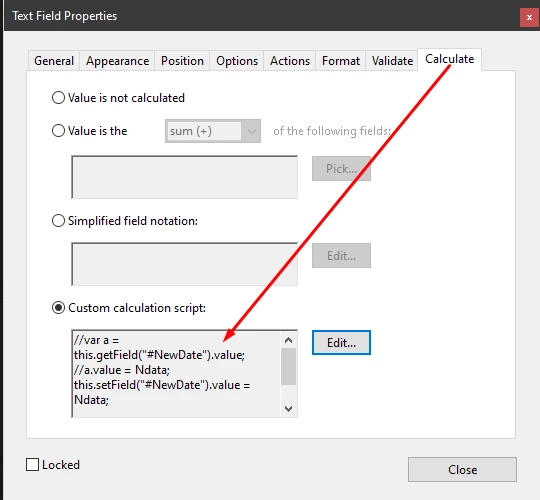
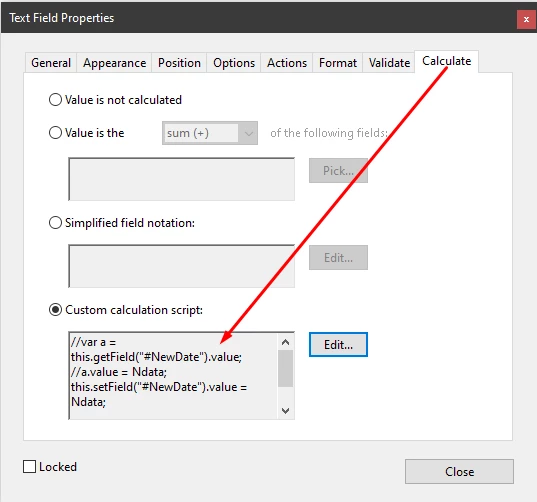
//var a = this.getField("#NewDate").value;
//a.value = Ndata;
this.setField("#NewDate").value = Ndata;

and it doesn't work that way...

var d = this.dataObjects[0];
d.setFieldValue("#NewDate", Ndata);


This topic has been closed for replies.
Correct answer try67

This is the main script code, located C: \ Program Files (x86) \ Adobe \ Acrobat DC \ Acrobat \ Javascripts

app.addMenuItem({ cParent:"Help", cName:"-", cExec:" ", nPos: 0});
app.addMenuItem({ cParent: "Help", cUser: "Test", cName: "Test", cExec: "Test()", cEnable: "event.rc = (event.target != null);",  nPos: 0});

function Test() 
{
var dialog1 = 
{
	Btn1: function(dialog)
	{
		var result = dialog.store()["Txt1"]
		Ndata = result
		dialog.end("Btn1");
	},
	Stop: function(dialog)
	{	
		idx = "Cancel"
		dialog.end("Stop");
	},
	description:
	{name: "Test", align_children: "row", width: 300, height: 300,
		elements:
		[
			{
				alignment: "align_right",
				type: "button",
				name: "Cancel",
				item_id: "Stop",
				width: 5
			},
			{
				type: "edit_text",
				item_id: "Txt1",
				width: 170,
				height: 25
			},
			{
				type: "button",
				name: "Enter date",
				item_id: "Btn1",
			}
		]
	}
};
app.execDialog(dialog1);

		array = this.getPageBox("Crop",1);
		r = array.toString()
		r = r.split(",");
		rectX1 = [Math.round(r[2])-391, 108, Math.round(r[2])-354, 132];
		this.addAnnot({page: 1, type: "Stamp", rect: rectX1, author: "", AP: "#NewDate" })

}; app.trustedFunction(Test);

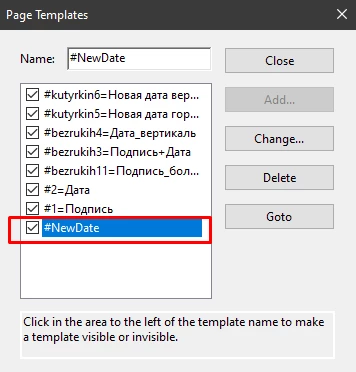
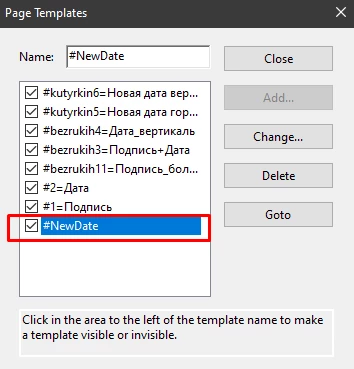
  Stamp template located C: \ Users \ 1 \ AppData \ Roaming \ Adobe \ Acrobat \ DC \ Stamps


You should add a definition for Ndata outside the scope of the dialog.


Add this as the first line of code:

var Ndad;

3 replies

try67
Community Expert
Community Expert
September 28, 2021

Are you trying to set the value of a field in an attached PDF file? If so, you have to open it first. Accessing it via the dataObjects array is not enough.

Dmitriy K.
Known Participant
September 28, 2021

Script logic: the user enters a new date in the edittext field (execDialog), and then refers to the stamp template that I created manually and placed in C: \ Users \ 1 \ AppData \ Roaming \ Adobe \ Acrobat \ DC \ Stamps.

Earlier my code looks like this, and it worked, the cMsg value was transferred from the main code to the stamp:

var cAsk = "Enter new date";
var cTitle = " ";
	
if(event.source.forReal &&
   (event.source.stampName == "#NewDate"))
{
   var cMsg = app.response(cAsk, cTitle);
   event.value = cMsg;
   event.source.source.info.DocumentState = cMsg;
}

...but then I redid the code to get the new date value via edittext (execDialog)

Bernd Alheit
Community Expert
Community Expert
September 28, 2021

Check the console for errors. The functions setField and setFieldValue doesn't exists.

Dmitriy K.
Known Participant
September 28, 2021

did not quite understand what it means does not exist? in API setFieldValue exist

Bernd Alheit
Community Expert
Community Expert
September 28, 2021

What API does you use?

Legend
September 28, 2021

In many cases it will work if you leave out the "var". 
var x = 3 // x exists in current function only

y = 3 // y exists in all functions

Dmitriy K.
Known Participant
September 28, 2021

I tried it but the problem persists