
kevinc69042237
Participant
June 6, 2016
Question

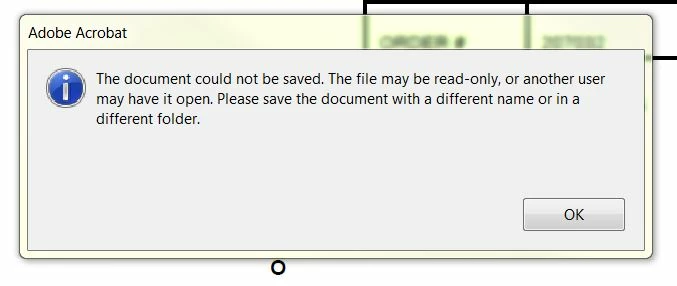
Saving PDFs - Error Message

  • June 6, 2016
  • 1 reply
  • 324 views

We are having issues saving PDFs in a shared folder.

3 people in the office have the same folder open at all times (our incoming FAX folder). PDFs in this folder need to be viewed in the PREVIEW panel, and sometimes edited with ACROBAT. HOWEVER, no one can save anything unless everyone closes the Fax folder first. Very frustrating. If this was a word or excel doc, you could save no problem, but we all need the ability to edit PDFs and save them at any given time.

Any suggestions? I have tried enabling/disabling all the enhanced security features wit no luck.

Help!
This topic has been closed for replies.

1 reply

Karl Heinz  Kremer
Community Expert
Community Expert
June 6, 2016

This is caused by the preview pane, and you will need to turn that off in order to save files to that folder; Who is Hogging My File? - KHKonsulting LLC

kevinc69042237
Participant
June 6, 2016

This is not an option, unfortunately.

We use the preview pane religiously!

Karl Heinz  Kremer
Community Expert
Community Expert
June 6, 2016

Acrobat DC does not seem to have this problem anymore (just tested and successfully saved a modified file while the preview pane was open).

Which version of Acrobat are you running?