


Participant
July 5, 2021
Answered

Set value to radio buttons and get the sum of the selected radio buttons

  • July 5, 2021
  • 1 reply
  • 8256 views

Hi, 

I need help in setting values to radio buttons and getting the sum of the selected radio buttons. 

Please note that I am a novice and am excited to learn more about this. 

I am creating this form for a client and each radio button should have its value. 
For example,

Choice1 == "0"; 
Choice2 == "1";
Choice3 == "2";
Choice4 == "3";

it's the same with the rest of the radio buttons. 

Each question is grouped so in SCORE1, there are 5 groups. 
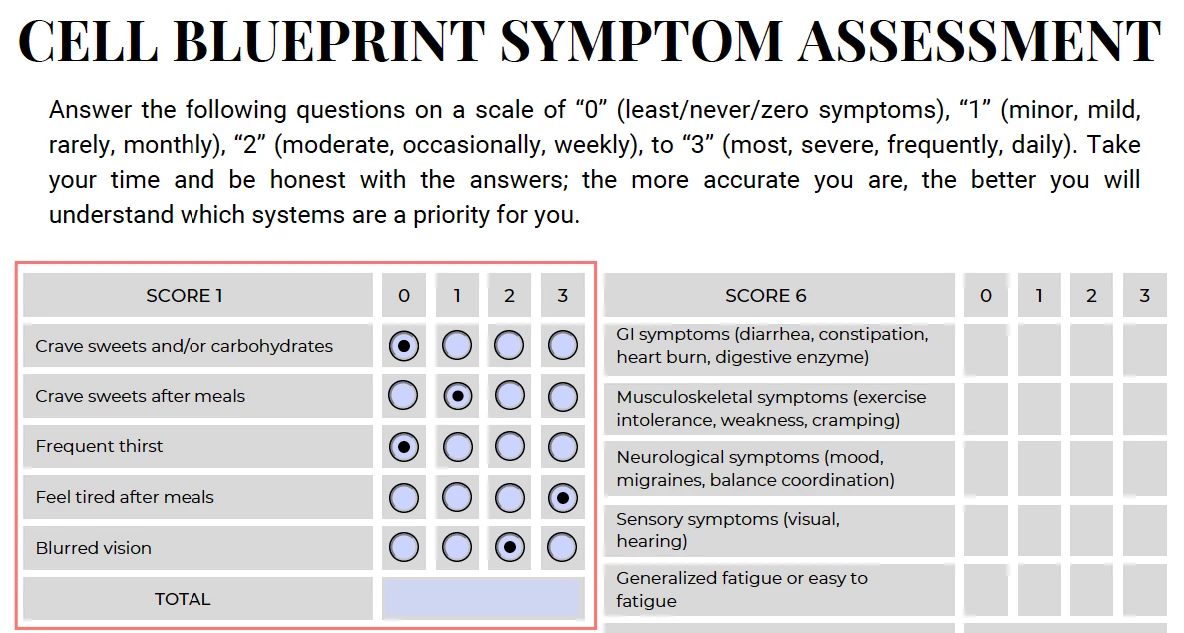


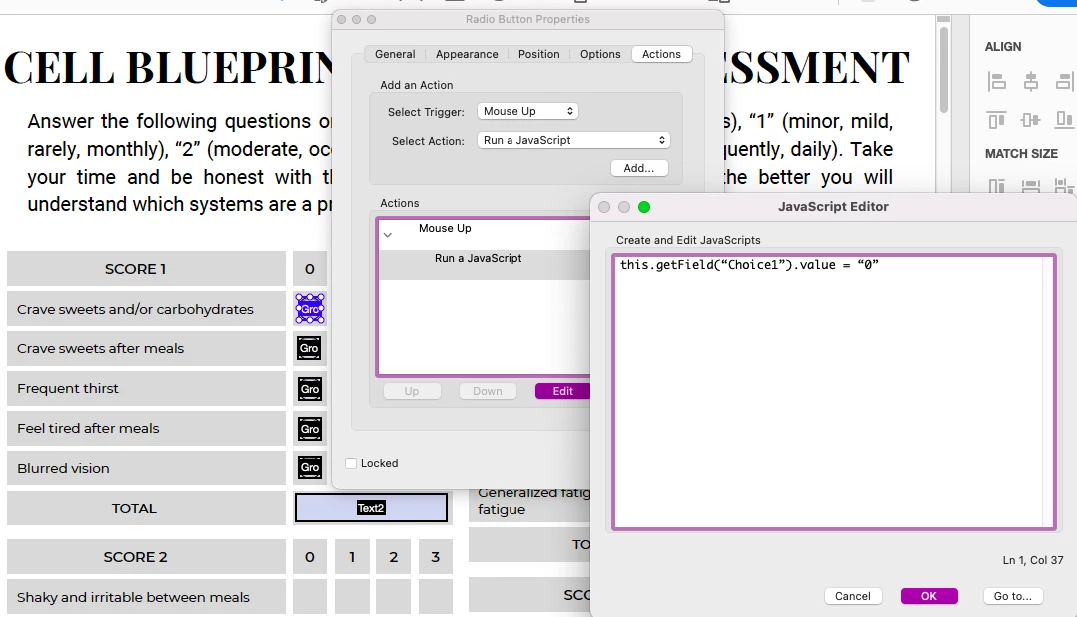
this is what I've done so far, setting a value for each radio button.. not sure if this is the best option. 
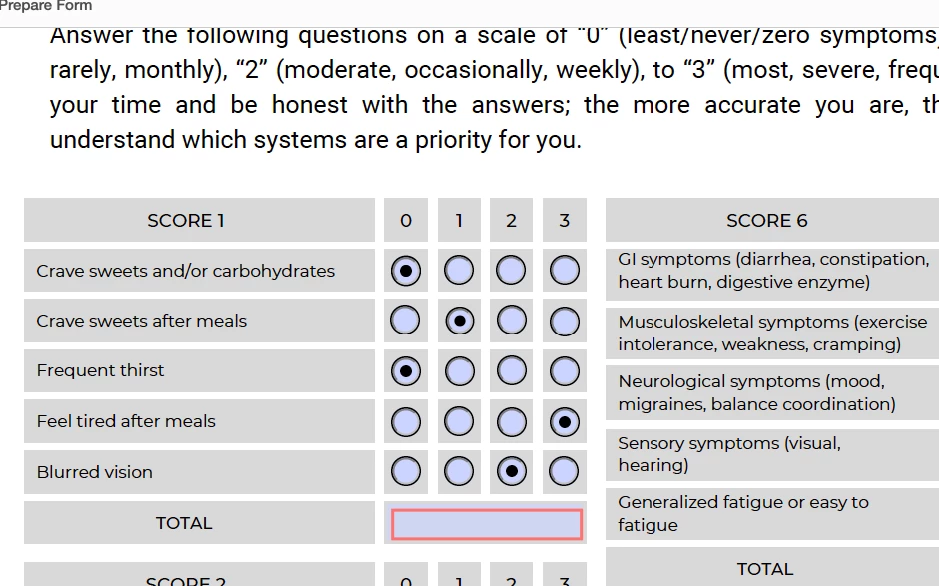
I'm really lost with the total text field where it should get the sum of the selected radio buttons only. 
So say in: 
Group1, Choice1 is selected then value is at 0;
then add the choice on group2 which is at 1 and so forth. 
Let me know how to go from here. Thank you! 
 

Correct answer try67

Why not simply edit the Radio Button Choice values from "Choice1", "Choice2", etc. to "1", "2", etc.?

Then you could use the fields directly in the Sum option of the Calculate tab of your total text field. No scripts necessary.

1 reply

try67
Community Expert
try67Community ExpertCorrect answer
Community Expert
July 5, 2021

Why not simply edit the Radio Button Choice values from "Choice1", "Choice2", etc. to "1", "2", etc.?

Then you could use the fields directly in the Sum option of the Calculate tab of your total text field. No scripts necessary.

Participating Frequently
May 2, 2024

How do you do get the total value when I have to group the first row for it able to have only one choice per row?

Participating Frequently
May 7, 2024

That is very odd. In which application are you opening the file when this happens?

Can you share the file with us?


I use Adobe Acrobat. Sorry for the late response, I appreciate your help. But I resorted just to have one Total Sum Section- it's much easier than that multiple.