


Question
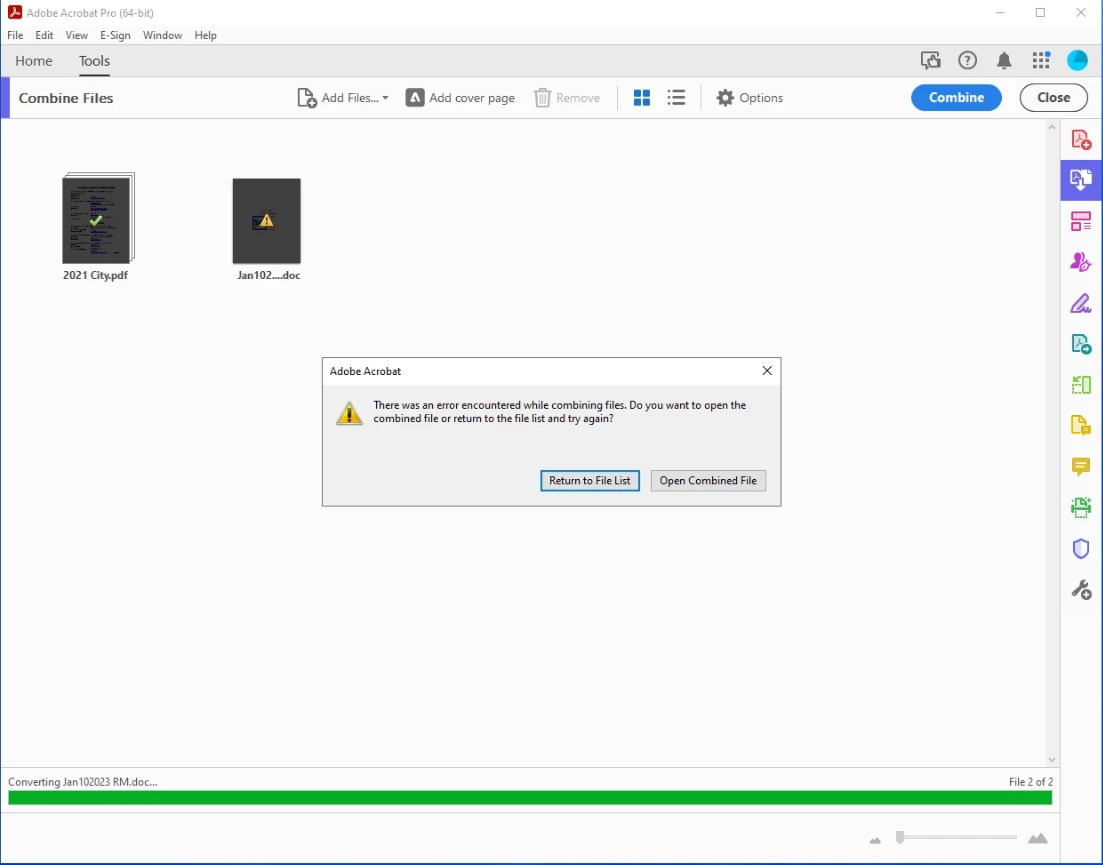
Combine Files does not work for any format besides pdf
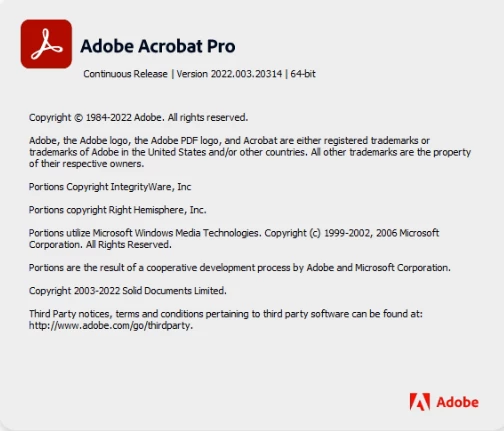
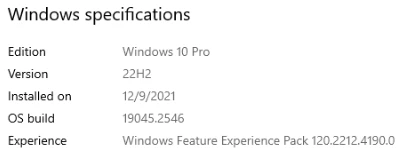
When trying to combine files using Adobe Acrobat Pro I recieve an error message stating that there was an error encountered while combining files. This happens to any document that is not in PDF format and it happens if the file is located locally or on a network share. I have tried multiple solutions posted in other forums but nothing seems to work. I have uninstalled and reinstalled Creative cloud and Acrobat. Ran the repair installation option. Removed multiple registry keys possibly related to the issue. Rebooted multiple times during these tasks. Tried running the program as an administrator and in compatability view. Nothing seems to have fixed the issue. I will add screenshots of the version of adobe and OS.
 AdChoices