
mariamohlinsoderberg
Participant
February 7, 2018
Answered

Adobe Gender Roles

  • February 7, 2018
  • 5 replies
  • 394 views

I just discovered something and I just can't let it go...

This pisses me off so much I can't even explain...

I needed a photo of a man in underwear for a assignment for a client.

So I searched: man in underwear

These are the results I got:
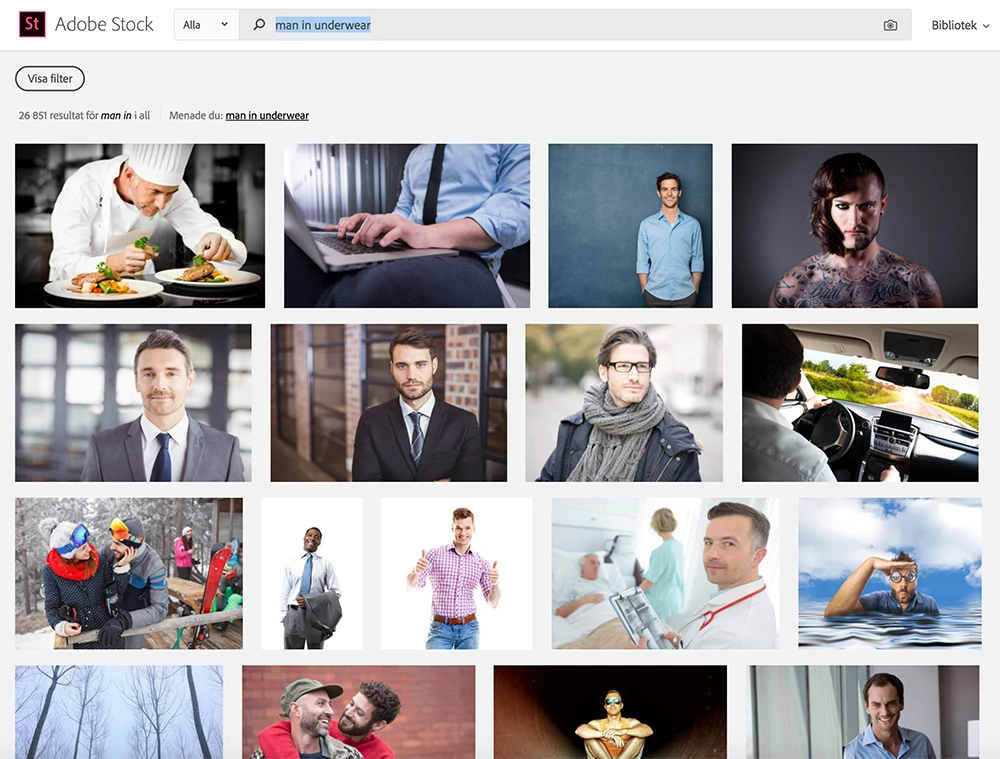
So, I tried: woman in underwear

This is what I got:
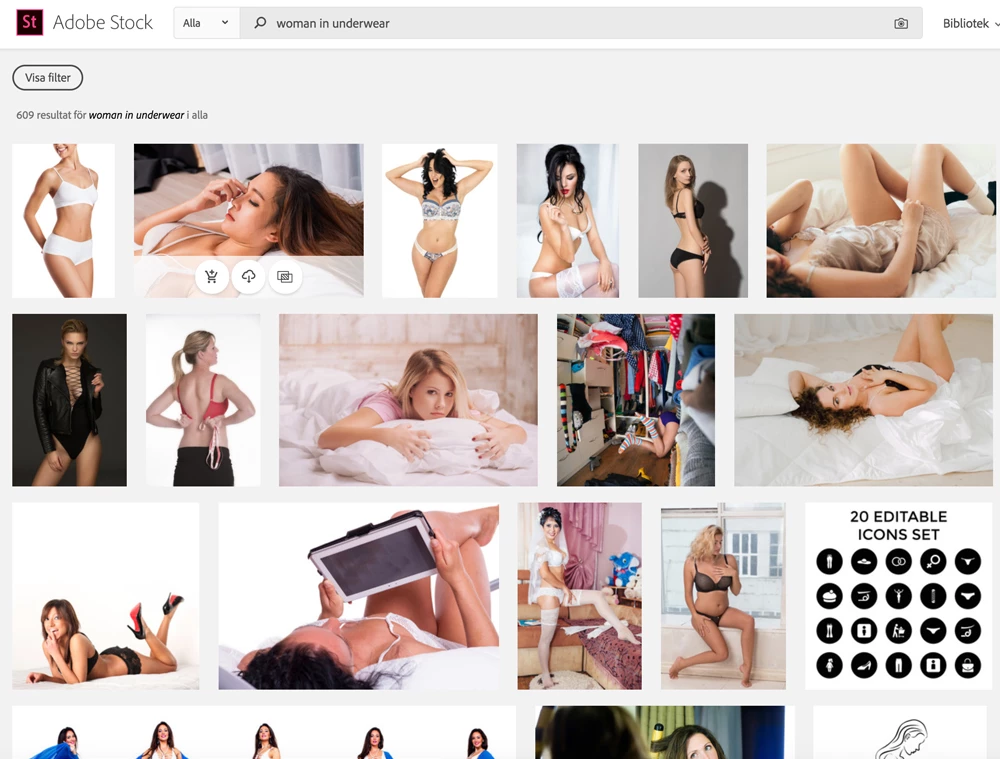
Please, please think about how you depict gender roles. I hope no words are needed for these results...

I usually don't get into these kind of discussions online, but this got me really mad.

    This topic has been closed for replies.
    Correct answer joon.Stock

    Or searching using the language that matches with page will be another alternative, i.e. for this case "mand i undertøj" will do.

    5 replies

    joon.StockCorrect answer
    Participating Frequently
    February 7, 2018

    Or searching using the language that matches with page will be another alternative, i.e. for this case "mand i undertøj" will do.

    Participating Frequently
    February 7, 2018

    Noticed the issue when using Danish regional page, I will run it by product group.  Meantime, the method suggested above without using "in" stands as the faster solution for now.

    Sorry for the inconvenience.

    Sheena Kaul
    Legend
    February 7, 2018

    Hi Maria,

    I apologize for the troubles you faced in searching for the desired results.

    I tried to run a similar search and below are the results that I got:

    Would you mind trying to run the search again?

    Regards,

    Sheena

    Brad Lawryk
    Legend
    February 7, 2018

    Also if you take out the word 'in' you get tons of them ...

    Brad Lawryk
    Legend
    February 7, 2018

    The keywords used in searches are set by the contributor, not Adobe. Adobe is no more than the Market Place.