


Participant
February 15, 2023
Question

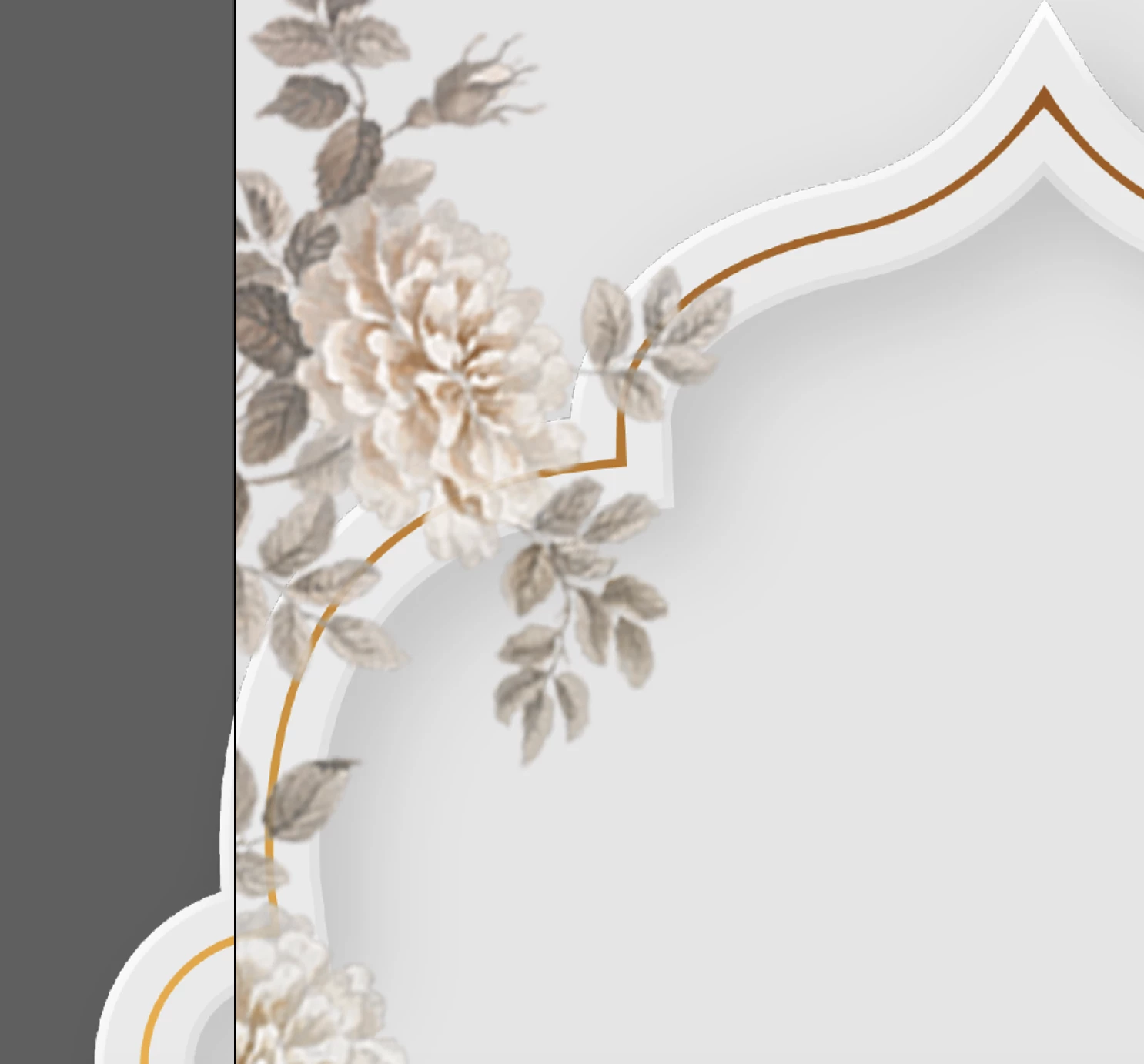
Adobe stock image is blurry in AI

  • February 15, 2023
  • 2 replies
  • 316 views

I downloaded this stock file https://stock.adobe.com/in/images/islamic-wedding-invitation-template/501273513?prev_url=detail

When I open this is AI, the images are not clear and blurry. I want to use these in AE for a video and the quality is impossible to work with. Is there anything I need to update to import this in a better quality format?
This topic has been closed for replies.

2 replies

Legend
February 15, 2023

You also need to be sure you do NOT download the JPEG when the AI/EPS file is offered.

Abambo
Community Expert
Community Expert
February 15, 2023

You need to have access to Adobe Illustrator. You need to scale the asset up to the point where you can open the asset in After Effects without blur. There is no problem with oversizing, except perhaps the use of memory during rendering.

ABAMBO | Hard- and Software Engineer | Photographer