

Brandon Loshe
Legend
June 4, 2018
Answered

Adobe Stock Library Not Showing in Premiere Library Panel

  • June 4, 2018
  • 1 reply
  • 6968 views

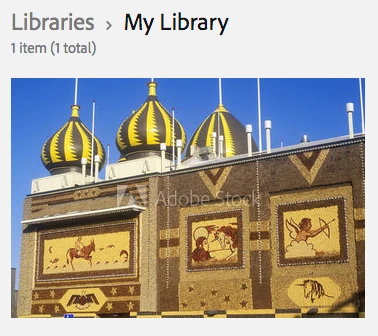
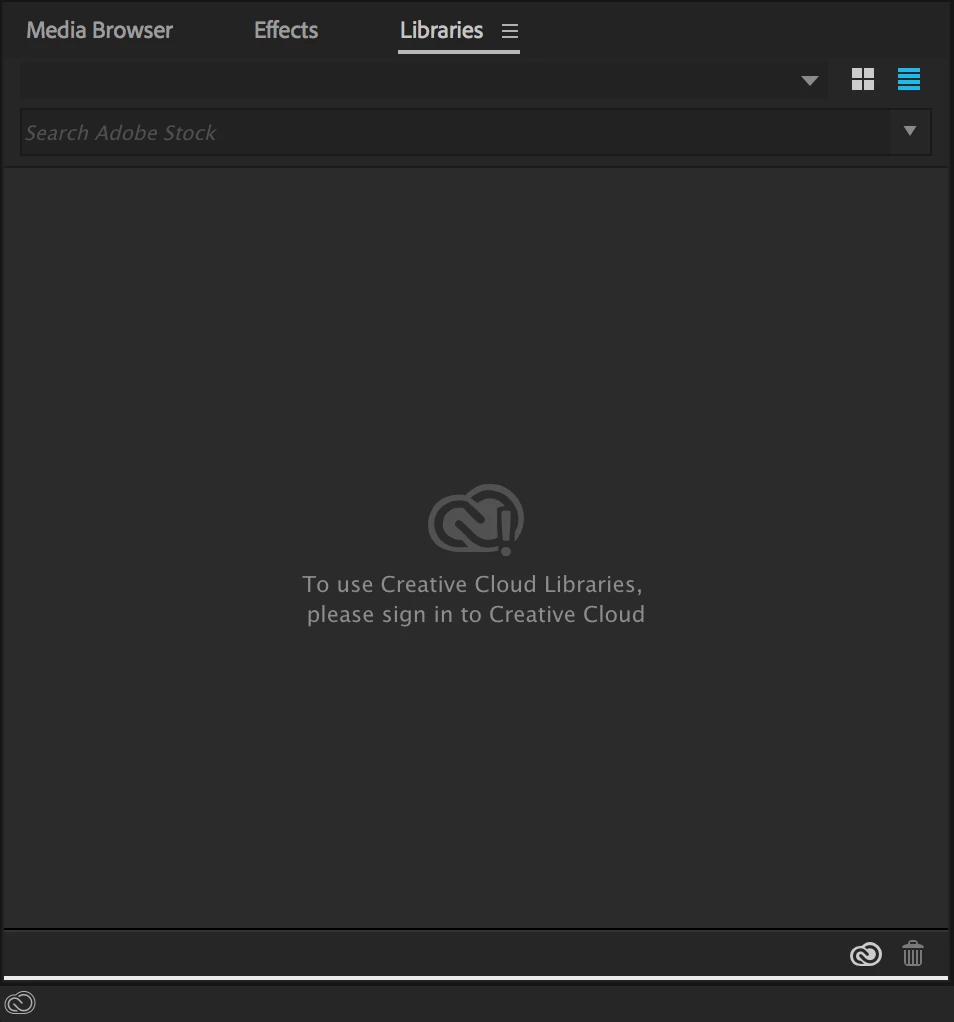
In the first picture below, I have an image saved through my web browser to my Adobe CC library. In Premiere Pro, I cannot load a library. How do I get anything to show in that panel? So far I have tried clicking the cloud icon and selected "Sync Settings Now," followed by the various options that follow. Nothing works. They make this look so easy at NAB and all of the tutorials that I've watched online. But this has not been working for me. Also, in tutorials that I view online, I see people can search in the Premiere Pro Libraries Panel for Stock video and photos. I cannot do that either. What am I missing here? I am definitely signed into my Creative Cloud account.
This topic has been closed for replies.
Correct answer David__B

Hi Brandon,

Sorry to hear about your difficulties. Are you on a Windows or Mac computer? You might try checking under the Help menu within Premiere Pro and see if it shows you're signed in with your Adobe ID there. Maybe try signing out and then back in again from there if you haven't already. If that doesn't work you might want to go through the troubleshooting outlined here: Solution to the issue: Adobe Creative Cloud Libraries panel doesn't load in desktop products

Please let us know if you're able to get it working,

Best,

- Dave

1 reply

David__B
Adobe Employee
David__BCorrect answer
Adobe Employee
June 4, 2018

Hi Brandon,

Sorry to hear about your difficulties. Are you on a Windows or Mac computer? You might try checking under the Help menu within Premiere Pro and see if it shows you're signed in with your Adobe ID there. Maybe try signing out and then back in again from there if you haven't already. If that doesn't work you might want to go through the troubleshooting outlined here: Solution to the issue: Adobe Creative Cloud Libraries panel doesn't load in desktop products

Please let us know if you're able to get it working,

Best,

- Dave

Brandon Loshe
Legend
June 4, 2018

Thanks for your response, Dave. I followed the steps on the link that you shared. I did both the "Relaunch the CCLibrary process" option and the "Recreate the Libraries cache" option. I'm not sure which one did the trick, but it's working now! Thank you so much!

- Brandon Loshe

David__B
Adobe Employee
Adobe Employee
June 4, 2018

Great to hear you got it Brandon