Participant
November 27, 2023
해결됨

After download only the default icon is shown.

  • November 27, 2023
  • 1 답변
  • 113 조회

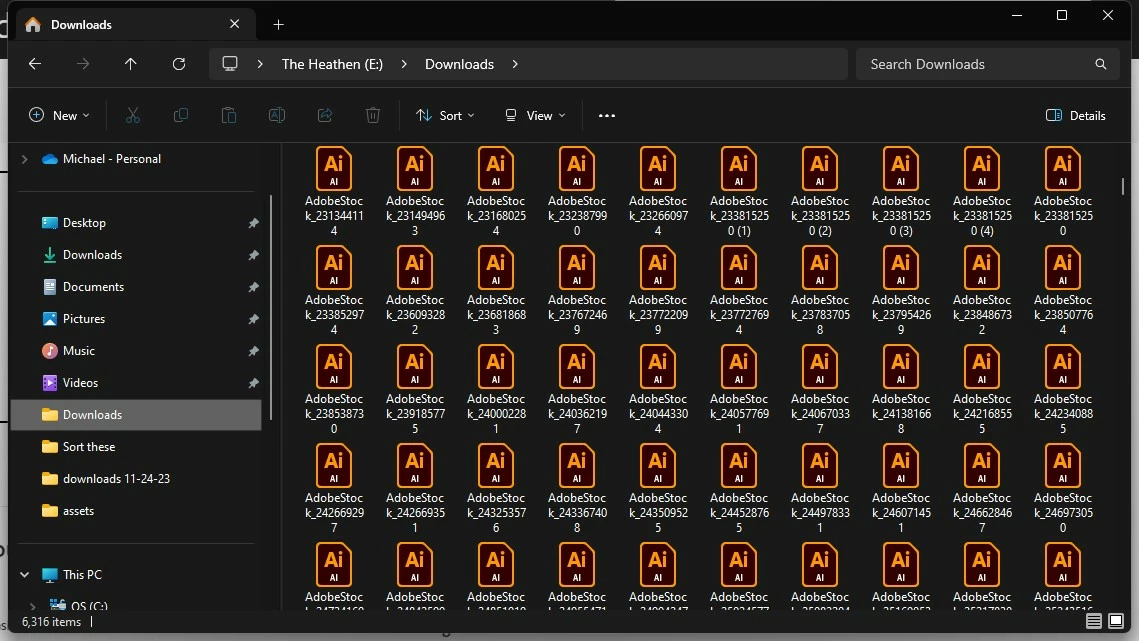
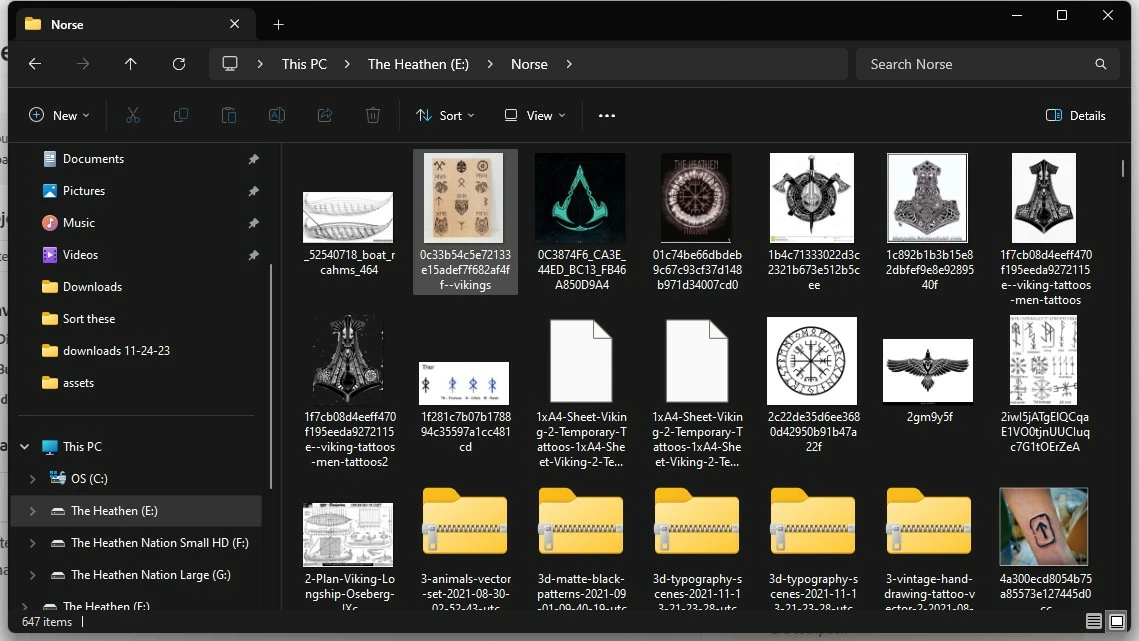
After I download any stock file including images, I only see the default stock icon and not a preview of the image like I would any other downloaded image. Top is Adobe Stock image files, bottom is generic image downloads.

이 주제는 답변이 닫혔습니다.
최고의 답변: Abambo

Displaying a preview is a concerted effort of the application and the OS. If there is no preview shown, that may be because that information is not available in the file, or that the OS cannot handle this information.
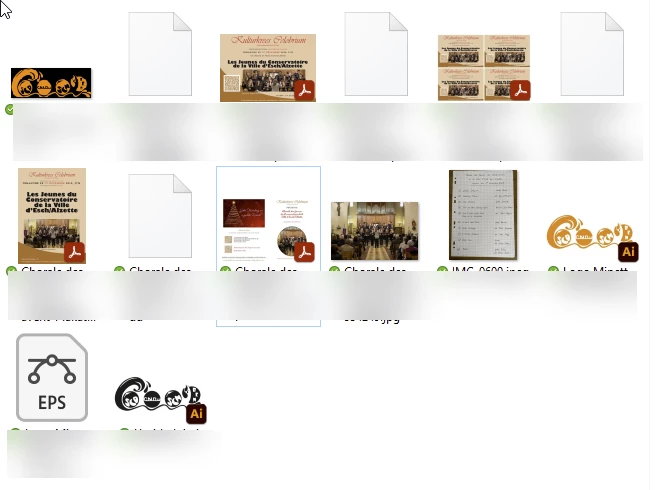
I would guess that the Illustrator files do not have the embedded PDF preview and that this is the reason for not displaying a preview. Bridge normally displays a preview for Adobe related files regardless of this.


(BTW: as a matter of security, I prefer to get the extension shown, so that files like 123.jpg.exe can be detected more easily. In addition, files with the same name and different extensions like 123.png and 123.jpg are easier to spot. That is unrelated to Adobe)


1 답변

Abambo
Community Expert
AbamboCommunity Expert답변
Community Expert
November 28, 2023

Displaying a preview is a concerted effort of the application and the OS. If there is no preview shown, that may be because that information is not available in the file, or that the OS cannot handle this information.

I would guess that the Illustrator files do not have the embedded PDF preview and that this is the reason for not displaying a preview. Bridge normally displays a preview for Adobe related files regardless of this.


(BTW: as a matter of security, I prefer to get the extension shown, so that files like 123.jpg.exe can be detected more easily. In addition, files with the same name and different extensions like 123.png and 123.jpg are easier to spot. That is unrelated to Adobe)

ABAMBO | Hard- and Software Engineer | Photographer