
Answered
AI pixelated on import to Photoshop
I know this topic has been brought up before, but often the answer is to open it in Illustrator and resave it.
I don't own Illustrator. I often purchase vector files and rasterize them in Photoshop for use without any issues (from Adobe Stock and other sources). I am not aware that purchasing/subscribing to Illustrator is a prerequisite for functional vector file downloads from Adobe Stock.
I recently licensed image #107342106
This is a screenshot of what appears in Photoshop when I import it (anti-aliasing checked, high resolution):
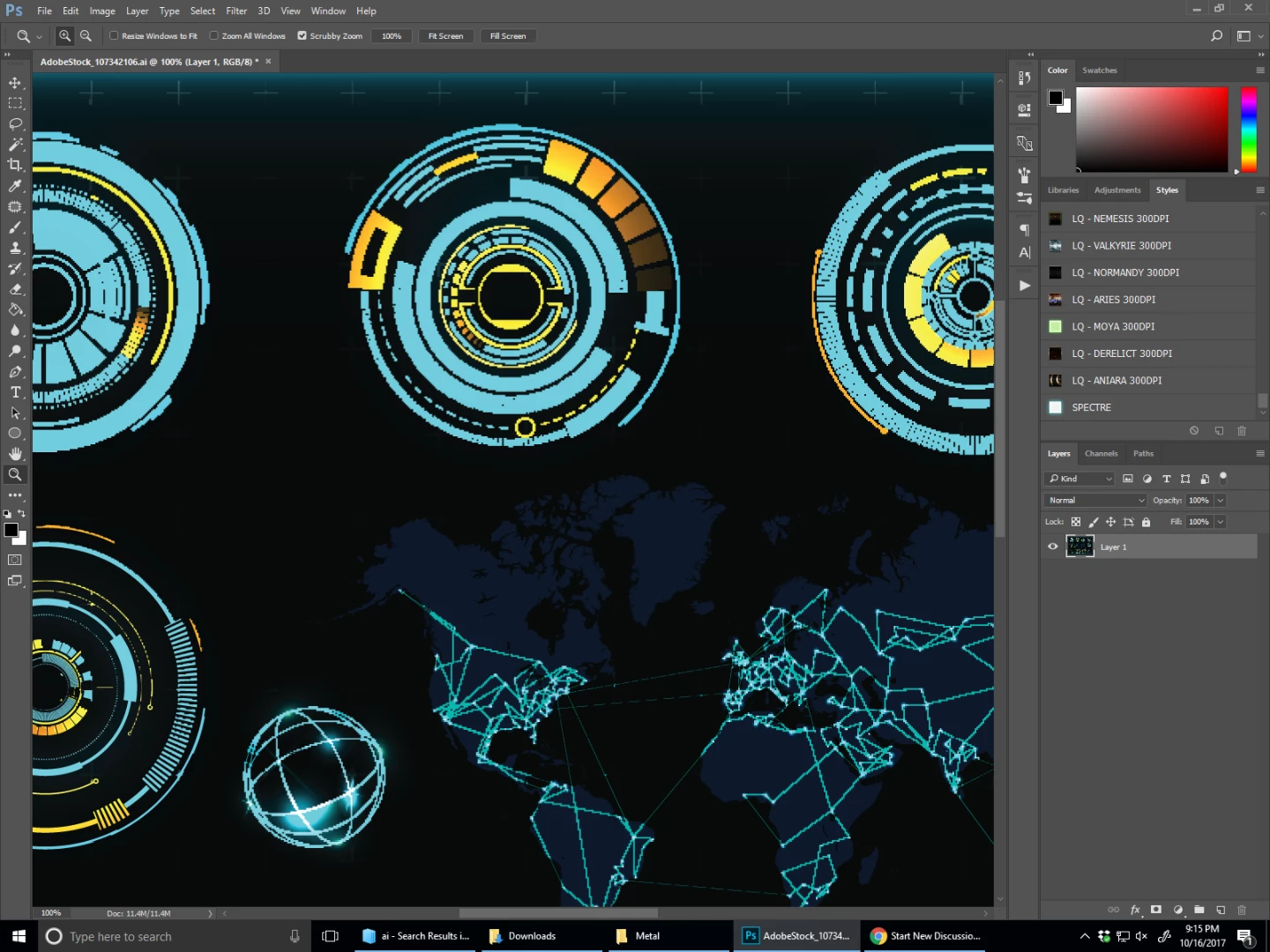
Is there a solution for this?


 AdChoices