Participant
September 6, 2024
Question

All my photos not accepted for quality issues please help!

  • September 6, 2024
  • 3 replies
  • 305 views

I'm using a sony a6400, I try to upload photos that could work as stock assets. I enjoy taking pictures of things that can be useful like flowers, books as a book background. None are accepted, can anyone please help me figure out how I can take photos/edit ones that could be accepted. Thanks

Note-I also attacted my photos with water mark for this thread
This topic has been closed for replies.

3 replies

daniellei4510
Community Expert
Community Expert
September 7, 2024

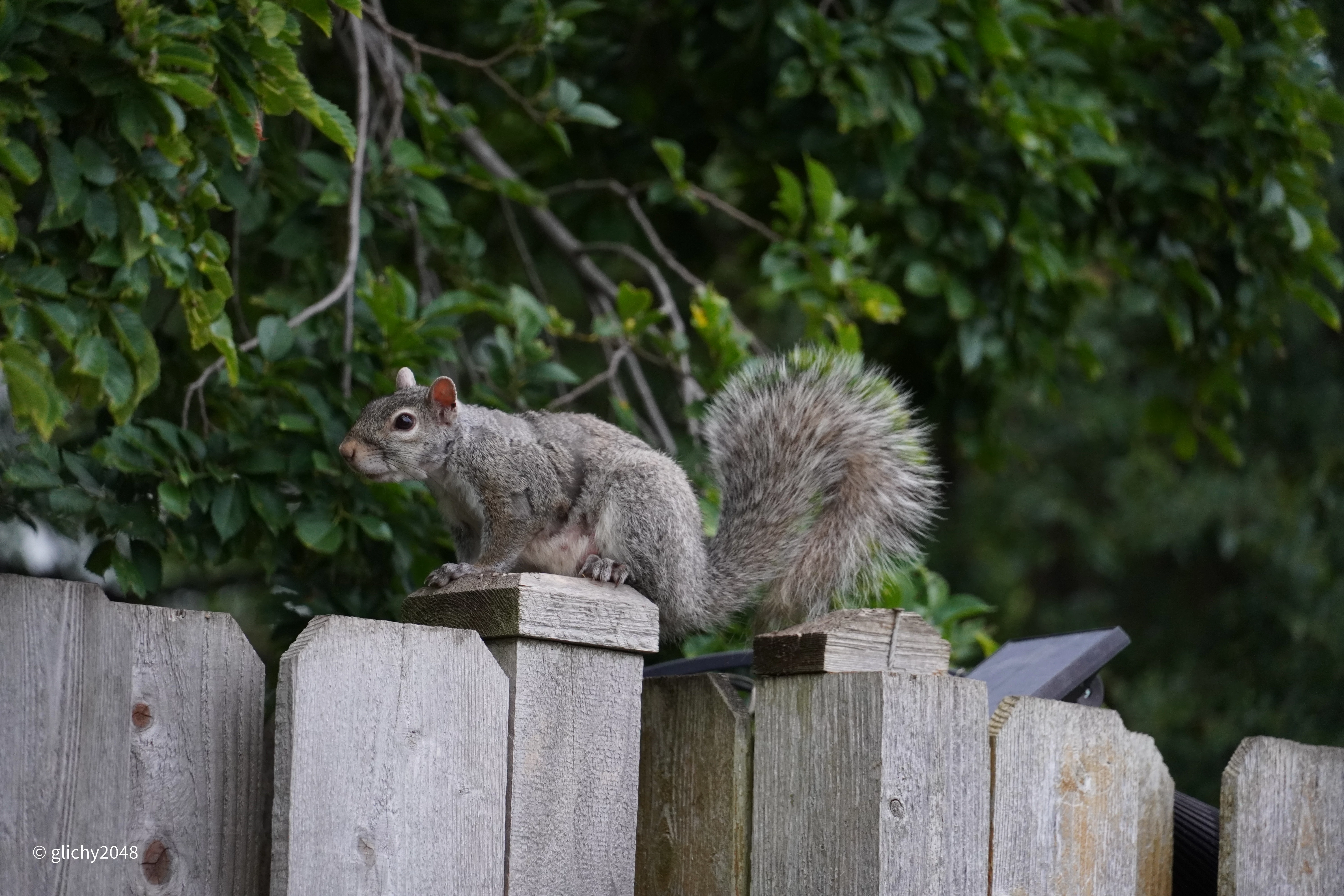
As for the squirrel, it might help if the image were cropped more along an imaginary horizon line.


Adobe Community Expert | If you can't fix it, hide it; if you can't hide it, delete it.
Jill_C
Community Expert
Community Expert
September 6, 2024

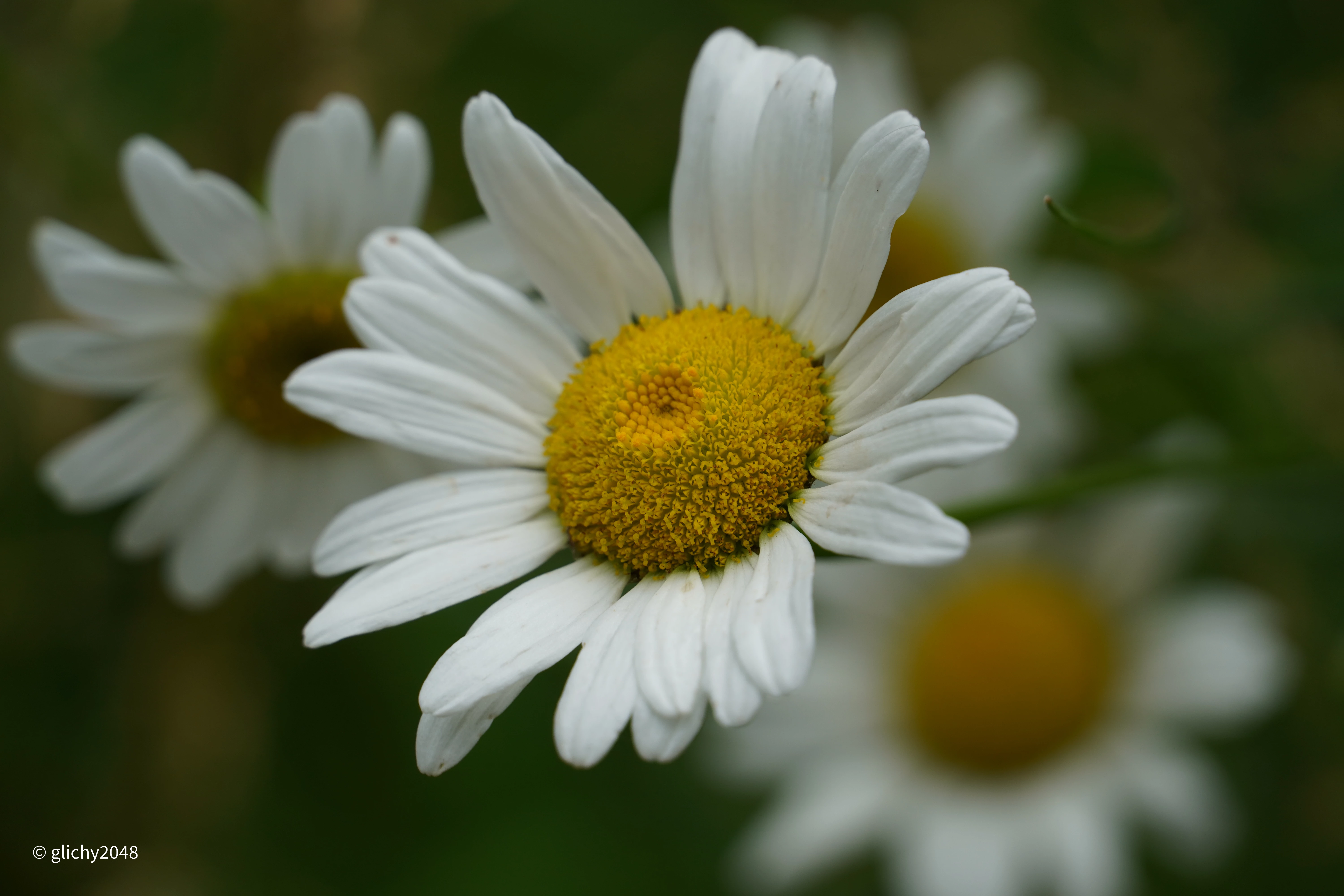
The DOF in the daisy image is too shallow, rendering most of the image out of focus. I wouldn't spend much time on floral images. Adobe Stock is already overrun with them, and unless you have found a particularly rare variety, you're unlikely to ever sell such images.

Jill C., Forum Volunteer
Participant
September 7, 2024

Thanks!

daniellei4510
Community Expert
Community Expert
September 6, 2024

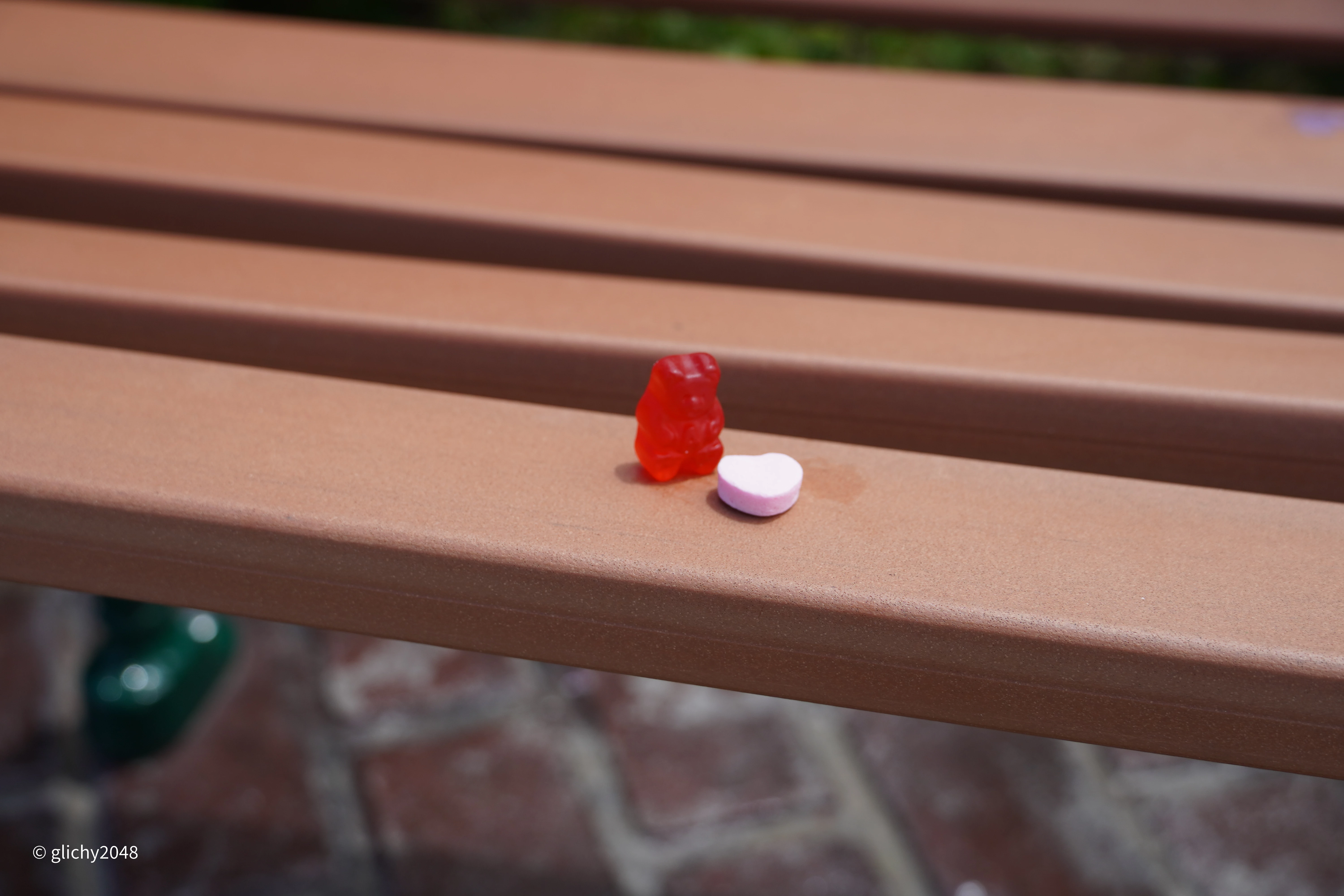
At 100%, the gummy bear and heart are not in sharp focus. Both objects should have figured more prominently in the frame. The photo was taken too far back.

Adobe Community Expert | If you can't fix it, hide it; if you can't hide it, delete it.
Participant
September 7, 2024

Thanks that helps!