
Answered
Can't load libraries?
I was about to buy images and suddenly realized I can't load, create, or show libraries -- either on the web or in Photoshop. Logged out and back in...same issue 
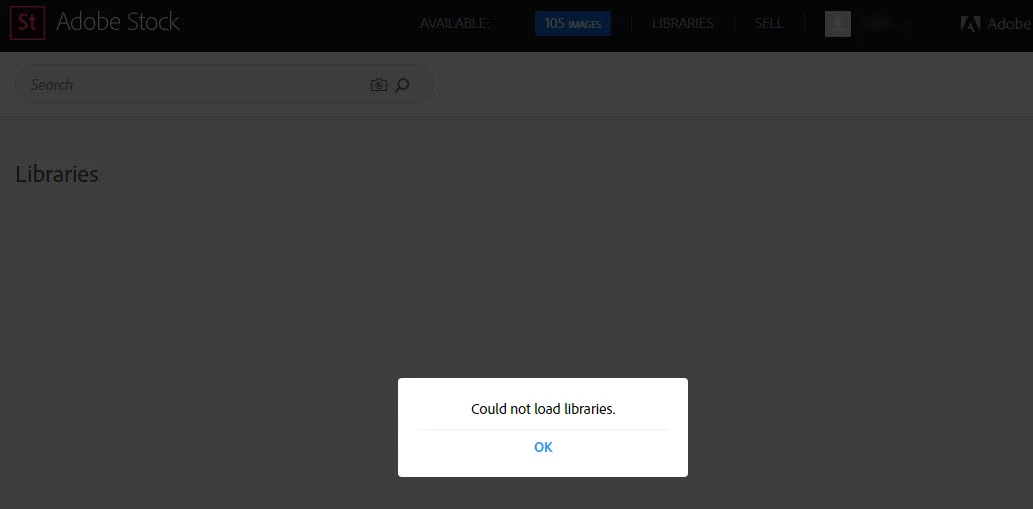

I was about to buy images and suddenly realized I can't load, create, or show libraries -- either on the web or in Photoshop. Logged out and back in...same issue
i was going to reply to the prior post earlier, as I could not see items that showed in my online library on my synced desktop. I had 6-8 photos in my online library and they were not showing on my desktop libraries.
As a test, earlier today, I went into one library and added a new photo. It and the other 6 photos immediately started to sync to my desktop apps. I went into another Library, noted the same things, with two missing images. I added a photo and it synced all the missing photos.
Since there's no way to "Refresh" the libraries on the desktop libraries, is there any way on your end to "Push" a sync out to make sure people have synced libraries?
I'm all set and do not have any issues on this topic, just offer this as troubleshooting guidance.
Rich
Hi RW,
Actually there was a bug introduced last week that was preventing automatic syncing of Creative Cloud Libraries from within Adobe programs. Customers were only able to sync their libraries manually. That bug was fixed this morning. I think you had good timing this morning. I'm glad it's working for you now.
EBQ
Already have an account? Login
Enter your E-mail address. We'll send you an e-mail with instructions to reset your password.
 AdChoices