
Participant
June 17, 2021
Answered

Can't remove 'transparent' checkered background

  • June 17, 2021
  • 3 replies
  • 768 views

I bought this image, and have spent the last 2 days pulling my hair out to remove the supposedly checkered background. I spent $30+ on a month worth of Adobe Illustrator, because that was supposed to allow me to do it, but the layers will not separate.  Please help.
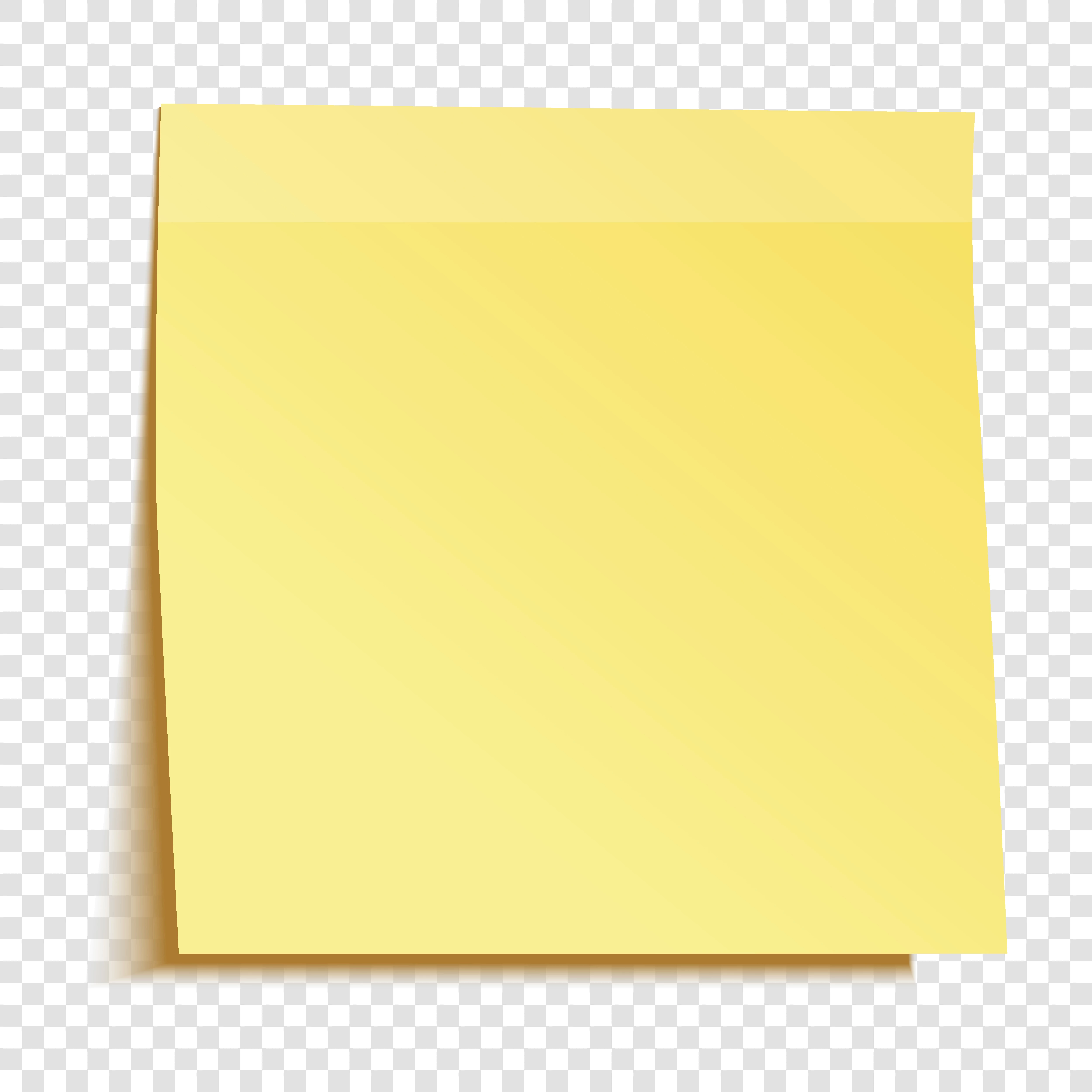
Yellow sticky note isolated on transparent background. Template for your projects. Vector illustration. Stock Illustration | Adobe Stock

This topic has been closed for replies.
Correct answer Test Screen Name

Hmm, the description is actually a complete misrepresentation. There really needs to be a cleanup of such deceptive work, and the moderation process - so hot on finding color fringing or artifacts in photos - needs a similar level of diligence on descriptions. Or so it seems to me.


It says: "Yellow sticky note isolated on transparent background." No it isn't, of course it isn't as it is only available as JPEG. Curiously the artist has also made a number of pieces of work as AI files. So it may be a mistake by the artist that the moderator should have caught.

It says "Vector illustration." and of course it isn't that either...

3 replies

WendellaBee
Adobe Employee
Adobe Employee
June 17, 2021

Hi @dianec80149528,

Thanks for reporting this. I am sending the file to the content team for review and I've granted you a replacement license so you can choose another file.

Test Screen NameCorrect answer
Legend
June 17, 2021

Hmm, the description is actually a complete misrepresentation. There really needs to be a cleanup of such deceptive work, and the moderation process - so hot on finding color fringing or artifacts in photos - needs a similar level of diligence on descriptions. Or so it seems to me.


It says: "Yellow sticky note isolated on transparent background." No it isn't, of course it isn't as it is only available as JPEG. Curiously the artist has also made a number of pieces of work as AI files. So it may be a mistake by the artist that the moderator should have caught.

It says "Vector illustration." and of course it isn't that either...

PaintedKitty
Community Expert
Community Expert
June 17, 2021

What format did you download? Did you download an EPS? Then yeah you should be able to get to the correct layer in the layer's box located in the windows menu. If not, then its been rasterized. If you downloaded a JPG, then that one is just one image, no layers.


Over all I really don't know why fellow illustrators think that this will give them more of an advantage when all that does is just aggravates potential users of your products. Best to give them a product with out visual fillers.

Just my two cents.

Participant
June 17, 2021

Yeah, thanks. The only option was a JPG, which I thought was odd, but trusted the description (hand slapping forehead).