


Participating Frequently
December 22, 2025
Question

Can't Save to my Libraries

  • December 22, 2025
  • 2 replies
  • 385 views

When I try to save an asset to my library, I get the following message. I can access the libraries, and downloads are saved there. However, I cannot save assets to download later. I have tried signing out and back in but that didn't help. 
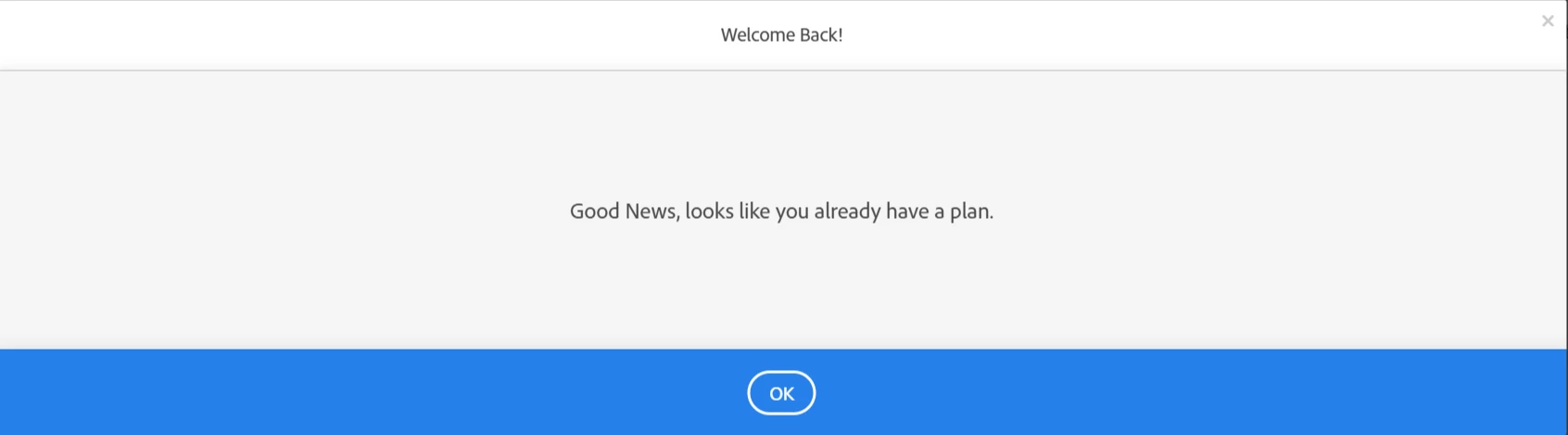
 

adobe message.png

2 replies

Participating Frequently
December 30, 2025

UPDATE: I did an online chat with Adobe support, which was a waste of time. She tried to suggest that I needed to sign in to the enterprise account instead of my personal one (the only account with stock access!). I  can save to my libraries just fine on mobile, but not on my laptop. I cleared my cache and did everything I could think of, but nothing has worked. I give up. Maybe the feature will return in the same way it disappeared. 

Abambo
Community Expert
Community Expert
January 1, 2026

That's interesting. It seems that your libraries on your laptop are protected for your Enterprise account. Can you access your libraries from outside the stock side?

ABAMBO | Hard- and Software Engineer | Photographer
Participating Frequently
January 1, 2026

I can access my libraries on my personal account and my enterprise account. However, since the enterprise account does not have the stock account, I cannot download assets from that account. 

Adobe must have changed something because I have always been able to save to my libraries on my personal account. And what's with the message I get when I try to save to the libraries? And why can I do it on mobile, but not laptop? 

December 22, 2025

Same problem, but in my case they are trying to downsell me to switch to a cheaper plan...

Download preview isn't working either.