


Participant
February 13, 2023
Question

Change expired date of JWT

  • February 13, 2023
  • 1 reply
  • 615 views

Hi Team,


I'd like to create JWT which expied date is 31 days.  With JSON Web Tokens - jwt.io , what value should I input to VERIFY SIGNATURE "your-256-bit-secret"?
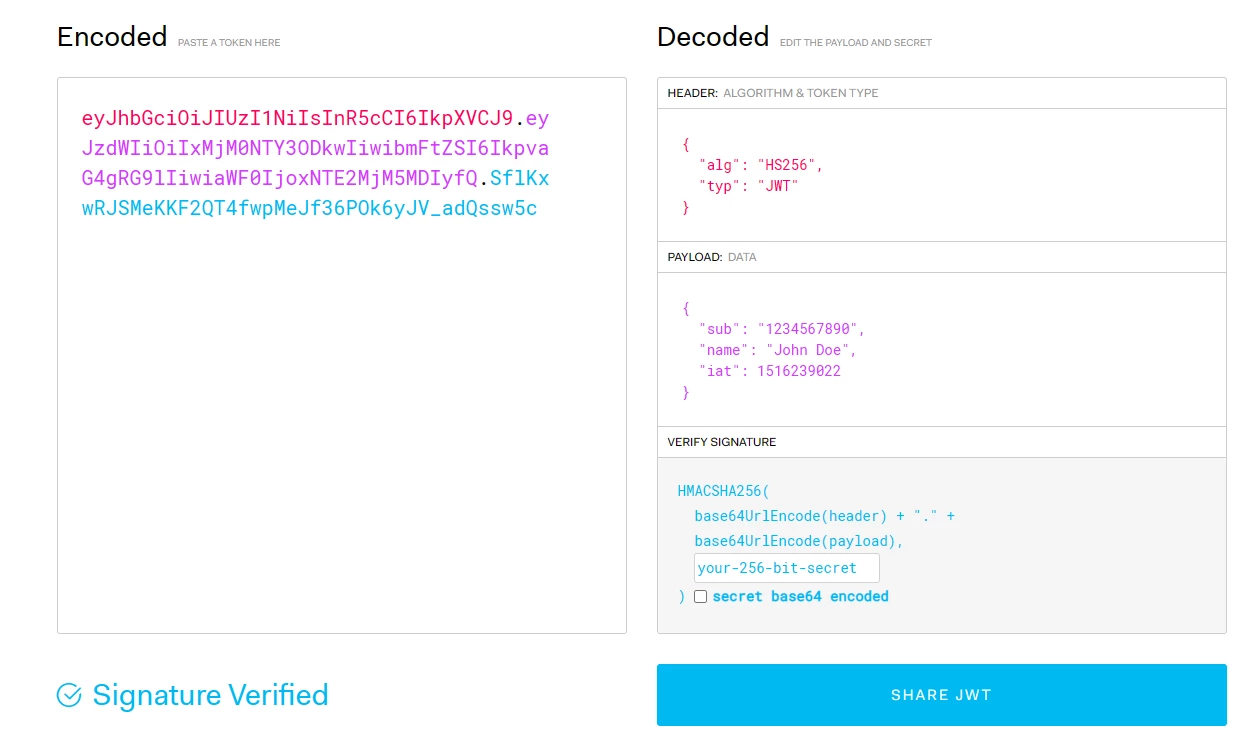
 

As for JWT Payload I can find it in our Project of Adobe Developer Console (and I'm going to change "exp"), but not sure about secret code. Is it written in Credential details?
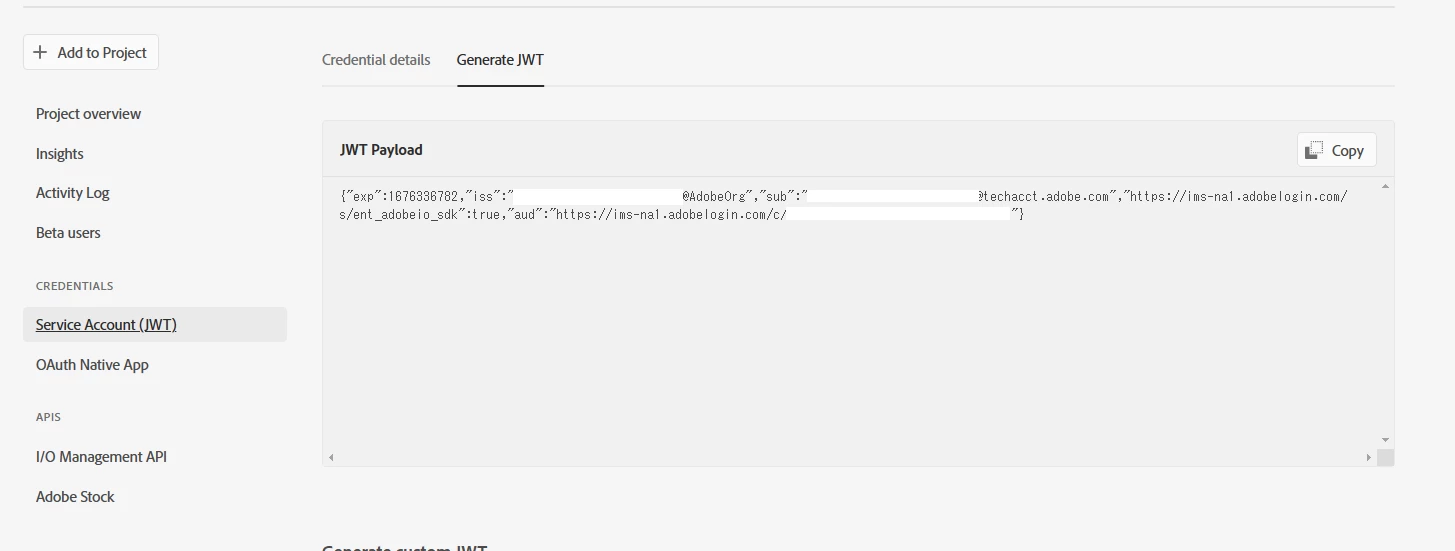
 

Regards,

This topic has been closed for replies.

1 reply

Christopher at Adobe
Community Manager
Community Manager
February 13, 2023

Hi.


The JWT has a fixed expiration of 24 hours. You must create a new one at least that often. You can set your public cert to have a long expiration, but you will still need to generate the JWT.


Are you an Enterprise Stock customer? Only Enterprise customers can use the JWT service account because the integration will not work or connect to Individual or Team plans. If you have one of those plans, you will need to use OAuth. Please note that we do not allow long-lived tokens for OAuth (user must sign in every day).


Thanks,

Christopher