

Answered
Damaged Stock Image Purchased
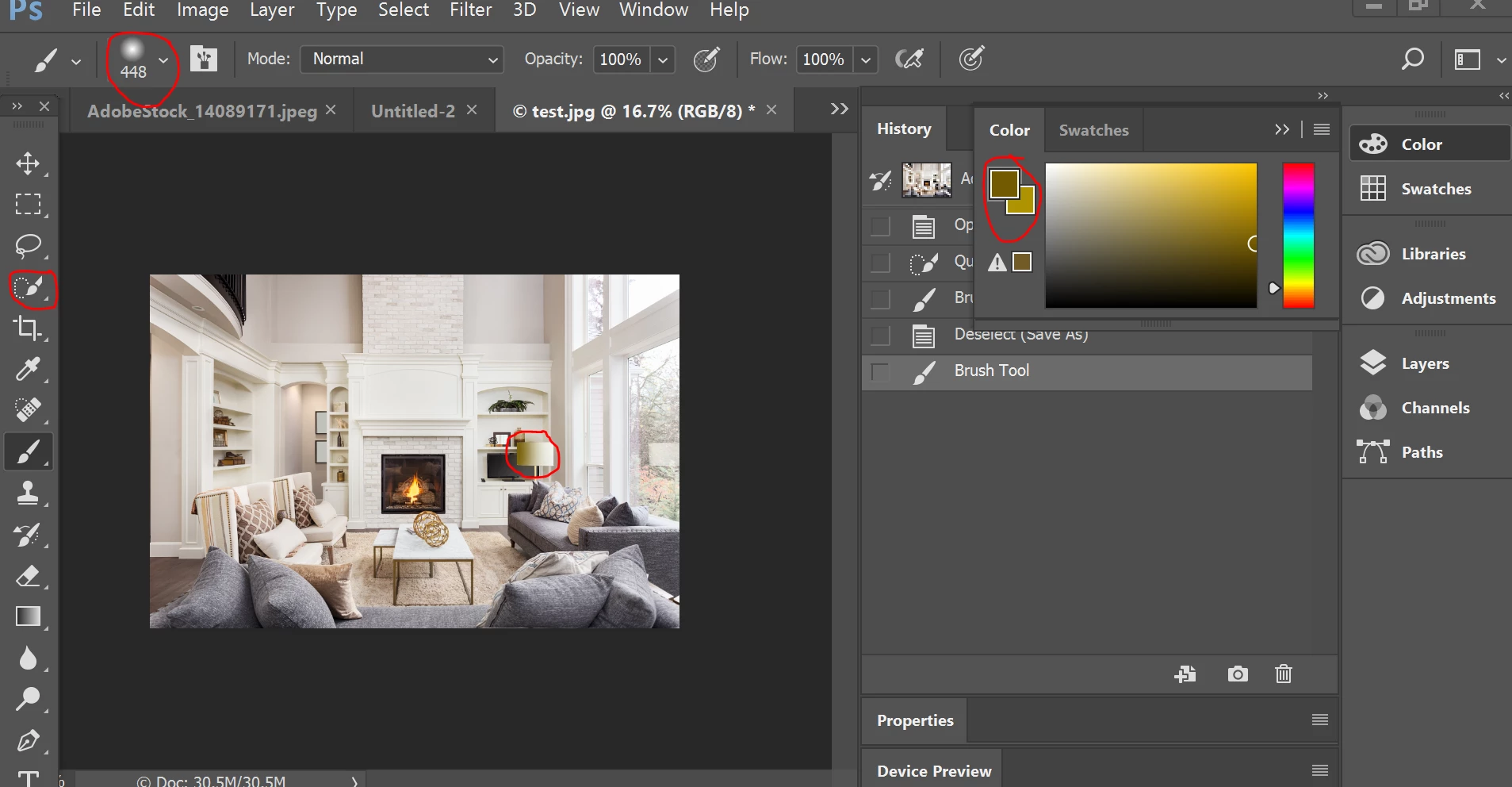
I just purchased image #14089171 and there is an white box that should not be a part of the image on my download. See screen shot. I would lik my account credited so I can download a different image this this one is damaged. http://prntscr.com/gnihw8


 AdChoices