

Default to image search?
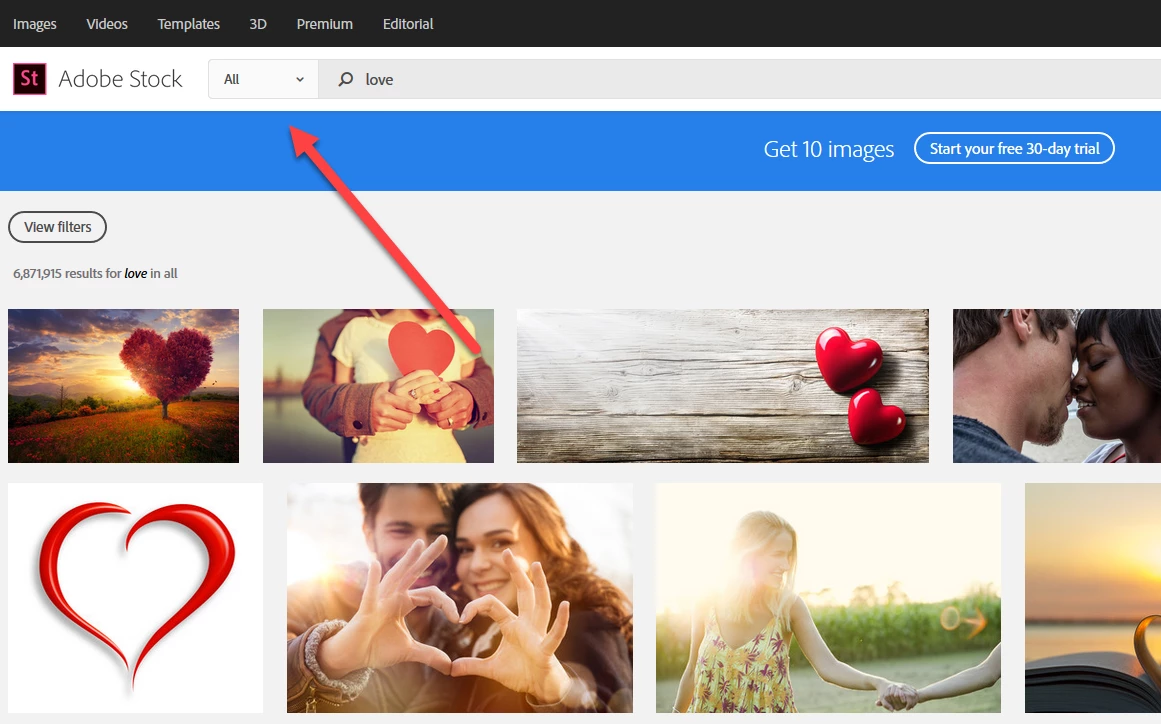
HI there. I'm hoping this is not a dumb question. For the past little while, whenever I search for something on Adobe Stock, it defaults to a video search. It wasn't like that before. I'm a print designer; I do nothing with video, and clicking off of video to image is just another unnecessary step I have to take several times a day. Is there a way in preferences to specify that, by default, I want to search for images (photos/illustrations/vectors) and NOT video? I don't believe video is even included in my Stock plan. Why make that the default? Please tell me there's a way to select a default category. It drives me crazier every time I waste an additional two seconds to select the category I need.
I don't know if this matters, but I'm accessing Adobe Stock by clicking the "Creative Cloud" icon on the Windows 10 taskbar. Seems to be the same if I access Stock directly from the browser, though.


 AdChoices