
minervagroup
Participant
September 16, 2021
Answered

Download an image and get a different one

  • September 16, 2021
  • 2 replies
  • 434 views

Hi, 


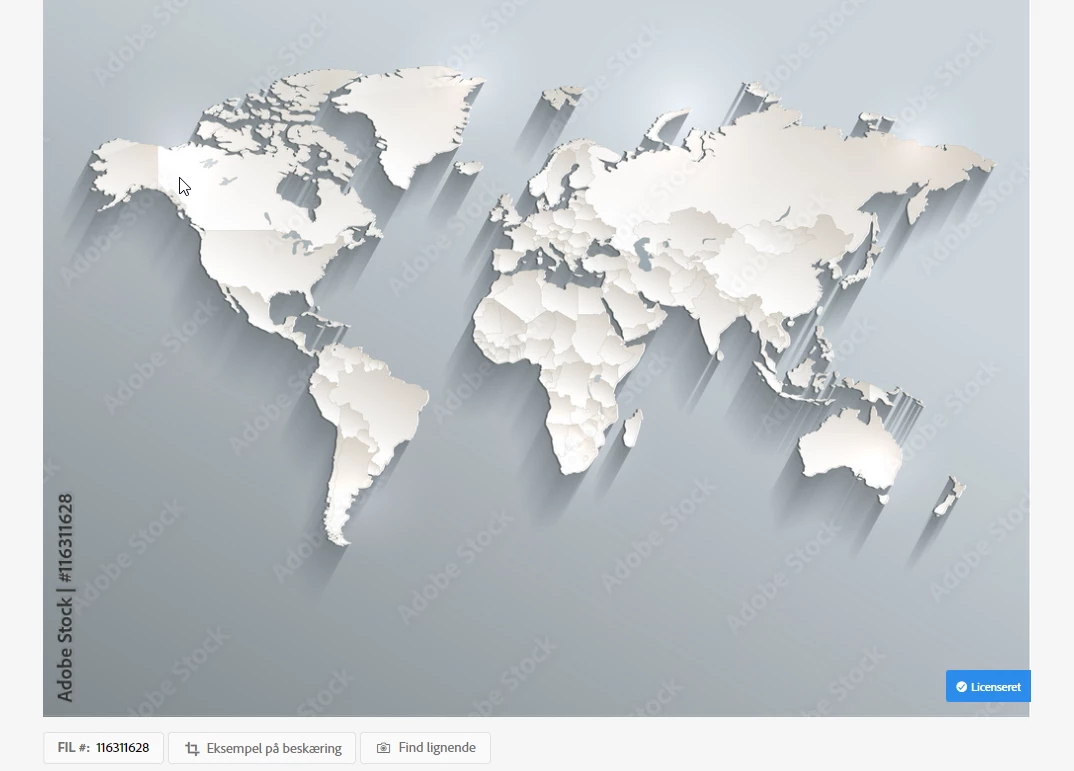
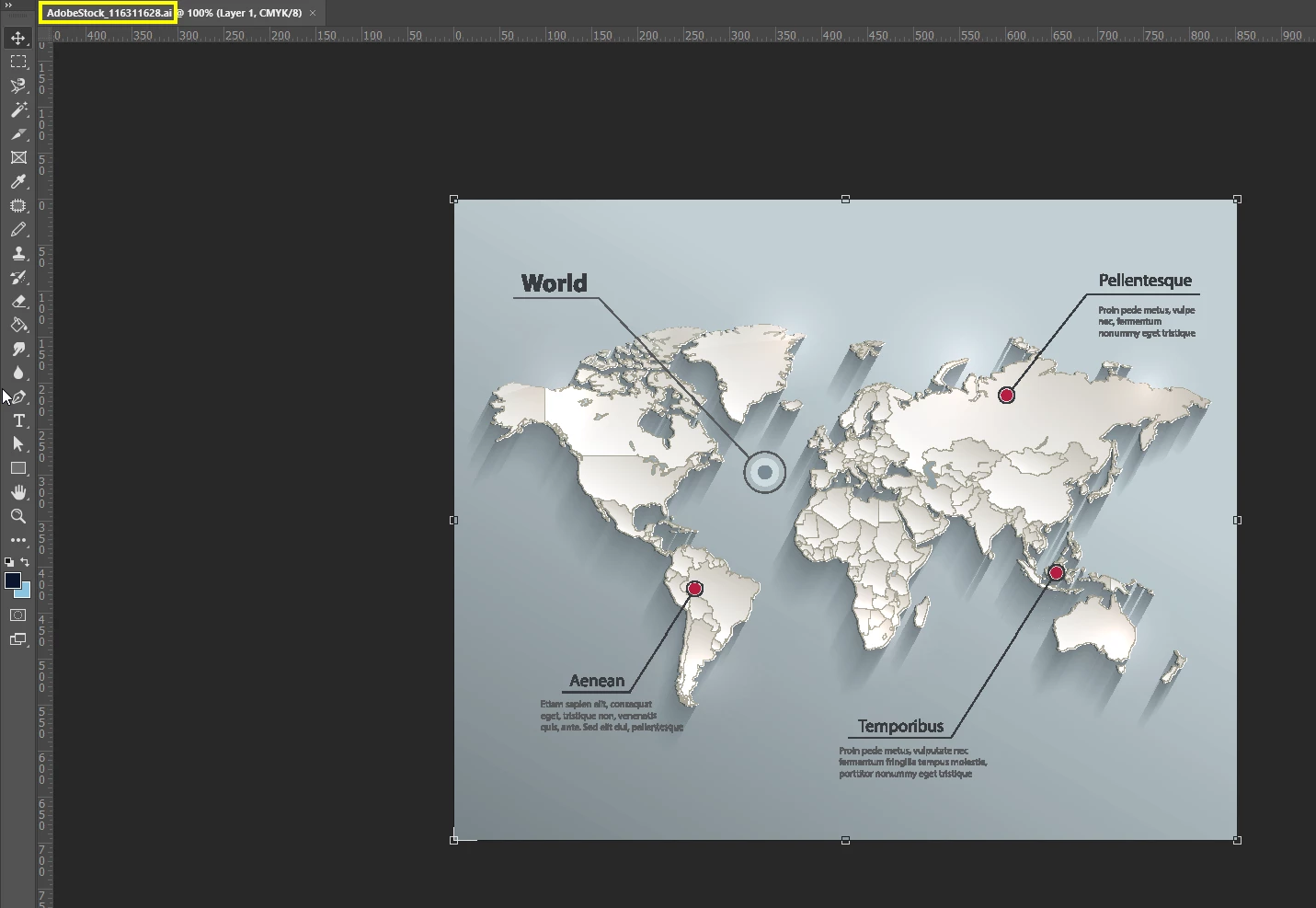
I downloaded an image with a number: FIL #:  116311628 and on the preview looked in a certain way. However, when I opened the file, the image is different than on the preview. 


Preview Image: 
 

Licensed Image:
 

Does anyone know how I can get the correct image that I licensed? It is really furstraining as this is not the first time there is a mixup with what is previewed and what file is licensed. 


Cheers, 

Yoana 


This topic has been closed for replies.
Correct answer Contributor1

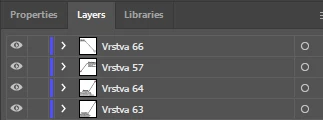
It looks like the preview didn't have the top 4 layers visible when it was generated. If you hide Vrstva 66, Vrstva 57, Vrstva 64 and Vrstva 63 I believe it will be the same image as the original preview, does that fix the issue for you?

2 replies

Contributor1Community ManagerCorrect answer
Community Manager
September 16, 2021

It looks like the preview didn't have the top 4 layers visible when it was generated. If you hide Vrstva 66, Vrstva 57, Vrstva 64 and Vrstva 63 I believe it will be the same image as the original preview, does that fix the issue for you?

minervagroup
Participant
September 17, 2021

It does solve it, thank you! 


Cheers, 

Yoana

WendellaBee
Adobe Employee
Adobe Employee
September 16, 2021