Participant
October 17, 2018
Answered

Downloaded .ai file looks of very poor quality in Illustrator

  • October 17, 2018
  • 2 replies
  • 262 views

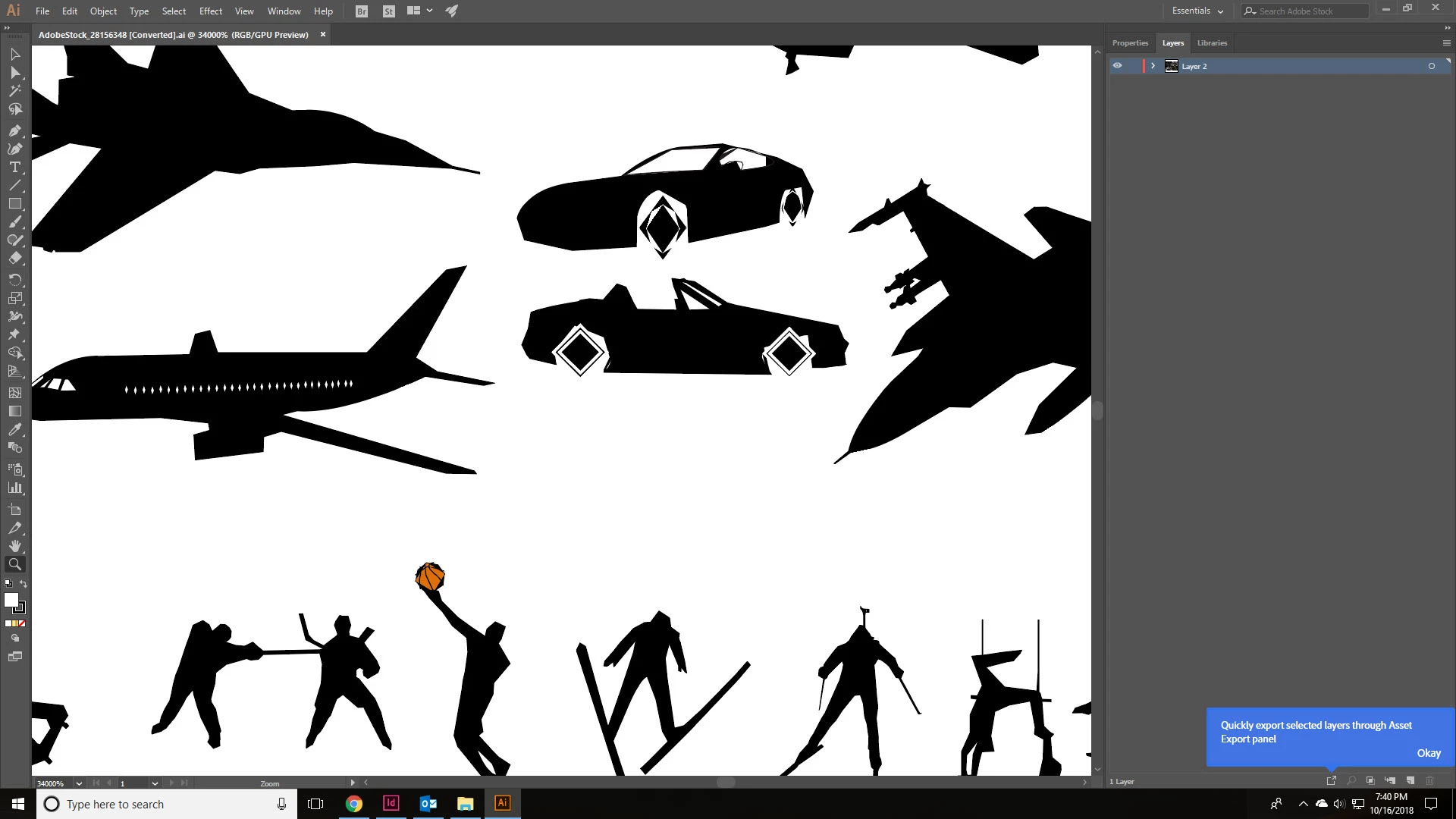
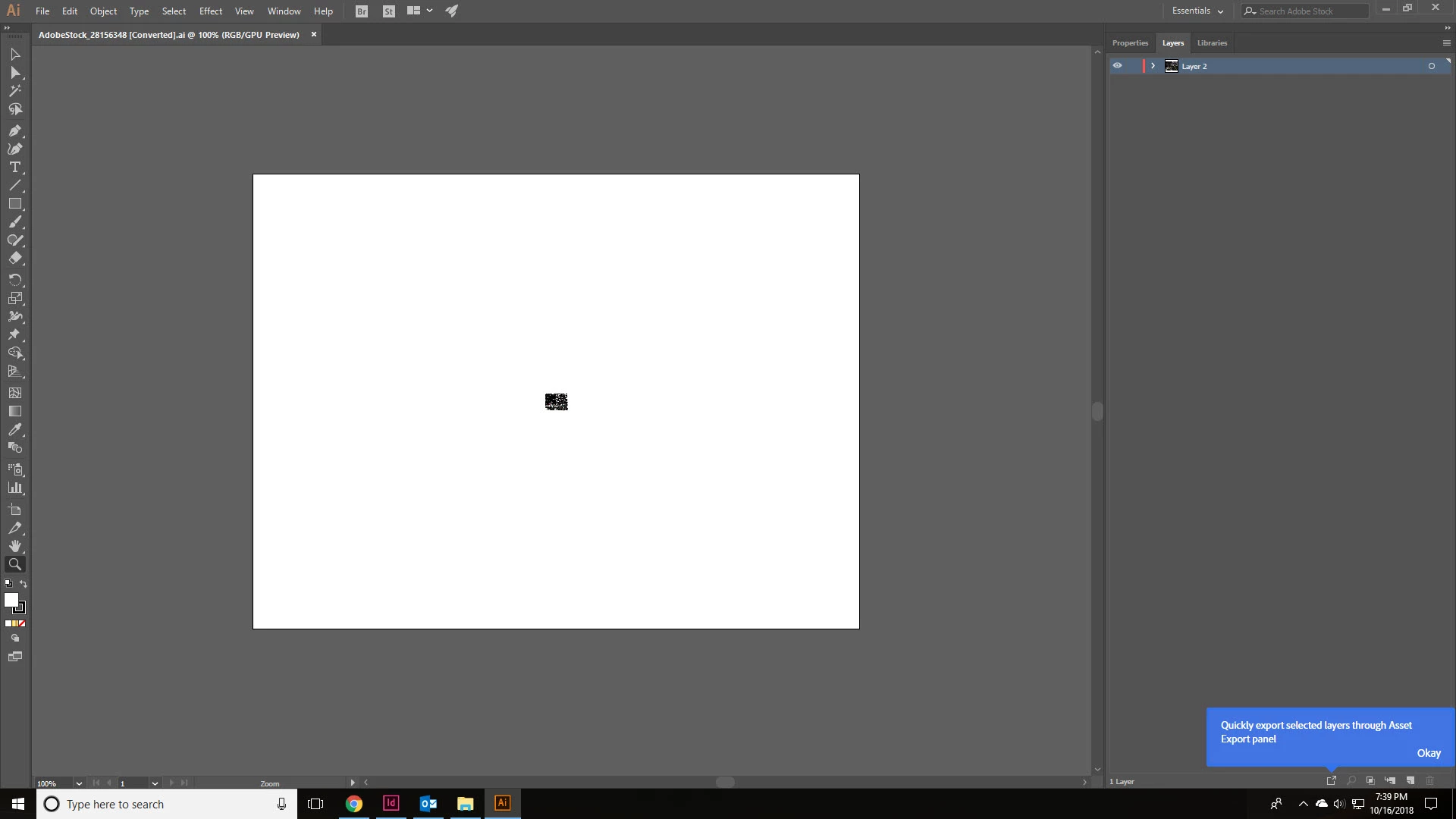
I downloaded 28156348 - a ton of silhouette icons - and when I open them in Illustrator, they don't look right.  OR, maybe that's what they are SUPPOSED to look like?  I had no way of knowing they would looks this way though if that's the case since they are so small.  Please look at the attached photos.  One is the original file when opened and the other is at 34000%.  Notice the square wheels on vehicles?  ...the square basketball?  That can't be right.

...I'm more of a Photoshop guy than an Illustrator guy though, so maybe I'm doing something wrong?  Any help (or refund) would be appreciated.  Thanks!
This topic has been closed for replies.
Correct answer Sheena Kaul

I've got the file tested and checked and we agree that it is of poor quality.

I have added 1 license to your account as a refund for this file which you can use for a different image.

2 replies

Sheena Kaul
Sheena KaulCorrect answer
Legend
October 17, 2018

I've got the file tested and checked and we agree that it is of poor quality.

I have added 1 license to your account as a refund for this file which you can use for a different image.

Sheena Kaul
Legend
October 17, 2018

Hi Jody,

I apologize for the troubles that you've been facing with this file.

I'm getting this checked at my end. Allow me sometime and I'll update you in sometime.

Regards,

Sheena