nadavl90043529
Participant
Mar 4, 2017 9:07 PM UTC
Answered

I have purchased a JPEG photo and it has "your text..."

How do i get the original photo without the "your text...."?

The photo is #96348982.

I couldnt see any other format download for the photo.

Thanks

Nadav

    This topic is closed to new replies. Start a new post to keep the conversation going.
    Barb Binder
    Barb BinderCorrect answer
    Community Expert
    Mar 4, 2017 9:16 PM UTC

    You could:

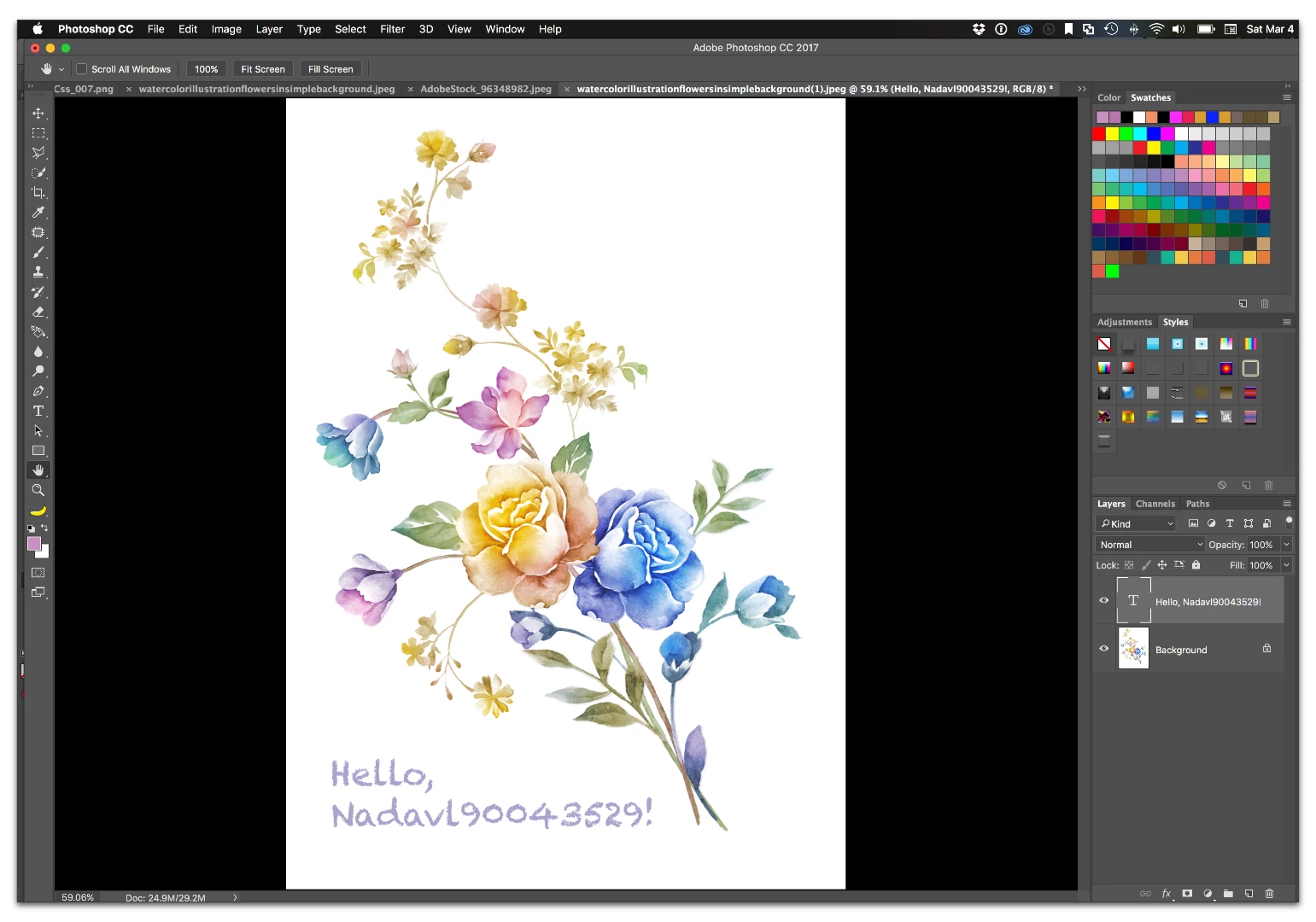
    • Open the image in Photoshop.
    • Marquee the text on the Background layer
    • Edit > Fill > Contents=White
    • Select the Type tool
    • Add your own custom text

    ~Barb at Rocky Mountain Training

    3 replies

    Barb Binder
    Community Expert
    Barb BinderCommunity ExpertCorrect answer
    Community Expert
    Mar 4, 2017 9:16 PM UTC

    You could:

    • Open the image in Photoshop.
    • Marquee the text on the Background layer
    • Edit > Fill > Contents=White
    • Select the Type tool
    • Add your own custom text

    Translate
    ~Barb at Rocky Mountain Training
    nadavl90043529
    Participant
    Mar 4, 2017 9:42 PM UTC

    Thanks

    Translate
    Barb Binder
    Community Expert
    Community Expert
    Mar 4, 2017 9:45 PM UTC

    You are welcome!

    Translate
    ~Barb at Rocky Mountain Training