
Answered
I just signed up on a trial
Apparently I have 10 free images to start. I chose the images. How do I get them on to my pc?
Hope someone can help - I can't find the answer anywhere. Why is it so complicated?
Thanks in advance
Kouneli

Apparently I have 10 free images to start. I chose the images. How do I get them on to my pc?
Hope someone can help - I can't find the answer anywhere. Why is it so complicated?
Thanks in advance
Kouneli
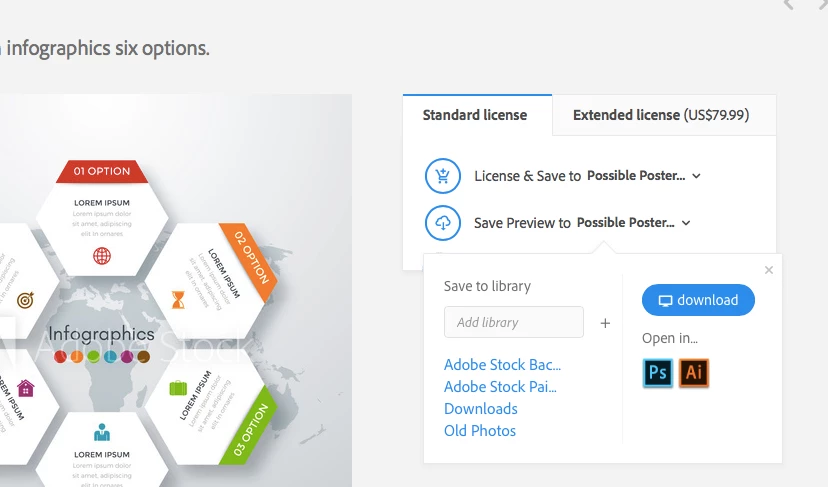
Go to the image details by clicking on the image in Adobe Stock. Click on the down arrow next to either the save preview or license depending on what you are doing and click on the download button.
Already have an account? Login
Enter your E-mail address. We'll send you an e-mail with instructions to reset your password.


 AdChoices