


Participant
September 22, 2026
Question

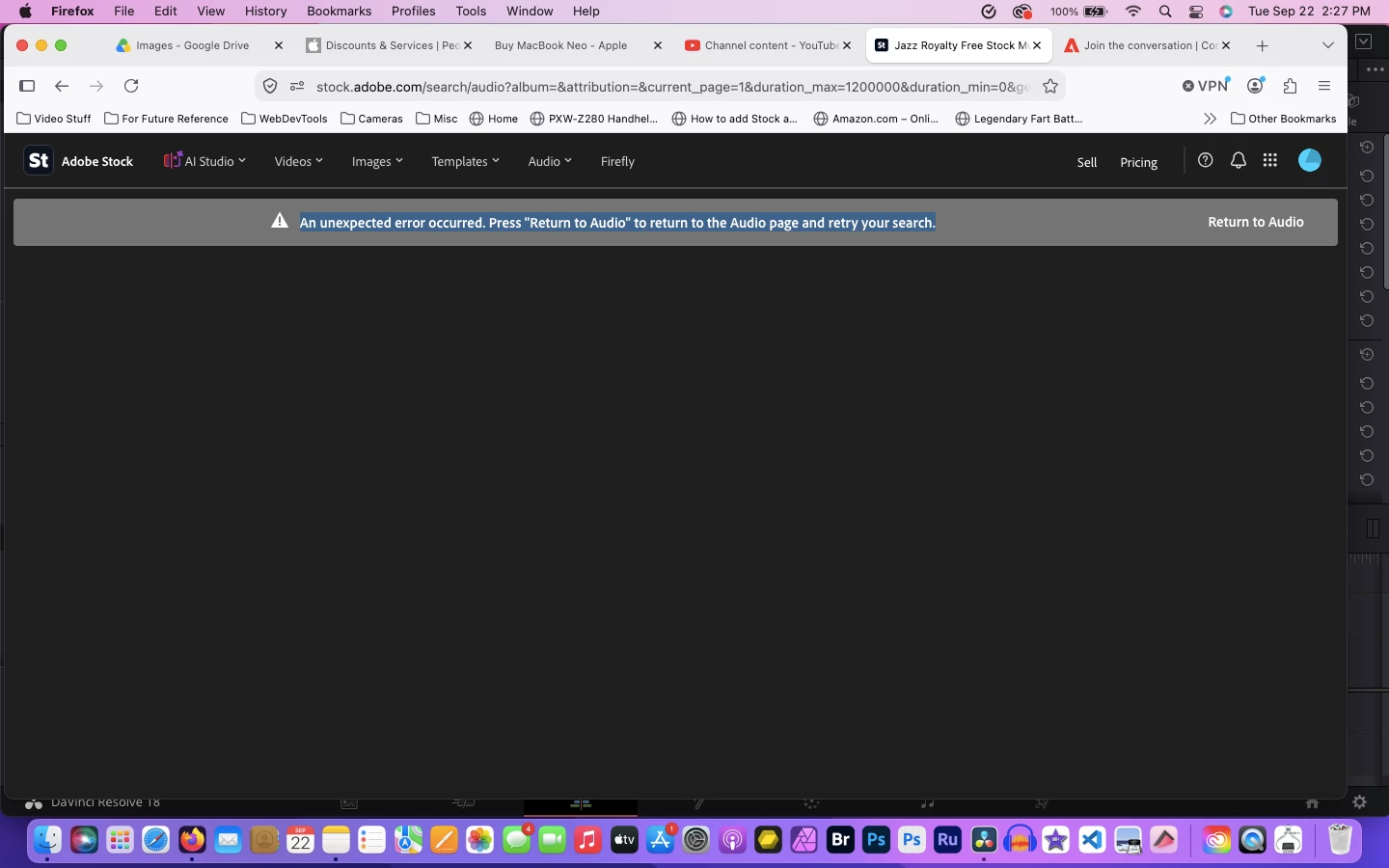
I keep getting an "An unexpected error occurred. Press "Return to Audio" to return to the Audio page and retry your search." message.

  • September 22, 2026
  • 3 replies
  • 22 views

I keep getting an "An unexpected error occurred. Press "Return to Audio" to return to the Audio page and retry your search." message after selecting any music genre and before any list of music appears. This happens in Safari and Firefox on my personal Macbook. I have cleared cache and history and that didn't help. Any suggestions. I can't use this product that I am paying a monthly fee to use.
 

    3 replies

    Nancy OShea
    Community Expert
    Community Expert
    September 24, 2026

    That’s very odd. I use Firefox and never encountered that on Adobe Stock’s website.

    Try clearing cookies and disable script blocker add-ons. 


    Nancy O'Shea— Product User & Community Expert
    yamato713108855
    Community Expert
    Community Expert
    September 23, 2026

    Have you tried deleting your cookies?
    Adobe Stock cookies often get corrupted.

    Participant
    September 24, 2026

    Thanks...clearing ALL cookies and cache and switching to Firefox seems to be working for me now.