


Participant
Sep 7, 2017 8:22 PM UTC
Answered

I'm unable to Download Licensed Adobe Stock Images to My Computer. Can anyone help?

Alright, so I'm having issues with Adobe Stock. Every time I go to download an already licensed image it no longer gives me the option to save it to my computer. It only saves to my creative cloud libraries. I selected to open in Photoshop, and it doesn't. I select to save to my computer and it says "Saved" and a pop-up next to the saved says "Saving..." once those go away, it didn't do either of those things.
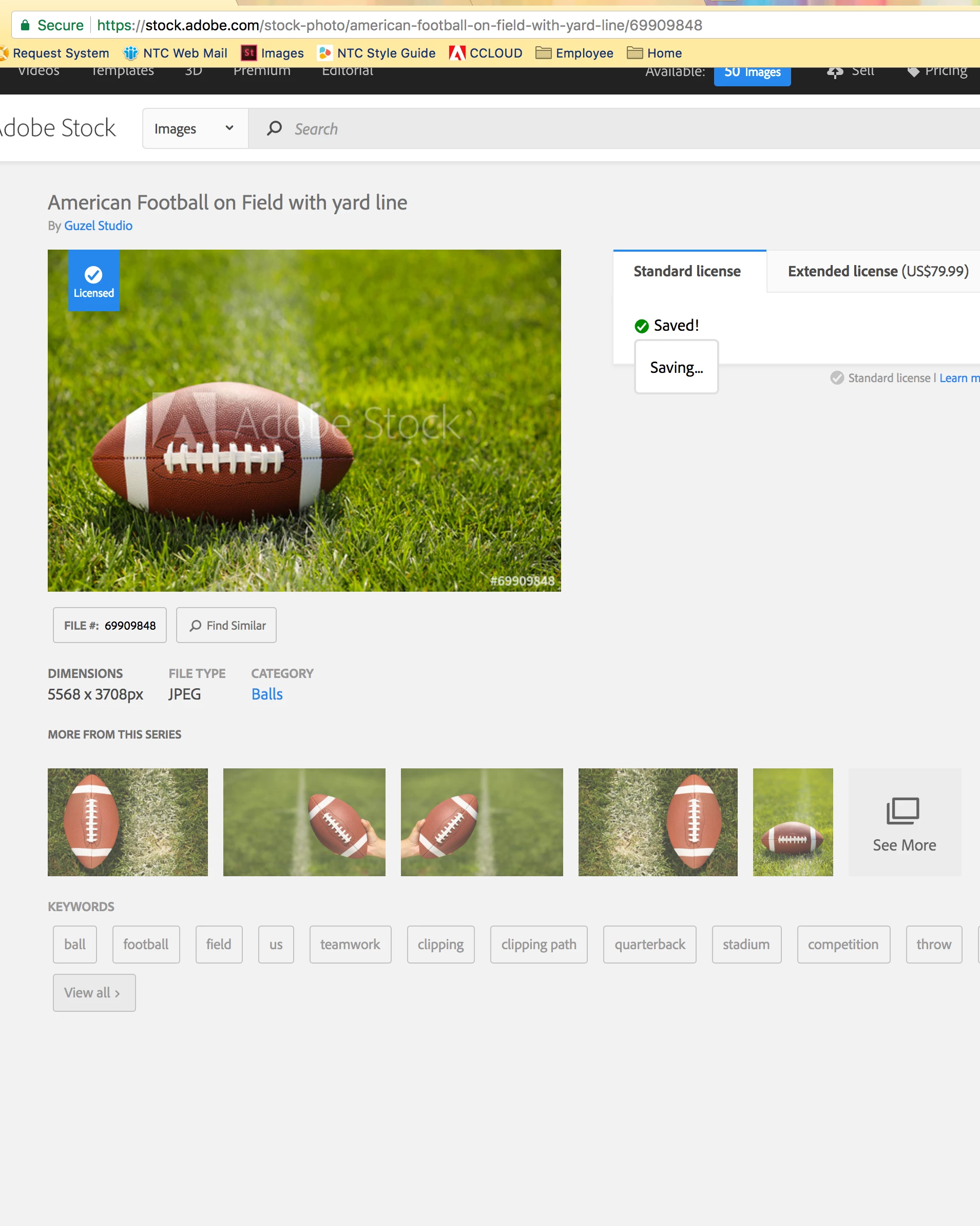
I followed everything on this web page: Unable to download Adobe Stock images, but nothing worked.

This topic is closed to new replies. Start a new post to keep the conversation going.
WendellaBee
WendellaBeeCorrect answer
Inspiring
Sep 7, 2017 8:49 PM UTC

Hi RS,

Thank you for bringing this issue to our attention. We have a workaround for this. Save the image to a new library and then download it. Let me know if you require further assistance.

EBQ

2 replies

WendellaBee
Inspiring
Sep 13, 2017 3:57 PM UTC

Hi R. S.,

The download issue has been fixed as of yesterday. It did expose another bug on the site and the "Open In" feature may not work on already licensed images. We are planning a fix for this some time next week.

Please let us know if you have any questions or encounter and difficulties with the download/save to features.

EBQ

Translate
WendellaBee
WendellaBeeCorrect answer
Inspiring
Sep 7, 2017 8:49 PM UTC

Hi RS,

Thank you for bringing this issue to our attention. We have a workaround for this. Save the image to a new library and then download it. Let me know if you require further assistance.

EBQ

Translate