Participant
Apr 13, 2017 10:35 AM UTC
Answered

Image purchase
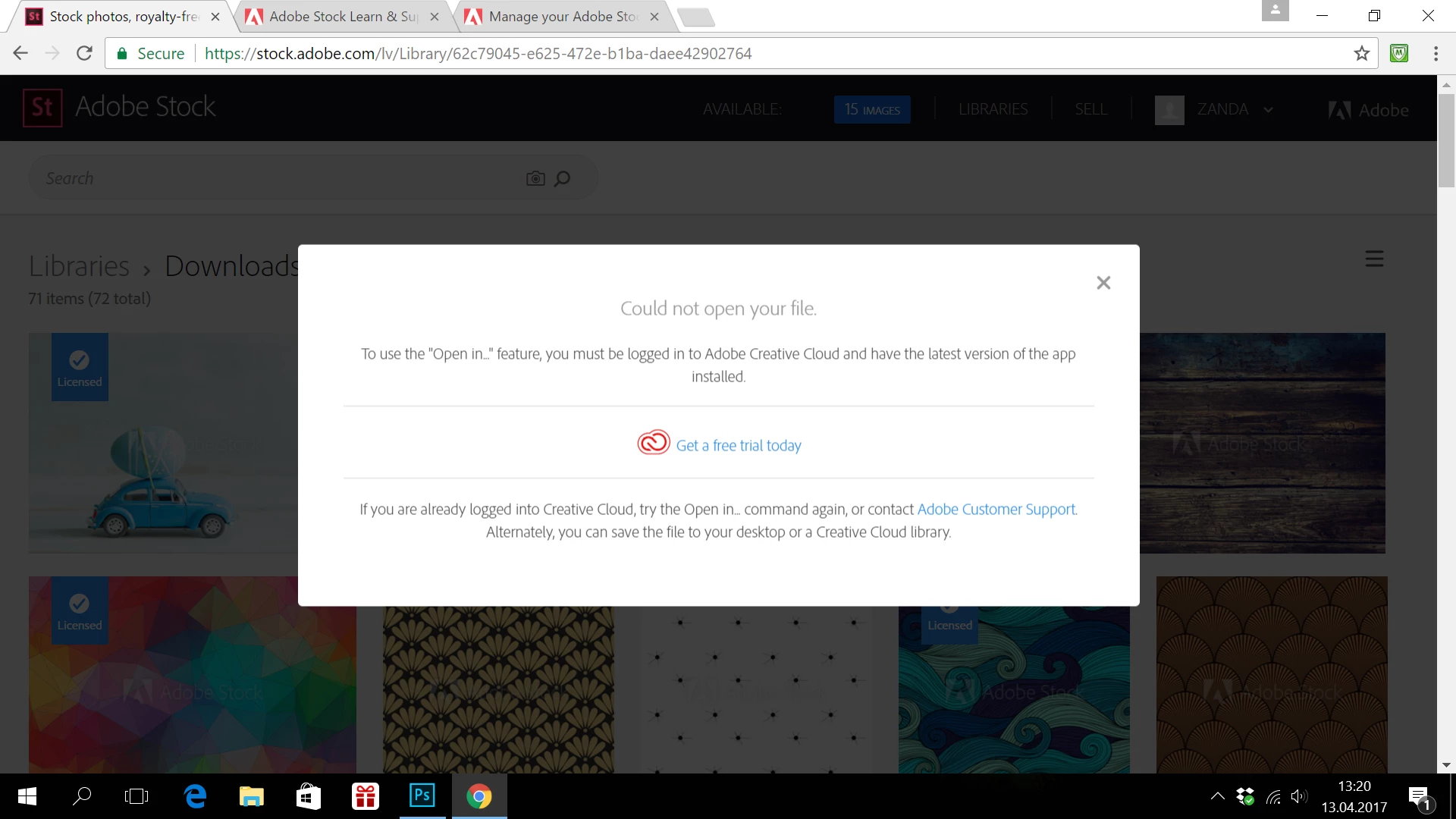
I bought a picture but it is not opening in Creative cloud photoshop. Membership is payed for this month.

    This topic is closed to new replies. Start a new post to keep the conversation going.
    Sheena Kaul
    Sheena KaulCorrect answer
    Legend
    Apr 13, 2017 9:08 PM UTC

    It seems you have downloaded the preview and not the actual licensed image.

    Please see Stock FAQ: How to license an image with Adobe Stock? as it explains the licensing process with screenshots.

    3 replies

    Participant
    Apr 13, 2017 8:52 PM UTC

    I have Standard license a couple of images and they are still showing with adobe stock over the top of them . ?

    Translate
    Sheena Kaul
    Sheena KaulCorrect answer
    Legend
    Apr 13, 2017 9:08 PM UTC

    It seems you have downloaded the preview and not the actual licensed image.

    Please see Stock FAQ: How to license an image with Adobe Stock? as it explains the licensing process with screenshots.

    Translate
    Sheena Kaul
    Legend
    Apr 13, 2017 1:28 PM UTC

    Hi Zanda,

    Can you make sure you are already signed into the Adobe Creative Cloud application before opening this image in the Photoshop application?

    Also, please let me know the version of the Photoshop application on your machine.

    Regards,

    Sheena

    Translate