
Participant
December 4, 2017
Answered

Libraries Unable to Connect to Server?

  • December 4, 2017
  • 2 replies
  • 2589 views

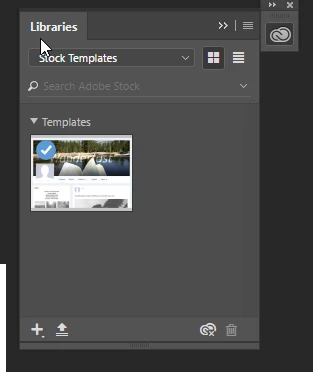
I've been having trouble with my Adobe CC libraries. I am part of a team plan at work, and I was using my personal work email as my login, allowing me to have my own personal libraries. But I needed to switch to the team account, so I logged in with the team email, and now I am unable to see the team's libraries. It's still just showing my personal ones, and it also says "Unable to connect to server." I tried logging out of everything and re-opening everything, but nothing is working. I made sure the file syncing is turned on. It's been like this for a few days now. I am using Windows 10 also. What can I do to get it to connect to the server and show my team's libraries?
This topic has been closed for replies.
Correct answer twaritar3263062

Hi Chris,

Would you mind trying the steps mentioned in the help document: Resolve connection errors with Adobe Creative Cloud and Creative Suite applications ?

If you still face troubles, feel free to update this thread so that we can further assist you.

Regards

Twarita

2 replies

twaritar3263062
Community Manager
twaritar3263062Community ManagerCorrect answer
Community Manager
December 4, 2017

Hi Chris,

Would you mind trying the steps mentioned in the help document: Resolve connection errors with Adobe Creative Cloud and Creative Suite applications ?

If you still face troubles, feel free to update this thread so that we can further assist you.

Regards

Twarita

kglad
Community Expert
Community Expert
December 4, 2017