
EstherRN-TWY
Participant
June 6, 2017
Answered

No Layers in Downloads

  • June 6, 2017
  • 1 reply
  • 1044 views

I need help, please.

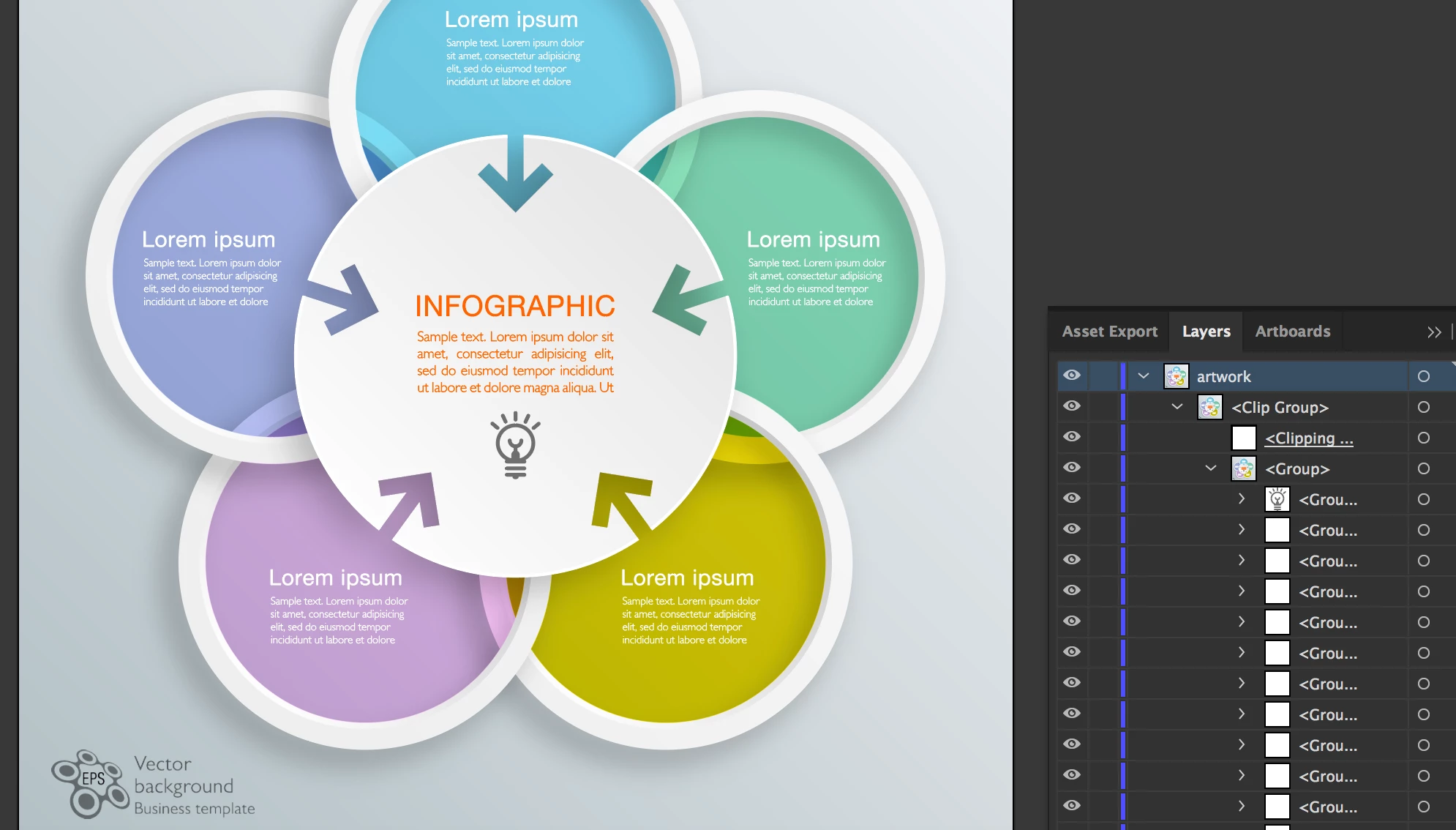
I downloaded several infographic templates from Adobe Stock. They downloaded as the standard .ai and .jpeg files. (The preview image said "EPS Vector background.")

I can open the files in Photoshop (Adobe Photoshop Elements 😎 but there is only one layer and the text is not clickable. According to everything I can find on the help/tutorial/forums, the file should have layers so I can actually USE the template instead of just being teased by it.

Any tips? Thanks!

If it helps, here's one of the files I'm trying to use: 67387690 by Mark.f
This topic has been closed for replies.
Correct answer Brad Lawryk

I wish they would take 'EPS' off the site. There is no .eps files. All files that say EPS are AI files that require Adobe Illustrator. You will need Illustrator to edit it properly.

1 reply

Brad Lawryk
Brad LawrykCorrect answer
Legend
June 6, 2017

I wish they would take 'EPS' off the site. There is no .eps files. All files that say EPS are AI files that require Adobe Illustrator. You will need Illustrator to edit it properly.

EstherRN-TWY
Participant
June 6, 2017

Thank you for that insight!

So without buying/subscribing to new software, there is no way for me to use these files?  I have photoshop elements (like I said in my OP) and also inkscape.

Brad Lawryk
Legend
June 6, 2017

That is correct as far as AI/EPS files go. The JPG files will be fine. So when you are doing a search, open the search tool and select only photos and make sure vectors is not selected.