

EditorPete
Known Participant
November 16, 2017
Answered

Not able to import videos from Stock

  • November 16, 2017
  • 2 replies
  • 1628 views

Hi there,

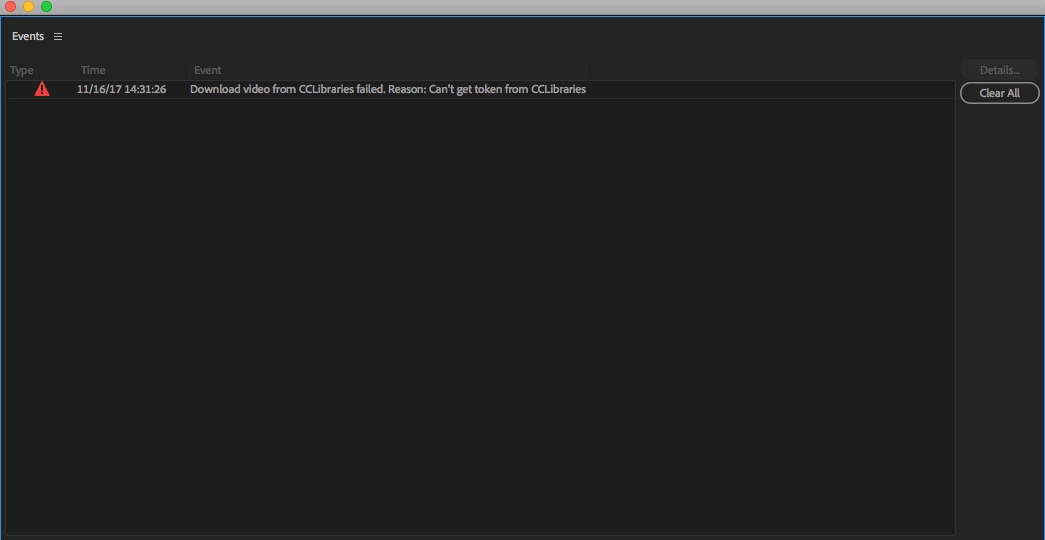
This is the prompt I get in PrP after trying to right click and import a video from my Libraries pane. What gives?
In AE, the same video won't import to the project (just does nothing after right click_"add to project")  but I can drag it to the project pane but only empty video with color bars and label of title of asset (below). Very weird.
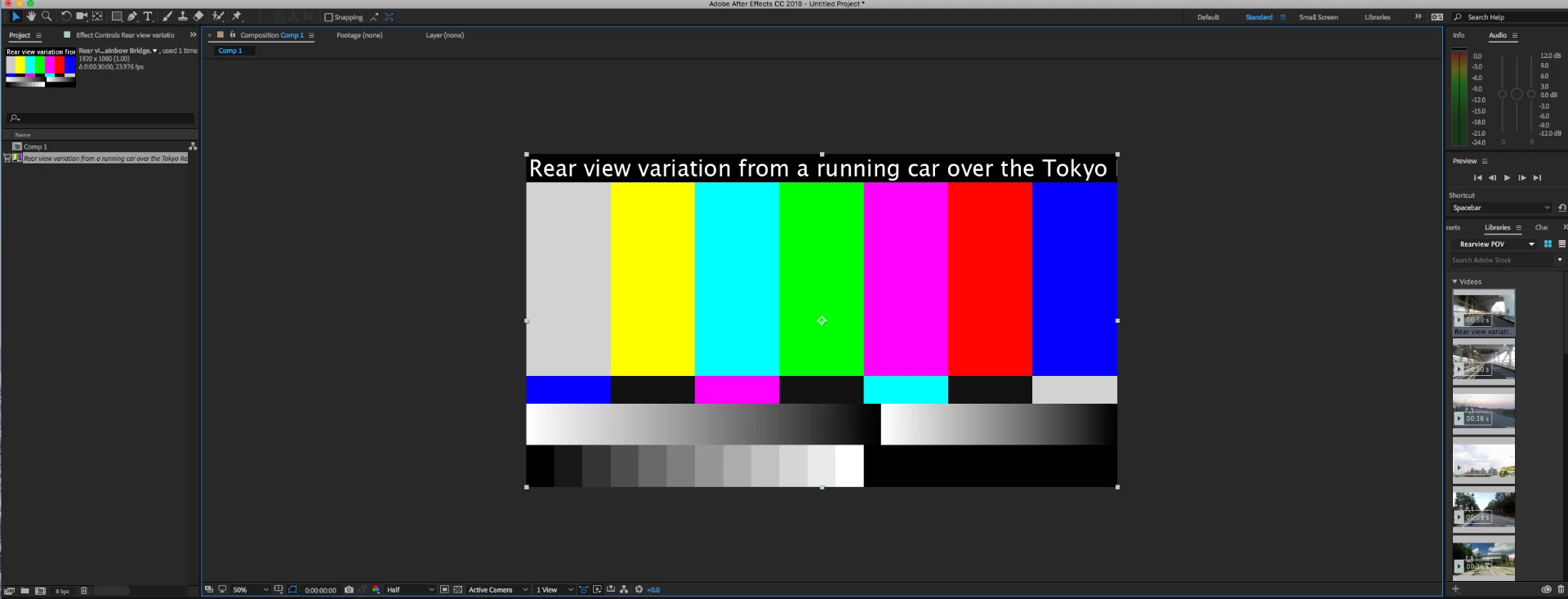
Frustrated if I can only download from assets from website and have to import. Defeats the purpose of Adobe Stock and synced Libraries.

PrP 2008

OS High Sierra

Thanks in advance,

Pete O'Neill

This topic has been closed for replies.
Correct answer WendellaBee

FYI to those following this thread. I was tracking a Stock issue for another customer with another application where he had issues with search. The customer had accented letters and apostrophes in his user profile.

I messaged EditorPete and asked him to edit his profile in account management, removing the apostrophe from his name and any other special characters in his address if they existed. He then signed out of Stock and Creative Cloud and signed back in. EditorPete messaged me that this resolved his issue.

I have escalated this issue to the teams that could assist in resolving this issue and am working to get this on their backlog for a future fix. In the meantime removing punctuation or special characters from the customer profile seems to have fixed his issue.

EBQ

2 replies

EditorPete
Known Participant
December 8, 2017

Thanks for sending to AE team...I cannot preview videos in project either, just bars like my attachment...matter of fact, I cannot search Adobe Stock within AE either under my Libraries. Weird thing is....images work fine. I still can't search through AE, but libraries show up and I can use images, previews and licensed.

Thanks,

Pete

WendellaBee
Adobe Employee
WendellaBeeCorrect answer
Adobe Employee
December 8, 2017

FYI to those following this thread. I was tracking a Stock issue for another customer with another application where he had issues with search. The customer had accented letters and apostrophes in his user profile.

I messaged EditorPete and asked him to edit his profile in account management, removing the apostrophe from his name and any other special characters in his address if they existed. He then signed out of Stock and Creative Cloud and signed back in. EditorPete messaged me that this resolved his issue.

I have escalated this issue to the teams that could assist in resolving this issue and am working to get this on their backlog for a future fix. In the meantime removing punctuation or special characters from the customer profile seems to have fixed his issue.

EBQ

twaritar3263062
Community Manager
Community Manager
November 16, 2017

Hi Peter,

Can you please share the file ID you are referring to?

Also, please confirm which version of PrP and AE are you using?

Regards

Twarita

EditorPete
Known Participant
November 16, 2017

Hi Twarita,

Here is the link to my library. All files in it are not working, they are not licensed yet btw. I'm using 2018 latest versions of PrP and AE.

https://adobe.ly/2zLN0rl

Thanks,

Peter

twaritar3263062
Community Manager
Community Manager
November 16, 2017

Please allow me some time to get the files checked on our end- I will get back to you as soon as I have an update.

Regards

Twarita