


Answered
Problem seeing team libraries ("everyone") in stock.adobe.com
We migrated all our customer libraries to the team, so that "everyone" can work with it.
All libraries are displayed correctly in https://assets.adobe.com/libraries - see screenshot:
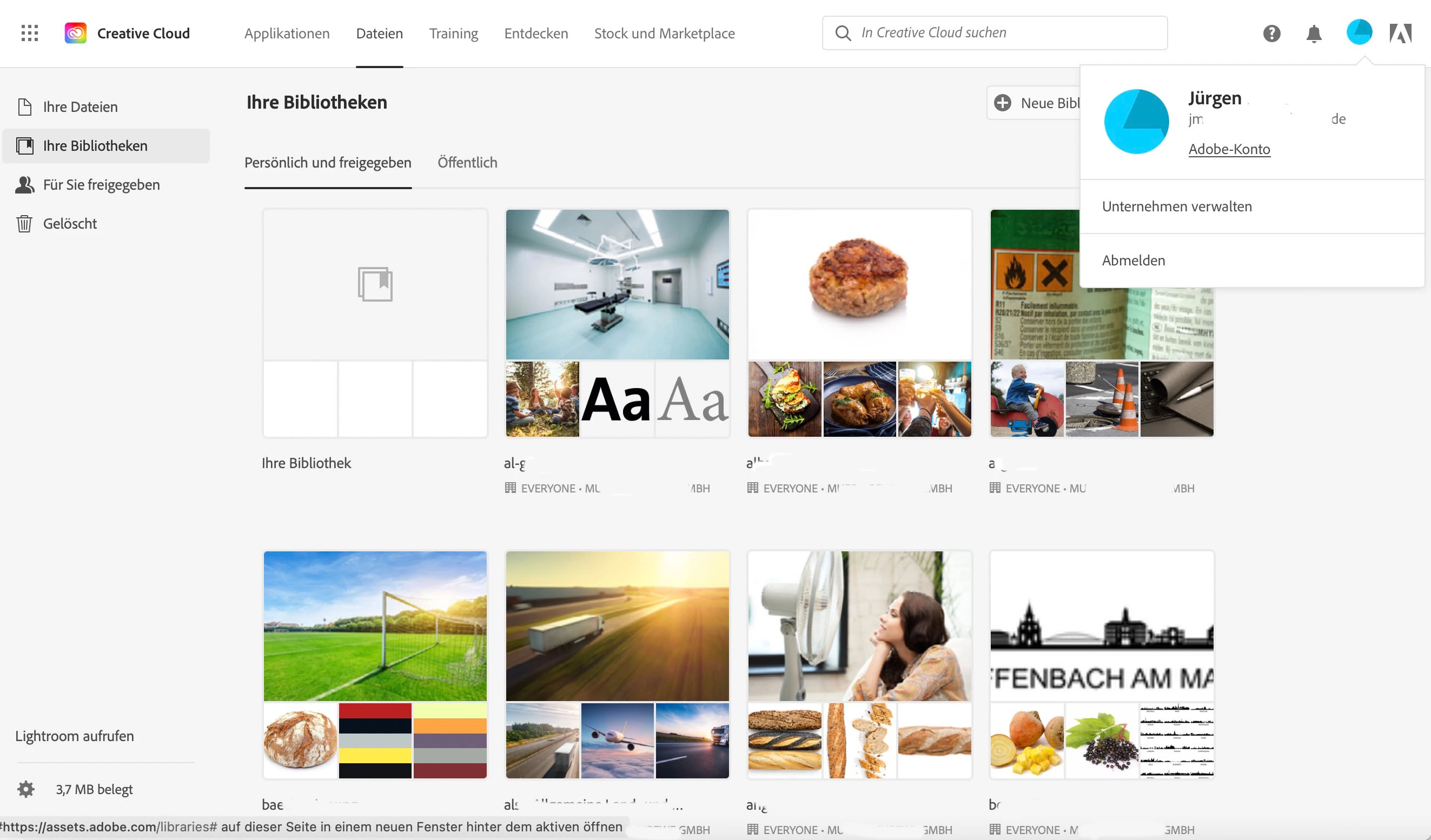
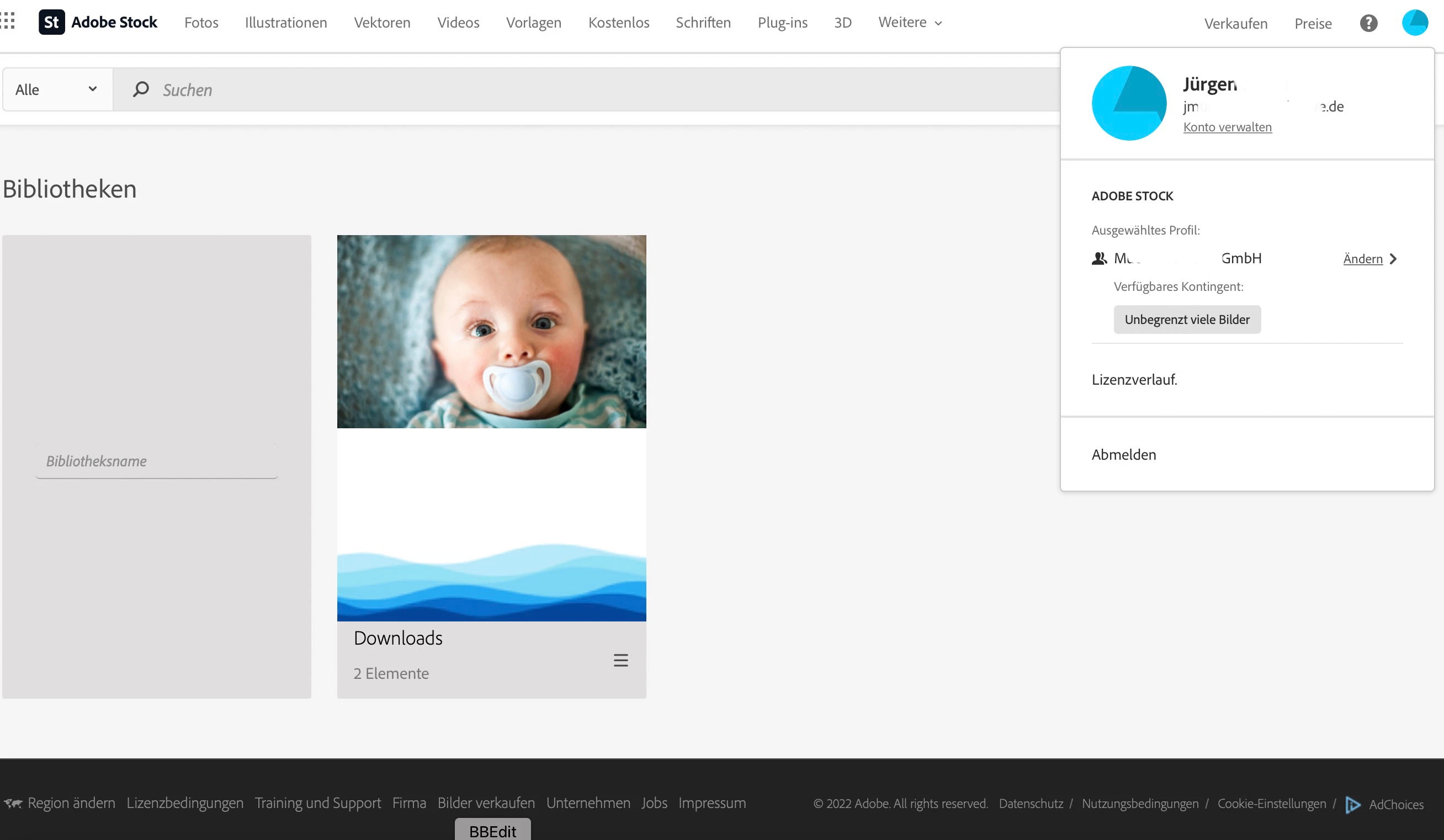
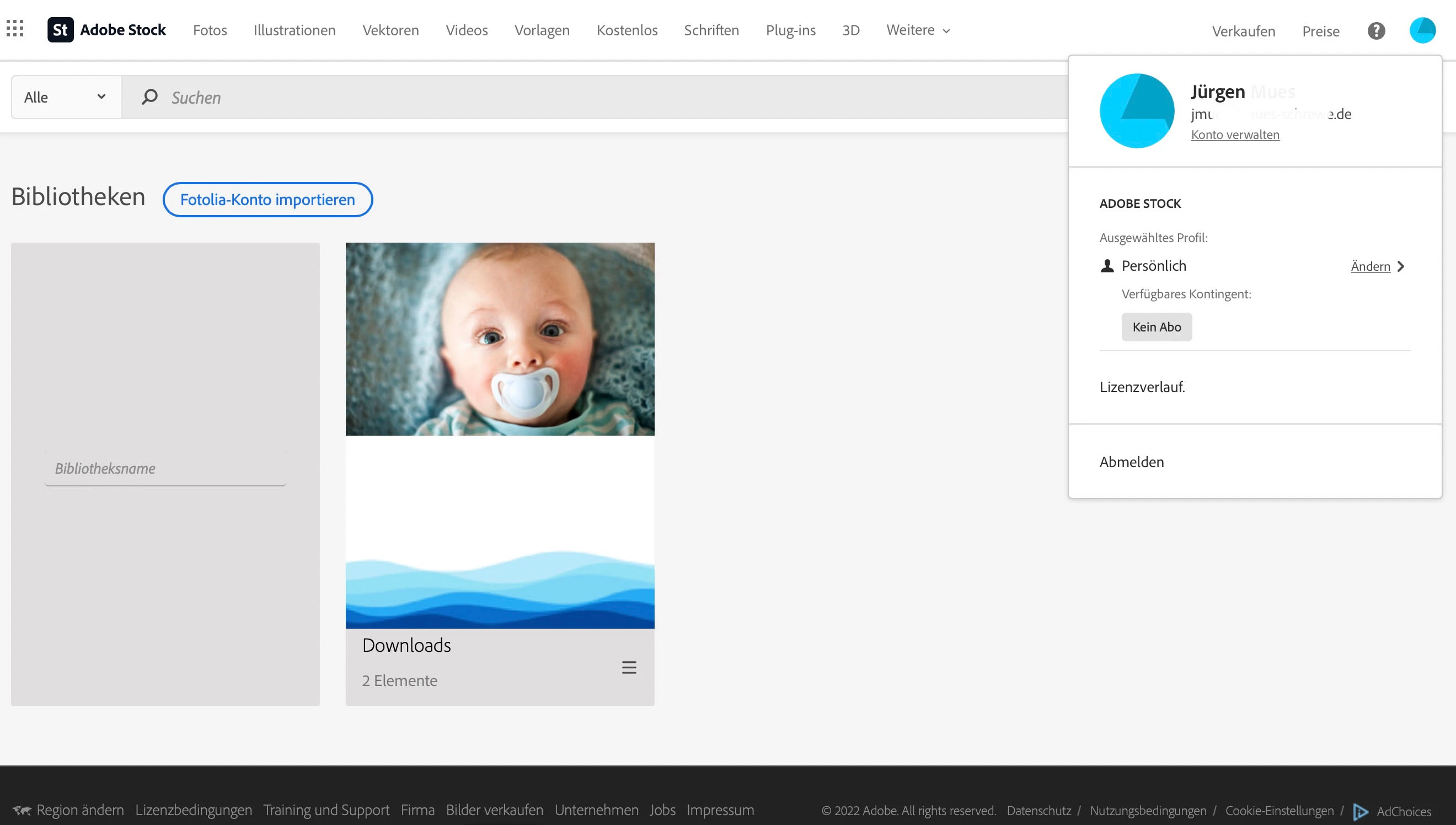
BUT: I can't see the libraries in https://stock.adobe.com/de/Libraries - regardless of whether I'm using my personal account (no CC license) or my team account (Administrator with CC license). See 2 screenshots.
Team account:
Personal account:
All our other team members don't see the libraries, so they can't save stock photos to the library they need...
Any helpful ideas?
Best regards
Jürgen
 AdChoices