
Participant
October 3, 2019
Answered

Purchased 5 Adobe Stock photos however 1 of them was empty when I open the AI file. Pls help

  • October 3, 2019
  • 1 reply
  • 351 views

Just purchased 5 Adobe Stock photos however 1 of them was empty when I open the AI file.  What should I do ? 

Photo ID # 175667639

Author: sa6kaa

Please kindly help. Thanks
    This topic has been closed for replies.
    Correct answer WendellaBee

    Hi S.,

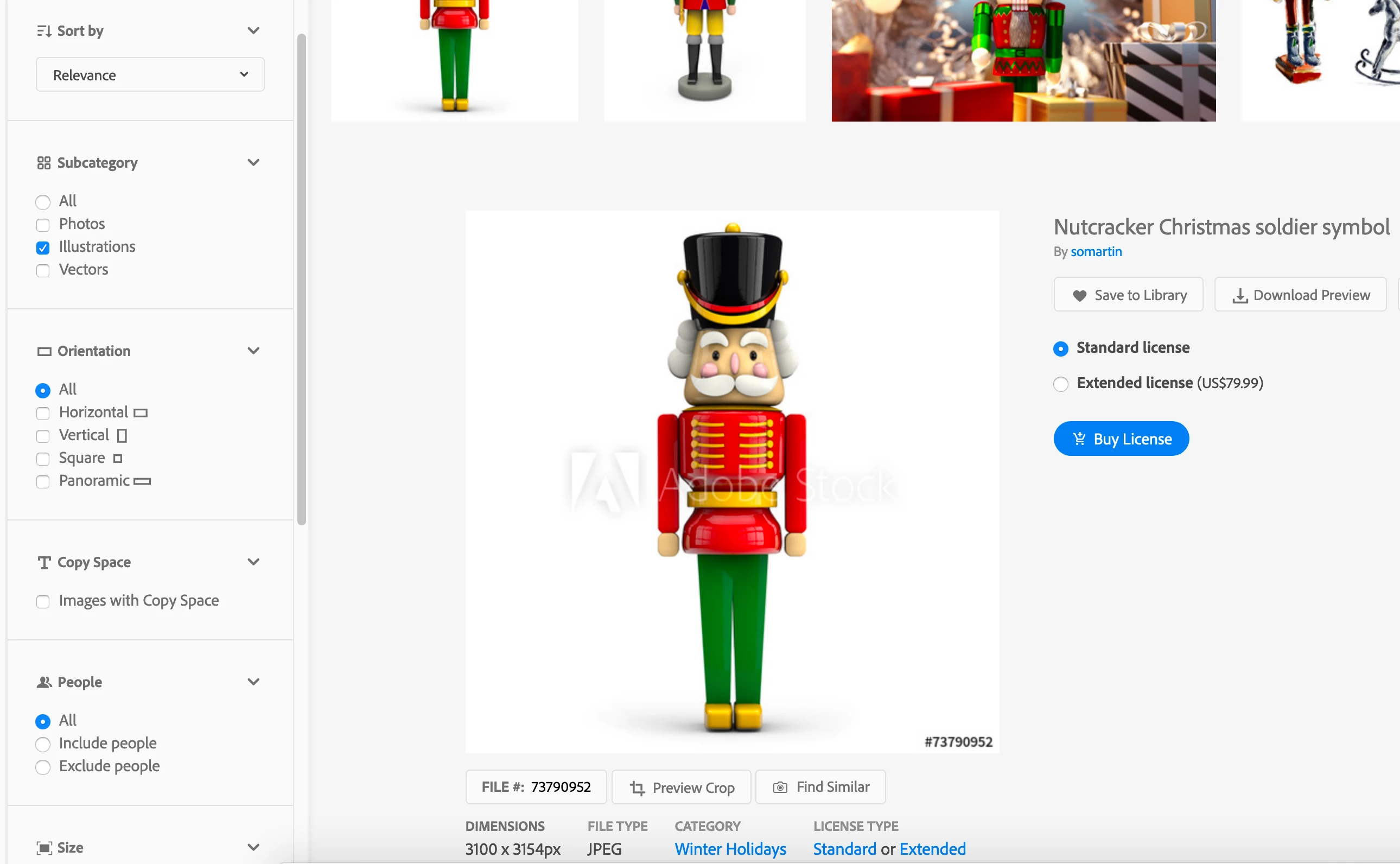
    Thank you for the additional information. You would need Illustrator to be able to use this particular file. I have granted you a replacement license so you can choose a different image. Since you are using Photoshop I would recommend looking for JPEG assets as opposed to .ai/.EPS. If you filter for Asset type = images and Subcategory = illustrations using the panel on the search results page you'll see JPEGs in your search results. You can confirm the file is a JPEG by clicking on the thumbnail.


    EBQ


    1 reply

    WendellaBee
    Adobe Employee
    Adobe Employee
    October 3, 2019

    Hi S.,
    I have checked the file, I see an issue with the preview of the file but not with the licensed asset. Are you opening the file in Illustrator and do you have the latest version of that app?


    EBQ

    Syd987Author
    Participant
    October 4, 2019
    Hi EBQ, I am using this Adobe Photoshop CC 2017 Version: 2017.1.1 20170425.r.252 2017/04/25:23:00:00 CL 1113967 x64. This is the error message when I opened the file: This is an Adobe Illustrator File that was saved without PDF content. To place or open this file in other applications m it should be re-saved from Adobe Illustrator with the “ Create PDF Compatible File” option turned on. This option is in the Illustrator Native Format options dialog box, which appears when saving an Adobe Illustrator file using the Save As command. Please kindly advise what should I do. Many Thanks Syd987
    WendellaBee
    Adobe Employee
    WendellaBeeCorrect answer
    Adobe Employee
    October 4, 2019

    Hi S.,

    Thank you for the additional information. You would need Illustrator to be able to use this particular file. I have granted you a replacement license so you can choose a different image. Since you are using Photoshop I would recommend looking for JPEG assets as opposed to .ai/.EPS. If you filter for Asset type = images and Subcategory = illustrations using the panel on the search results page you'll see JPEGs in your search results. You can confirm the file is a JPEG by clicking on the thumbnail.


    EBQ