maaiked80445344
Participant
February 2, 2019
Answered

Re: Adobe Stock .ai Image with transparent background in photoshop

  • February 2, 2019
  • 2 replies
  • 1141 views

Please help. I just bought 163671349 opened it in Illustrator to remove the blocked background, but there are no layers. The sublayer even says 'image'. Thank you very much! 

    This topic has been closed for replies.
    Correct answer twaritar3263062

    Branching to a new discussion,

    Hi Maaike,

    Sorry to hear that you are facing issues with an Adobe Stock file.

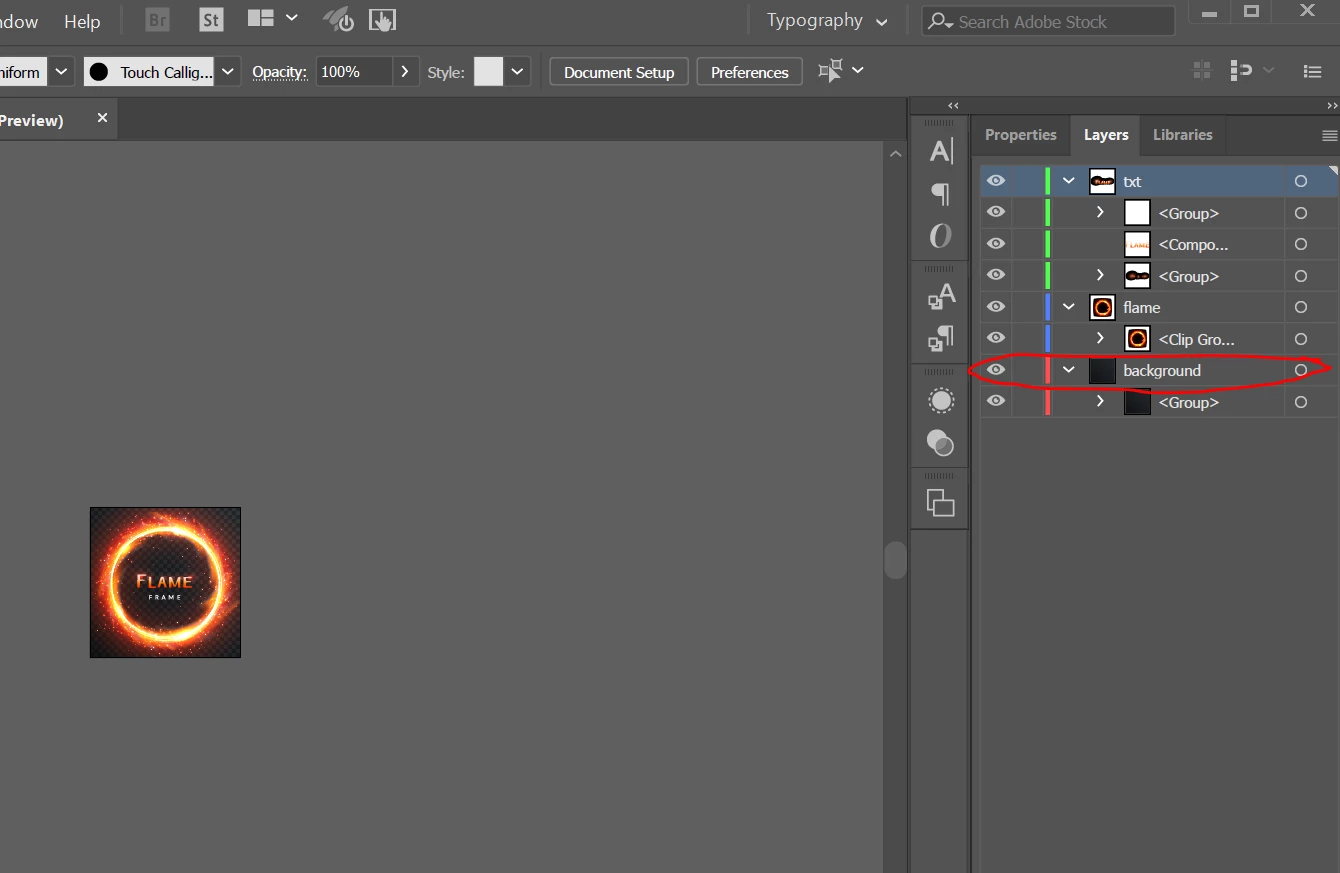
    I have downloaded and opened the file in Illustrator and did not encounter an issue as mentioned above. I can view all the layers associated with the asset as shown in the screenshot below:

    Feel free to update this thread in case of any additional questions.

    Regards,

    Twarita

    2 replies

    Participant
    March 8, 2022

    Having the same issue. I've downloaded several stock images with transparent backgrounds. I try to remove the background layer in AI but there are no transparent layers to remove. See the image below. 

    Community Manager
    March 8, 2022

    Please post a File ID of the asset you have an issue with to have it looked into further.

    Participant
    March 8, 2022

    AdobeStock_485193521

    twaritar3263062
    twaritar3263062Correct answer
    Participating Frequently
    February 11, 2019

    Branching to a new discussion,

    Hi Maaike,

    Sorry to hear that you are facing issues with an Adobe Stock file.

    I have downloaded and opened the file in Illustrator and did not encounter an issue as mentioned above. I can view all the layers associated with the asset as shown in the screenshot below:

    Feel free to update this thread in case of any additional questions.

    Regards,

    Twarita