royp73960423
Participant
October 17, 2018
Answered

Re: Can't download stock images

  • October 17, 2018
  • 1 reply
  • 1513 views

What is the fix?  I'm still having the issue?  This is what I get when I click download or nothing at all:
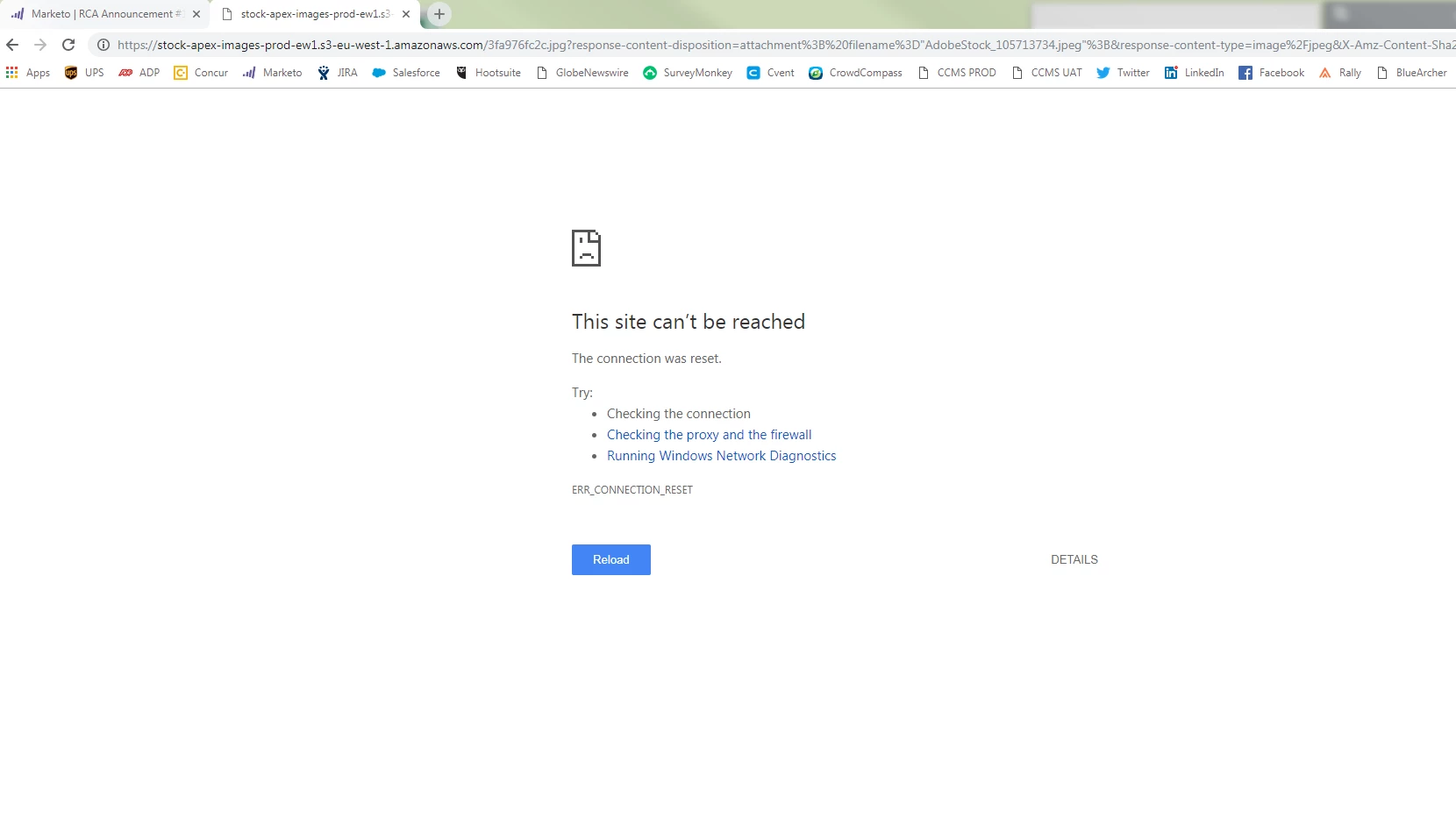

    This topic has been closed for replies.
    Correct answer WendellaBee

    Hi Roy,

    We may be able to get more information from your browser.

    1. Clear your history and open chrome.
    2. Click on the three stacked dots in the upper right portion of your browser
    3. Click More Tools > Developer Tools
    4. Select Network and check the box for Preserve Log
    5. Follow the steps to try and download an image.
    6. If there are errors they will appear as red text in the Network tab
    7. When you click on the error in the Name column the Header information will appear
    8. Select everything in the Header and send it to me in a private message.
    9. Sometimes there will be additional information under Preview, send that to me as well.

    EBQ

    1 reply

    Sheena Kaul
    Legend
    October 17, 2018

    Branching into a new discussion

    Hi Roy,

    Have you tried to use any other browser or maybe try clearing the cookies/cache of the current browser?

    Also, please confirm if you're on a corporate network or behind a firewall?

    Regards,

    Sheena

    royp73960423
    Participant
    October 18, 2018

    I have tried all of the following:

    Ensure that a pop-up blocker is not blocking the download page.

    Ensure that your browser accepts cookies and your firewall doesn’t block outgoing information.

    Sign out from Adobe Stock, sign back in, and try downloading the asset again.

    Try to download the image using a different browser.

    Clear your browser cache and delete your Internet history.

    Cleared cache in all three browsers. Turned off popup blocker in all three browsers. Ran a disk cleanup and cleared 4.5 Gb of disk space from C drive. Ran CCleaner and clear thousands of files. Ran gpupdate and restarted machine. Turned off Windows firewall.

    I am on a corporate network and we use Symantec firewall protection which can’t be turned off. Other computers can download the images.

    Roy Perrin

    WendellaBee
    Adobe Employee
    WendellaBeeCorrect answer
    Adobe Employee
    October 18, 2018

    Hi Roy,

    We may be able to get more information from your browser.

    1. Clear your history and open chrome.
    2. Click on the three stacked dots in the upper right portion of your browser
    3. Click More Tools > Developer Tools
    4. Select Network and check the box for Preserve Log
    5. Follow the steps to try and download an image.
    6. If there are errors they will appear as red text in the Network tab
    7. When you click on the error in the Name column the Header information will appear
    8. Select everything in the Header and send it to me in a private message.
    9. Sometimes there will be additional information under Preview, send that to me as well.

    EBQ