Participant
August 1, 2023
Answered

search word issues

  • August 1, 2023
  • 2 replies
  • 378 views

Hello. I don's know what changed lately in the search algorithm but results are irrelevant.


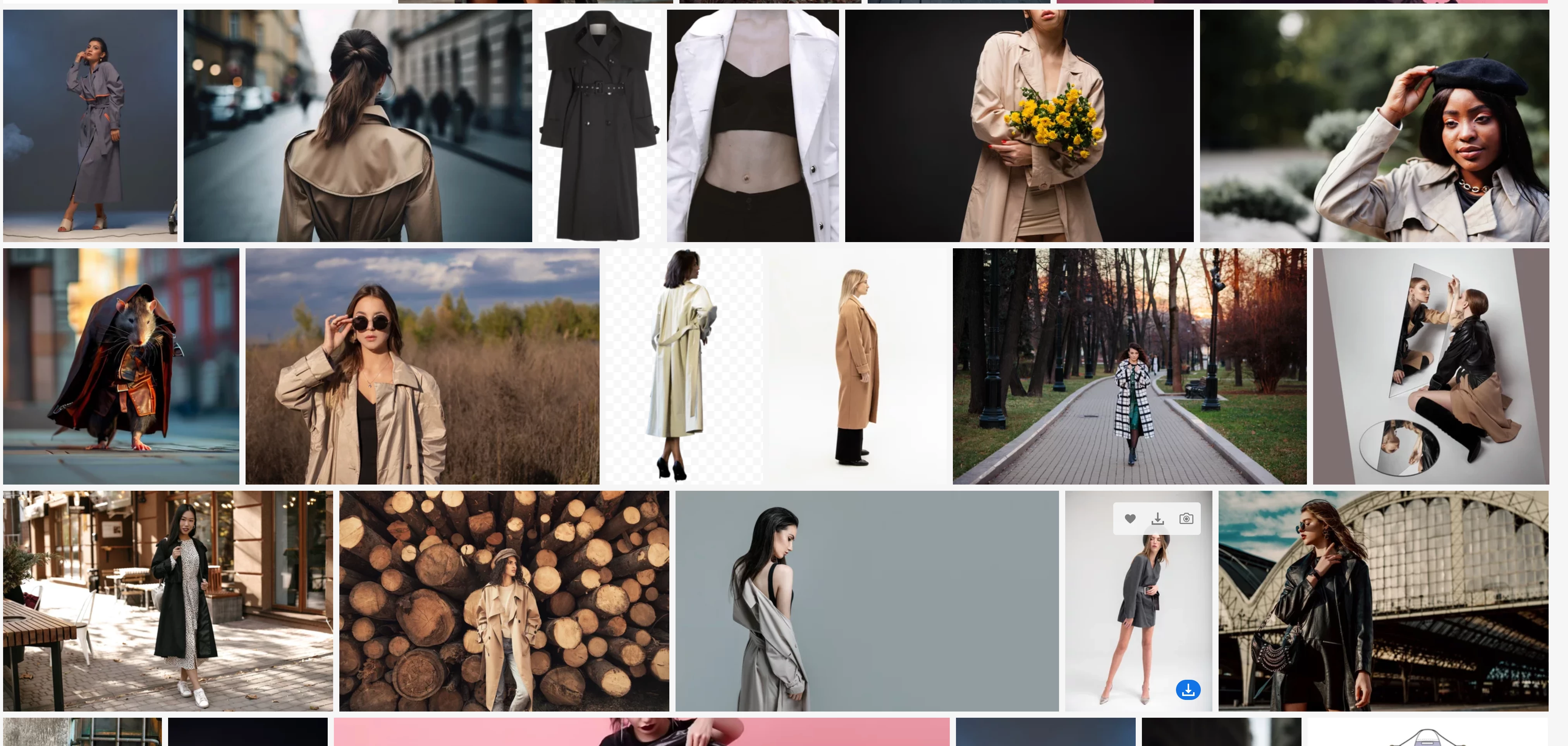
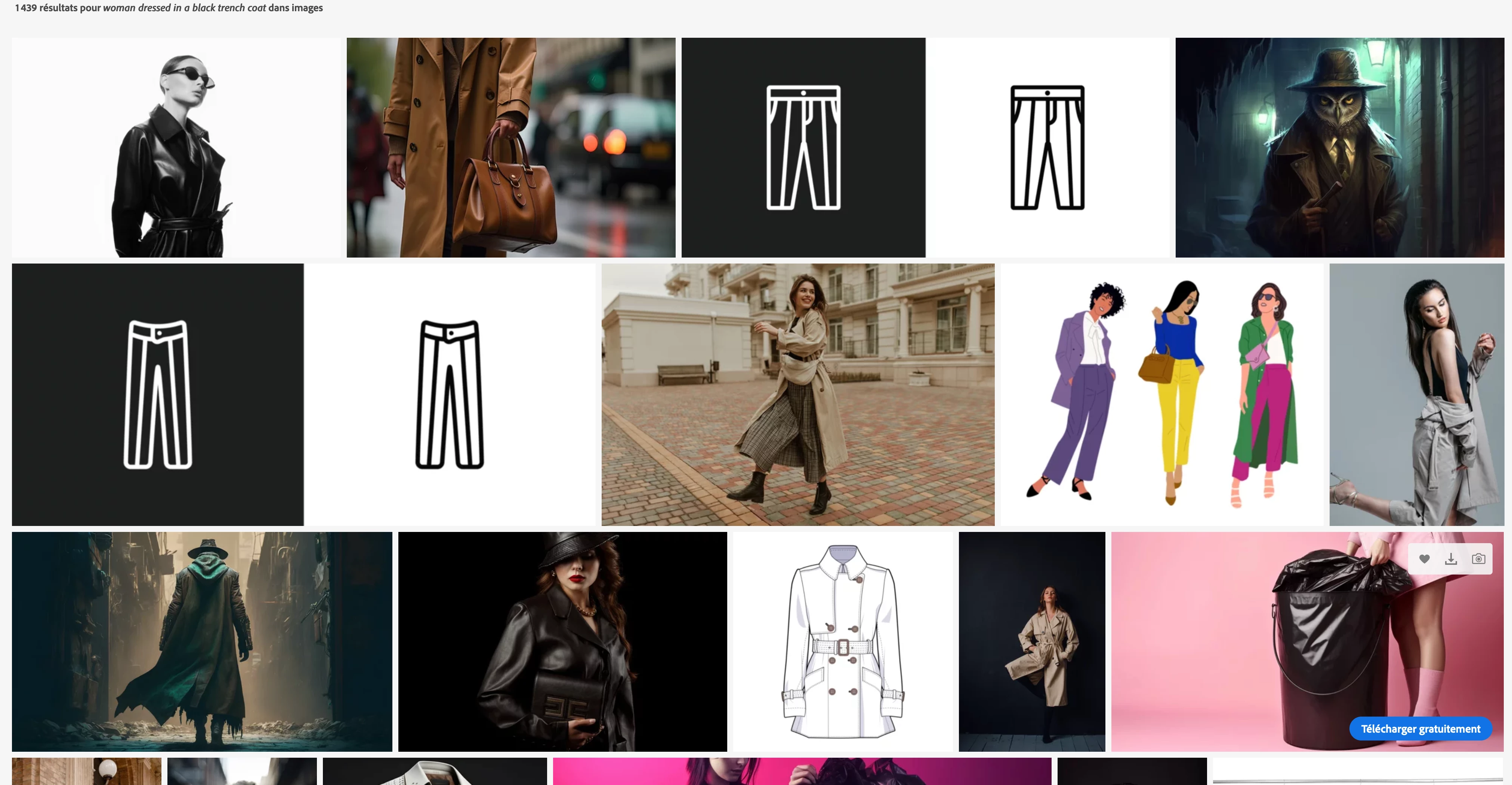
A simple serach for " woman dressed in black overcoat" will find on the first page 70% photos in BEIGE overcoats ans a lot of irelevant images.. notice the rat dressed with a trench coat ..

Photos search used to be a simple task and now it's time consuming and frustrating.
This topic has been closed for replies.
Correct answer WendellaBee

Have you tried using quotation marks around some of your words?

https://stock.adobe.com/search?k=woman+%22black+coat%22&search_type=usertyped

2 replies

WendellaBee
Adobe Employee
WendellaBeeCorrect answer
Adobe Employee
August 1, 2023

Have you tried using quotation marks around some of your words?

https://stock.adobe.com/search?k=woman+%22black+coat%22&search_type=usertyped

Abambo
Community Expert
Community Expert
August 1, 2023

First: add filters, like this:

, you can also search only for photos, that excludes illustrations and vector.

Then: your search results may be relevant (I won't comment on the rat), as at least some keywords are correctly interpreted.

  • all assets have something black, not necessarily the overcoat, however.
  • all assets have something to do with women.
  • all women are dressed, or the item is for being dressed


You may also try boolean operators like “AND”, “OR”, “NOT”.


ABAMBO | Hard- and Software Engineer | Photographer
Participant
August 1, 2023

Thank you for your answer, already tried the filters and had even worse results ahah.

Will gie it a go withouth the prepositions though ;).

It used to be much more intuitive. Noticed the same issue on shutterstock since AI search was included.