


Participant
December 9, 2022
Answered

Vector files versions

  • December 9, 2022
  • 2 replies
  • 448 views

Hi, Adobe Community 🙂

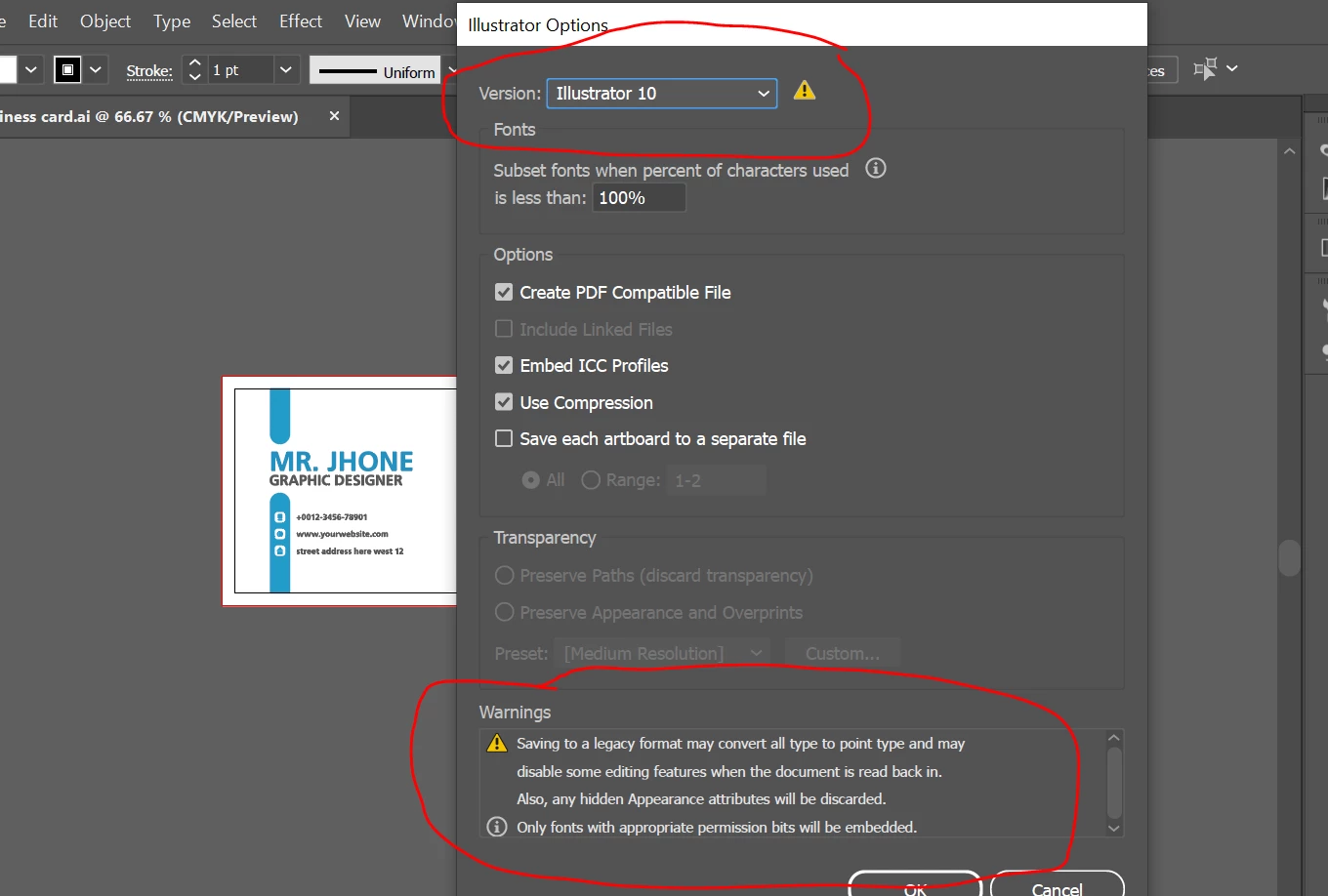
I'm facing an issue while saving my files I'm designing a business card for upload when I save files in AI it gives me a warning message please check to attach the image. Also when I reopen this AI file all vectors are not shown properly also not editable properly. So, my question is can we save a file with version cs 2020? 
This topic has been closed for replies.
Correct answer Test Screen Name

There is often bad advice in YouTube. Still, the setting is useful sometimes, especially to share with other apps,  and this is the penalty. 

2 replies

Test Screen NameCorrect answer
Legend
December 9, 2022

There is often bad advice in YouTube. Still, the setting is useful sometimes, especially to share with other apps,  and this is the penalty. 

Abambo
Community Expert
Community Expert
December 9, 2022

You should use the latest file format available when creating Adobe Illustrator items. You should also embed the PDF data.


There is no "CS 2020". 

ABAMBO | Hard- and Software Engineer | Photographer
Participant
December 9, 2022

So i will save my all vector files in latest version hope i will not face any issue in future because mostly tutorial on YouTube save files using minimum version like illustrator 10. This is really confusing..

Abambo
Community Expert
Community Expert
December 10, 2022
quote

mostly tutorial on YouTube save files using minimum version like illustrator 10. This is really confusing..


By @Muhammad27476241qyl6

Minimum versions is not contradictory. I always save the latest file version, except if I have a specific target for the file. 

ABAMBO | Hard- and Software Engineer | Photographer