When you have licensed the item, you will get it without watermark.
Go to the asset page on Adobe stock and look at the information you get:
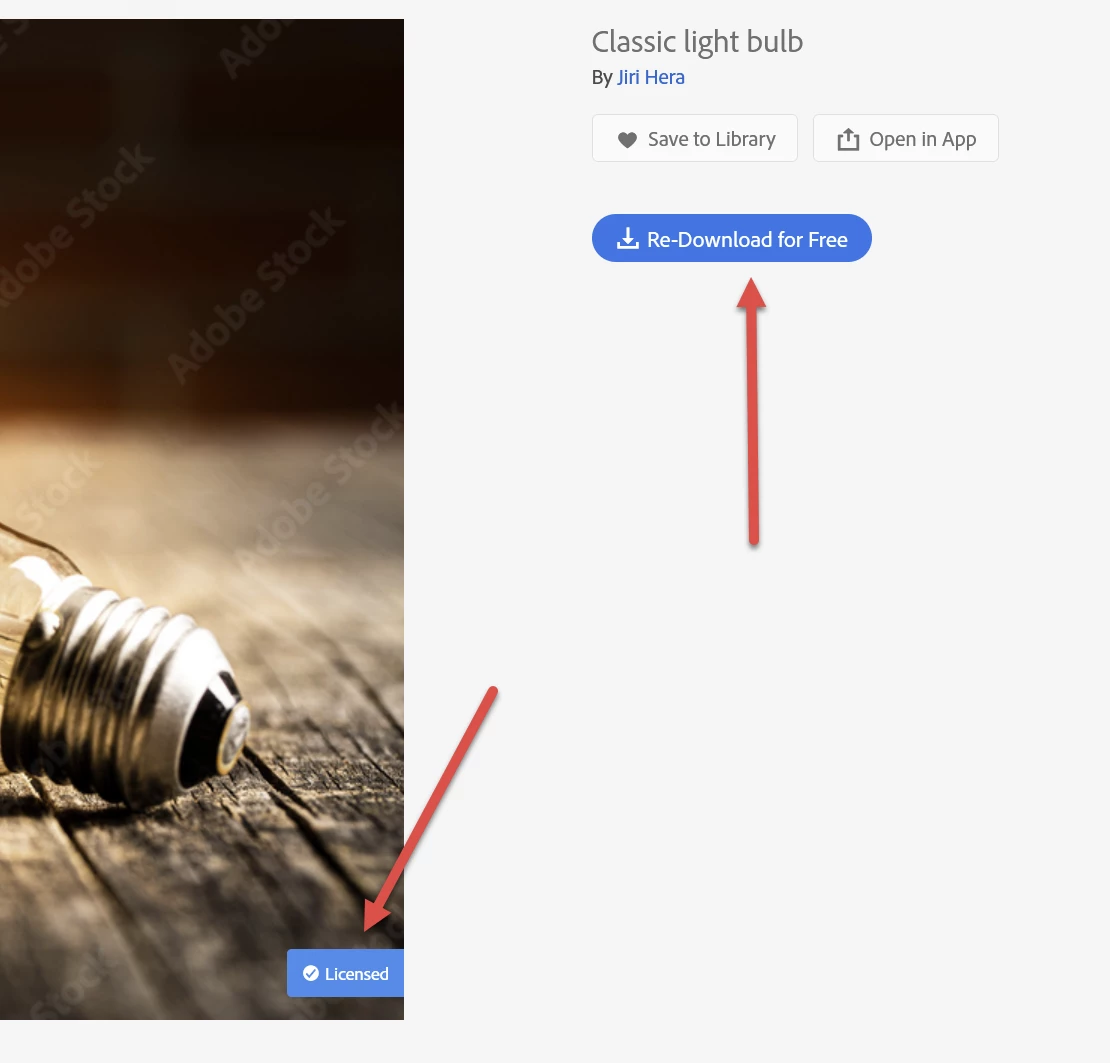
If you see this information, you have properly licenced that asset. You can then “Redownload” and you find the watermark free asset in your download folder.
There are multiple other ways to get the watermark free asset to your computer, but I think for now, this is the easiest way.

The asset in my example is this free one: https://stock.adobe.com/images/classic-light-bulb/307496171?prev_url=detail
You can practice with this one if yours still does not work. If it does not work, however, please share the link to the asset, and share a screen copy of what you see in the browser on Adobe stock.




 AdChoices